Roundups and Guides
How to choose a recipe manager: a 7-point checklist
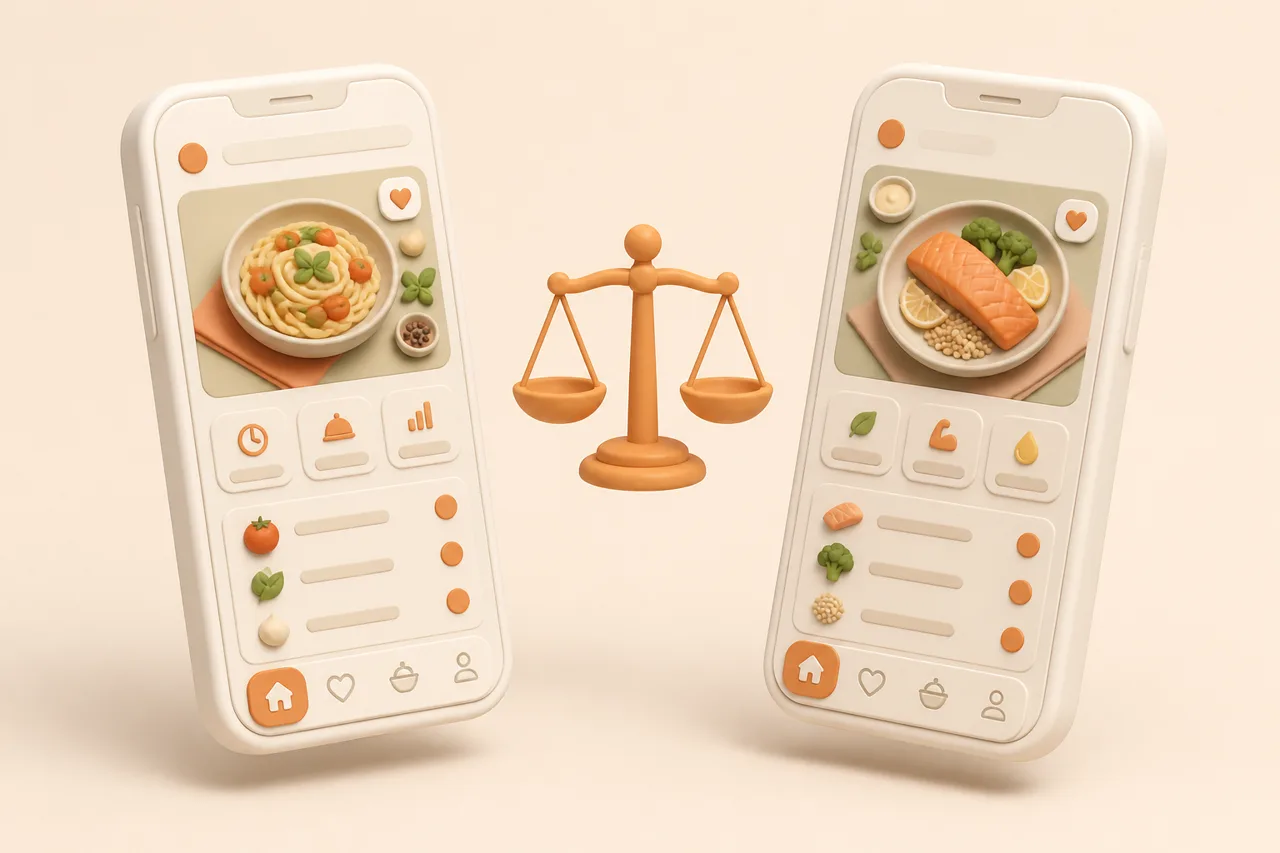
Most recipe apps look identical on a store listing. These 7 checks separate them in about an evening, and the last 2 are the ones people regret skipping.
Recipe apps are hard to compare because every store listing promises the same 5 things. The differences only appear once your own recipes are inside, which is exactly when switching costs the most.
This checklist scores any app on 7 points in about an evening, using recipes you already have. It ends with a table matching common situations to the apps that suit them.
What is a recipe manager?
A recipe manager is an app that stores your own recipes in a structured, searchable form and turns them into something you can cook and shop from. It is different from a recipe website, which serves other people's recipes, and from a note-taking app, which stores text without understanding ingredients.
The structure is the whole point. Because the app knows an ingredient line from a step, it can scale servings, merge duplicate ingredients across recipes, and build a shopping list without you retyping anything.
That also explains why a folder of screenshots never quite works. The information is all there, but nothing can search it, total it or scale it, so every recipe still costs you the same effort it did the first time.
What are the 7 points to check?
Score each point out of 5 against your own habits, not against an ideal cook. The first 4 cover getting recipes in and finding them again; the last 3 cover what the app hands back and what it costs to leave.
Points 1 to 4: getting recipes in and finding them
- 11. Import sources
List where your last 20 recipes came from, then check the app handles all of those. Social video, website URLs, screenshots, cookbook photos and handwritten cards are 5 different capabilities, and most apps cover 2 of them.
- 22. Search and tags
Search must cover ingredients, your own notes and tags, not just titles. Test it by finding a dish using 3 words you remember rather than the name it was saved under.
- 33. Offline access
Check whether saved recipes open with no signal, because kitchens and supermarkets are full of dead spots. Importing needs a connection; reading should not.
- 44. Grocery lists
A list should merge duplicate ingredients across recipes and group items by supermarket aisle. If 3 recipes needing garlic produce 3 lines, you will do that arithmetic in the shop every week.
Weight point 1 heaviest. Search and lists can be worked around by hand, while an app that cannot read your main source of recipes never gets used at all.
Points 5 to 7: what the app gives back
- 15. Meal planning
Decide whether you want a calendar to fill in or a week drafted for you. Manual planners suit people who already plan; generated plans suit people whose planning quietly stops in February.
- 26. Export and lock-in
Find the export button before you import 300 recipes. An app with a complete export is a cheap mistake; an app without one owns your collection.
- 37. Price model
Separate subscription from one-time purchase, and check what the free tier permanently includes. Then ask what happens to your recipes if you stop paying.
Point 6 is the one people skip and later regret, which is why it also carries its own routine in backing up your recipes.
Which points matter most for you?
Weight the 7 points by the part of your week that keeps failing. A cook who never plans and a cook who plans every Sunday should score the same app differently.
| If this is your problem | Weight these points | Ignore for now |
|---|---|---|
| Saved recipes never get cooked | Search, planning, lists | Offline, export |
| Recipes live in 5 different apps | Import sources, export | Meal planning |
| The shop is chaotic | Grocery lists, planning | Import breadth |
| A drawer full of paper recipes | Import sources, search | Price model |
| You keep changing apps | Export and lock-in, price | Meal planning |
Two points deserve a floor rather than a score: export and offline access. Below a certain level on either, no amount of clever features compensates.
Be honest about the problem you are solving rather than the cook you intend to become. Most people buy for the ambitious version of themselves who plans a fortnight of meals, and then use the app for the 6 dinners they were always going to cook.
How do you test an app in one evening?
Test with 10 of your own recipes and never with the app's sample content. Demo recipes are chosen because they import cleanly, which tells you nothing about the messy Reel you actually want to save.
- 1Pick 10 real recipes across every source you use, including one video and one photo of paper.
- 2Import all 10 and time it. Anything slower than 30 seconds a recipe will not survive a backlog.
- 3Check the quantities, not the prose. Misread amounts are the failure that ruins a dish.
- 4Search for 3 of them using words from memory rather than the saved titles.
- 5Build one grocery list from 4 of the recipes and see whether duplicates merged.
- 6Find the export and download it, then open the file to confirm your notes came with it.
An app that clears all 6 steps in an evening will handle 300 recipes. One that fails 2 of them will fail the same way every week, and the roundup of paid options in best recipe manager apps is a shortcut to a shortlist worth testing.
Include one deliberately awkward recipe in the 10. A video where the amounts are only spoken, or a card in handwriting you can barely read yourself, tells you more about an app than 9 clean blog imports.
What mistakes make people switch twice?
Most repeat switching comes from choosing on interface rather than on capture. A beautiful library you cannot get recipes into becomes an empty beautiful library.
- Choosing on screenshots. Store images show a curated library, not your import backlog.
- Ignoring the household. One Android phone rules out Apple-only apps, however good they are.
- Paying before importing 10 recipes, which is the only test that predicts your experience.
- Migrating everything on day one, rather than the 30 recipes you actually cook.
- Skipping the export check, which turns a small mistake into a second migration.
There is also a quiet cost to switching that nobody prices in: your notes. Ingredients survive a migration, while the annotations you built up over years often do not, and they are the part that made your library yours.
Tidy as you migrate rather than afterwards, using the tagging and naming rules in organising digital recipes. Ten seconds per recipe at import time is the cheapest organising you will ever do.
Which recipe manager fits you?
Match your situation to the table below, then test the 2 closest candidates with the 10-recipe evening. Each app links to a fuller head-to-head so you can check the trade-offs before installing anything.
| If you are | Start with | Because |
|---|---|---|
| Saving mostly from TikTok and Reels | ReciBites or ReciMe | Both read social video into structured recipes |
| All Apple, mostly clipping blogs | Pestle or Mela | Best-in-class clippers and cook modes, one paid once |
| Sharing a grocery list at home | AnyList | Real-time shared lists are its core strength |
| Unwilling to pay anything | Samsung Food | Free planner, lists, clipper and community |
| Already planning every week | Plan to Eat | The most capable manual planning calendar |
| Wanting AI to invent dinners | Flavorish | Recipe generation rather than recipe storage |
| After a calm, design-led app | Intent | A quieter cooking experience with simple sources |
| Archiving hundreds of web recipes cheaply | Copy Me That | The most generous free tier in the category |
ReciBites is the default recommendation when your recipes arrive from several places at once, because social video, website URLs, screenshots, cookbook photographs and handwritten cards all land in one searchable library with meal plans and aisle-grouped lists attached.
If cost is the deciding factor, start from the no-spend options in best free recipe apps and upgrade only when a specific gap stops you.
Give whichever app you pick a fair month before judging it. Recipe managers pay off on the second or third week, when a saved recipe you had forgotten turns up in a planned week and gets cooked without any effort from you.
Frequently asked questions
+How do I choose a recipe manager app?
Score it on 7 points: import sources, search and tags, offline access, grocery lists, meal planning, export and price. Weight imports heaviest, then test 10 of your own recipes.
+What is the most important feature in a recipe app?
Import breadth. Search and lists can be worked around by hand, but an app that cannot read your main recipe source stops being used within a fortnight.
+What is the difference between a recipe manager and a meal planner?
A recipe manager stores and structures your recipes. A meal planner assigns meals to days. The better apps do both, but they are optimised for one.
+Should I pay for a recipe app or use a free one?
Start free and pay only when a specific gap stops you, such as an import that keeps failing. Cooking 2 meals a week from your library is a fair threshold.
+How do I test a recipe app before committing?
Import 10 of your own recipes across every source you use, search for 3 from memory, build one grocery list, and download an export. That takes an evening.
+What is lock-in in a recipe app?
The cost of leaving, measured by what you cannot export. Check for a complete export including notes and tags before you import a large collection.
+Do recipe apps work offline?
Reading saved recipes usually works offline; importing does not. Test it in aeroplane mode before you rely on it in a supermarket with no signal.
+Which recipe manager is best for a family?
One with shared lists and cross-platform apps. Check that every phone in the house is supported before anything else, since that rules out several options.
- #buying guide
- #checklist
- #recipe apps
- #comparison