Roundups and Guides
How to organize digital recipes so you can find them fast
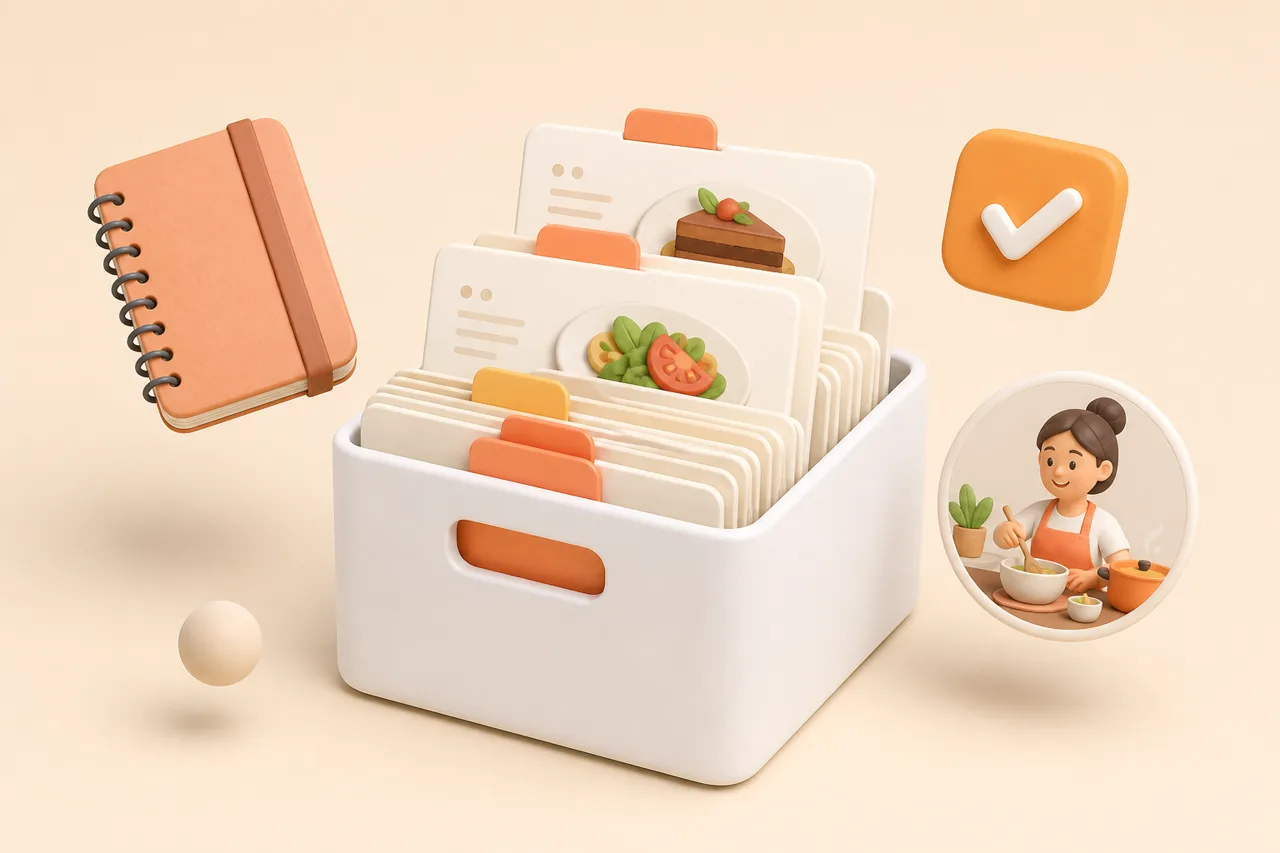
A recipe library fails at the search box, not the save button. Here is the tagging, naming and pruning system that keeps 400 recipes usable.
Your recipes are not missing, they are unlabelled. A library of 400 saved dishes fails at the moment you try to retrieve one, and the fix is a naming and tagging habit that takes 10 seconds per recipe rather than a weekend of reorganising.
This guide covers the taxonomy: why tags beat folders, how many tags to use, how to name a recipe you will recognise in 2 years, and how to throw things away without regret.
What does organising digital recipes mean?
Organising digital recipes means storing each one with enough consistent information that you can retrieve it in about 10 seconds without remembering where you put it. That information is small: a title you would search for, 2 tags, and the original source.
Everything else people do to recipe libraries is decoration. Colour-coded folders, nested collections and elaborate rating systems all feel productive at the time and none of them shorten the retrieval. Optimise for the search, and the storage takes care of itself.
Why do tags beat folders?
Tags beat folders because a single recipe belongs in several categories at once and a folder forces you to pick one. A chickpea traybake is vegan, a weeknight dinner, a one-pan meal and something you make for your gluten-free sister. In a folder system you file it under one of those and lose the other 3 routes back to it.
| Question | Folders | Tags |
|---|---|---|
| A recipe fits 4 categories | Pick one, lose the rest | Apply as many as apply |
| Finding by ingredient | Only if you filed it that way | Works if you tagged the protein |
| Filing a new recipe | Where does this go? | What is this, and when do I cook it? |
| Reorganising later | Move files between folders | Rename a tag once |
| Cost of a mistake | The recipe effectively disappears | One weaker route to the same dish |
Folders still have one job: separating contexts that never mix, such as your own recipes and a shared household collection. Use them for that and nothing else.
There is a second, quieter reason tags win. Filing forces a decision before you know how you will use the recipe, while tagging lets you describe what the dish is and defer the judgement. You learn what a recipe is for by cooking it, which is usually weeks after you saved it.
What is the 2-tag rule?
The 2-tag rule says you apply exactly 2 tags at save time: one for what the dish is, and one for when you would cook it. Two is the number that survives contact with real life, because 5 tags feel thorough on the first recipe and get abandoned by the tenth.
- 1Tag 1, the what. The protein or category:
chicken,pasta,soup,vegan,baking. - 2Tag 2, the when. The occasion:
weeknight,batch,guests,lunchbox,slow-sunday. - 3Add a third only for a constraint that changes whether you can cook it at all, such as
gluten-freeornut-free. - 4Never tag what the app already knows. Cook time, source and date saved are fields, not tags.
- 5Keep the tag list under 25. Past that you are guessing which synonym you used.
The occasion tag is the one people skip and the one that does the work. Most retrieval starts from a situation rather than an ingredient: it is Tuesday, you have 25 minutes, you want something with chicken in it.
Write your tag list down once, in the app or on a note, and consult it for the first fortnight. Tag systems fail through drift rather than laziness, and weeknight, week-night and quick are 3 tags describing one idea.
How should you name a recipe so you recognise it later?
Name the recipe the way you would describe it to a friend, not the way the website titled it. Imported names arrive as marketing copy, and "The Only Weeknight Pasta You Need" tells you nothing in a list of 200.
- Lead with the main ingredient, so an alphabetical list clusters usefully:
Chicken thighs with lemon and orzo. - Add the distinguishing detail you would actually remember:
the crispy one,Dad's version,no oven. - Drop the adjectives. Best, ultimate, easy and viral are noise repeated across 40 recipes.
- Keep creator credit in the source field, not in the title, unless the creator is how you remember it.
- Rename on the night you first cook it, while you still have an opinion about what it is.
Test a name by asking whether you could find it 6 months from now typing 3 words from memory. If the answer is no, the name is describing the recipe rather than helping you.
Households need one extra convention: whose version it is. Two roast chicken recipes with identical titles are indistinguishable in a list, and Roast chicken, Mum's beats any amount of tagging for telling them apart.
How do you make search actually work?
Search works when the words you type were already in the recipe when you saved it. That means ingredient text, your own notes and your 2 tags all need to be searchable, which is a question to ask of any app before you commit a library to it.
- Search by ingredient, so half a bag of spinach can start a meal rather than rot.
- Search inside your own notes, which is where you wrote down what went wrong last time.
- Filter by tag and time together, since most real requests combine both.
- Handle near-misses, because you will type
courgetteone week andzucchinithe next.
Pick one word for each ingredient that has 2 names and stay with it. The full argument for a searchable single library rather than 4 partial ones is in why saved recipes get lost.
Notes are the most undervalued search surface in any recipe app. Write "too salty, halve the stock" the night you cook it, and a year later that sentence is both a reminder and the thing you can search for.
How do you prune recipes you will never cook?
Delete anything you saved more than 12 months ago and have never cooked. That single rule removes most of the noise, and the recipes it takes are the ones burying the dishes you actually make.
- 1Sort by date saved, oldest first
Work backwards from the oldest 50. These are the aspirational saves from a version of you with more free time.
- 2Ask the 2-question test
Would you cook this in the next 3 months, and do you already have something similar you cook more happily? One yes and one no means delete.
- 3Keep the ones with notes
A recipe you annotated is a recipe you cooked. Those stay regardless of age, because your notes are the part you cannot re-download.
- 4Retag survivors as you go
Anything that survives the cull gets its 2 tags fixed and its title rewritten. Pruning and tidying are the same pass.
- 5Repeat every 6 months for 20 minutes
Short and regular beats an annual reorganisation you abandon halfway through.
Deleting feels wasteful until you notice that a smaller library gets cooked from more often. Screenshots are usually the worst offenders here, and saving recipes from screenshots explains how to turn the keepers into real recipes first.
How do you keep the system from rotting?
Do the work at save time, never later. Ten seconds of tagging and renaming when a recipe arrives costs you nothing; a backlog of 300 untagged saves is a project you will not start.
Choose an app that makes tagging fast and search honest, because a system fights a tool that works differently. Design-led libraries such as ReciBites vs Umami reward careful curation, while heavier managers such as ReciBites vs Paprika lean on structure and offline storage.
Keep an export of the finished library so a tidy collection is not a fragile one, as described in backing up your recipes. If you are still picking a tool, work through choosing a recipe manager before you migrate 400 recipes into it.
Duplicates deserve separate treatment, since a viral recipe arrives from several accounts at once: detecting duplicate recipes covers which copy to keep.
- Taxonomy
- The set of labels you use to describe a collection. In a recipe library it is your tag list plus your naming convention, and it works only if it stays small.
- Facet
- One dimension of a recipe you might filter by, such as protein, cook time or diet. Tags let a recipe carry several facets at once; folders allow one.
- Tag drift
- The slow spread of near-duplicate tags for the same idea, which quietly breaks filtering. Fixed by renaming tags rather than retagging recipes.
Frequently asked questions
+How should I organize my digital recipes?
Tag each recipe with one category and one occasion at save time, rename it the way you would search for it, and delete anything unsaved for a year and never cooked.
+Are tags or folders better for recipes?
Tags. A recipe belongs to several categories at once, and a folder forces you to choose one, which removes the other routes back to it.
+How many tags should a recipe have?
Two: what the dish is and when you would cook it. Add a third only for a dietary constraint that decides whether you can cook it at all.
+What should I name a saved recipe?
Lead with the main ingredient, add the detail you will remember, and drop marketing adjectives. Aim for a name you could find with 3 words from memory.
+How do I find a recipe I saved months ago?
Search an ingredient plus an occasion rather than the title. If that fails in 10 seconds, the recipe needs renaming and retagging rather than more searching.
+How often should I clean up my recipe collection?
Twenty minutes every 6 months. Sort by oldest saved, delete anything you never cooked, and fix tags and titles on whatever survives.
+Should I keep recipes I have never cooked?
Only if you would cook them in the next 3 months. Aspirational saves bury the recipes you actually make, which is the real cost of keeping them.
+Does it matter which app I organize recipes in?
It matters that search covers ingredients, notes and tags. If any of those are not searchable, your tagging effort produces less than it should.
- #organising
- #tags
- #recipe library
- #search