Social Media Imports
How to save recipes from screenshots on your phone
Screenshots are the fastest way to capture a recipe and the worst way to keep one. Here is how to turn a camera-roll graveyard into recipes with quantities, steps and real search.
Everyone has the same folder. Somewhere between 40 and 400 screenshots of recipes, mixed in with parking bays, boarding passes and a screenshot of a text from your mum, and none of them findable when you are standing in a supermarket trying to remember what the sauce needed.
Screenshotting is the right instinct and the wrong storage. This guide covers why the camera roll swallows recipes, how OCR gets them back, and the order to work through a backlog. It shares its mechanics with scanning a cookbook page.
What is OCR for recipes?
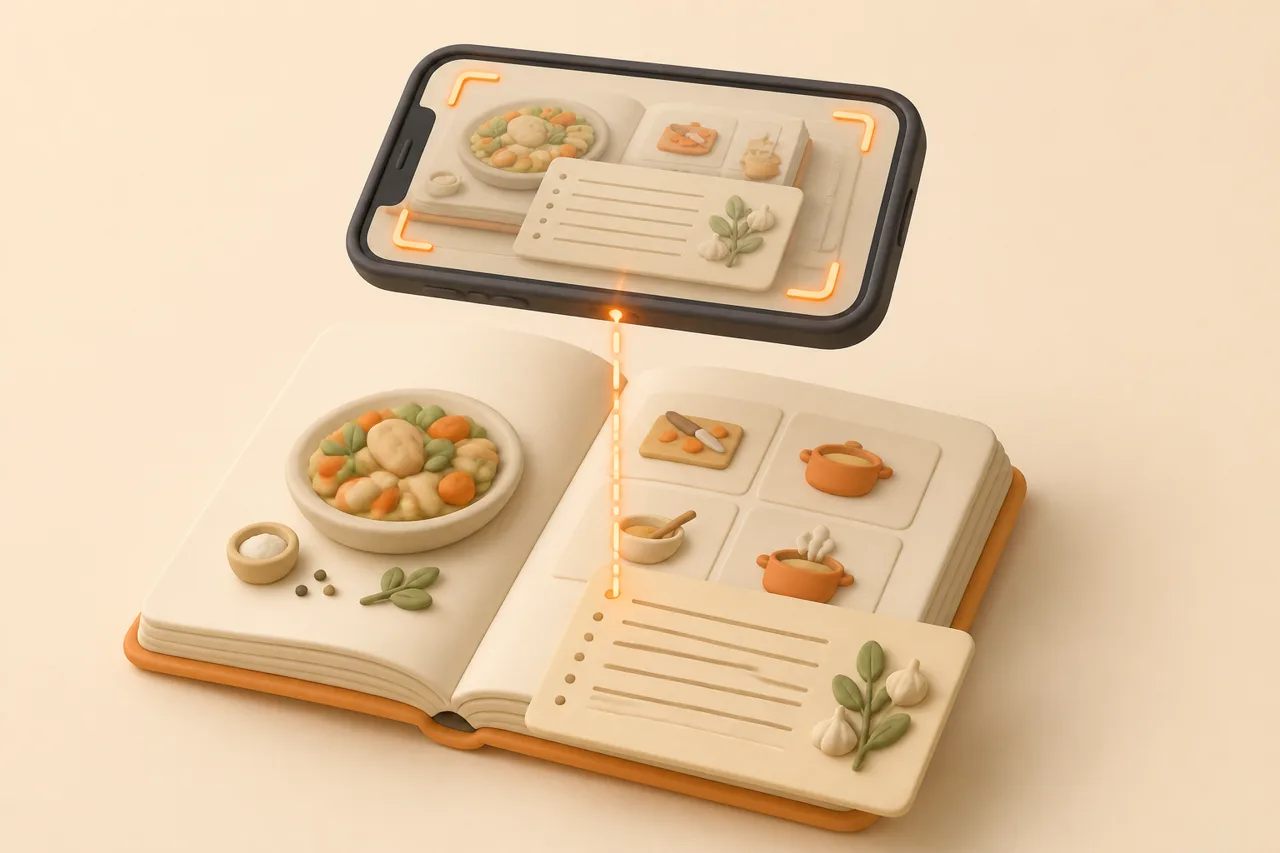
OCR, or optical character recognition, is the process of reading the text out of an image and returning it as editable characters. For recipes it means a screenshot of an ingredient list stops being pixels and becomes lines you can search, tick off and scale.
Recipe OCR goes one step past plain text recognition. It also has to decide which lines are ingredients, which are method, and that "1 1/2 tsp" is a quantity rather than a sentence, which is the difference between a wall of text and a usable recipe.
Screenshots are the ideal input for it. They are captured from a screen rather than photographed, so the text is sharp, evenly lit and already square, which is the easiest case any OCR engine sees.
Why does the camera roll lose recipes?
The camera roll loses recipes because it indexes photos by date, place and recognisable objects, not by the words inside them. Your screenshot of a lentil soup is filed as a picture taken on a Thursday, which is not how anyone looks for dinner.
- No ingredient search. You cannot ask for the recipes that use the tahini you already have.
- Chronological only. A screenshot from March is 800 photos back, between a receipt and a dog.
- Half recipes. You captured the ingredients and scrolled past the method, and the source is long gone.
- Unreadable crops. Text cut off at the screen edge, or a caption that was mid-scroll when you tapped.
- No quantities you can change. Halving a recipe means doing the arithmetic in your head every time.
Modern Photos apps do read some text in images, which helps a little and solves nothing. Finding the photo is not the problem; needing to pinch-zoom a screenshot with wet hands while the pan smokes is the problem.
A screenshot also cannot do anything for you. It will not scale from 4 servings to 6, merge its onions with another recipe's onions, or tell you it contains gluten.
What kinds of recipe screenshots do people keep?
Five kinds cover almost every camera roll, and they differ in how cleanly OCR reads them. Sort your backlog by type before you start and the work goes much faster.
| Screenshot type | Typical quality | What usually goes wrong | Fix before importing |
|---|---|---|---|
| App or social caption | Clean digital text | Caption truncated by a "more" link | Nothing. This is the easiest case |
| Video frame with on-screen text | Good, unless the text overlaps busy footage | Missing steps that appeared in later frames | Check for a second screenshot of the same video |
| Photo of a cookbook page | Depends on lighting and curve of the page | Shadow down the gutter, skewed lines | Flatten the page, shoot straight on, crop tight |
| Screenshot of a text message | Clean text, no structure | Chat bubbles interleave recipe and chatter | Crop to the recipe bubble only |
| Handwritten card photo | Hardest case by a wide margin | Joined-up script and faded ink | Bright even light, no flash, expect to proofread |
How do I import a screenshot into ReciBites?
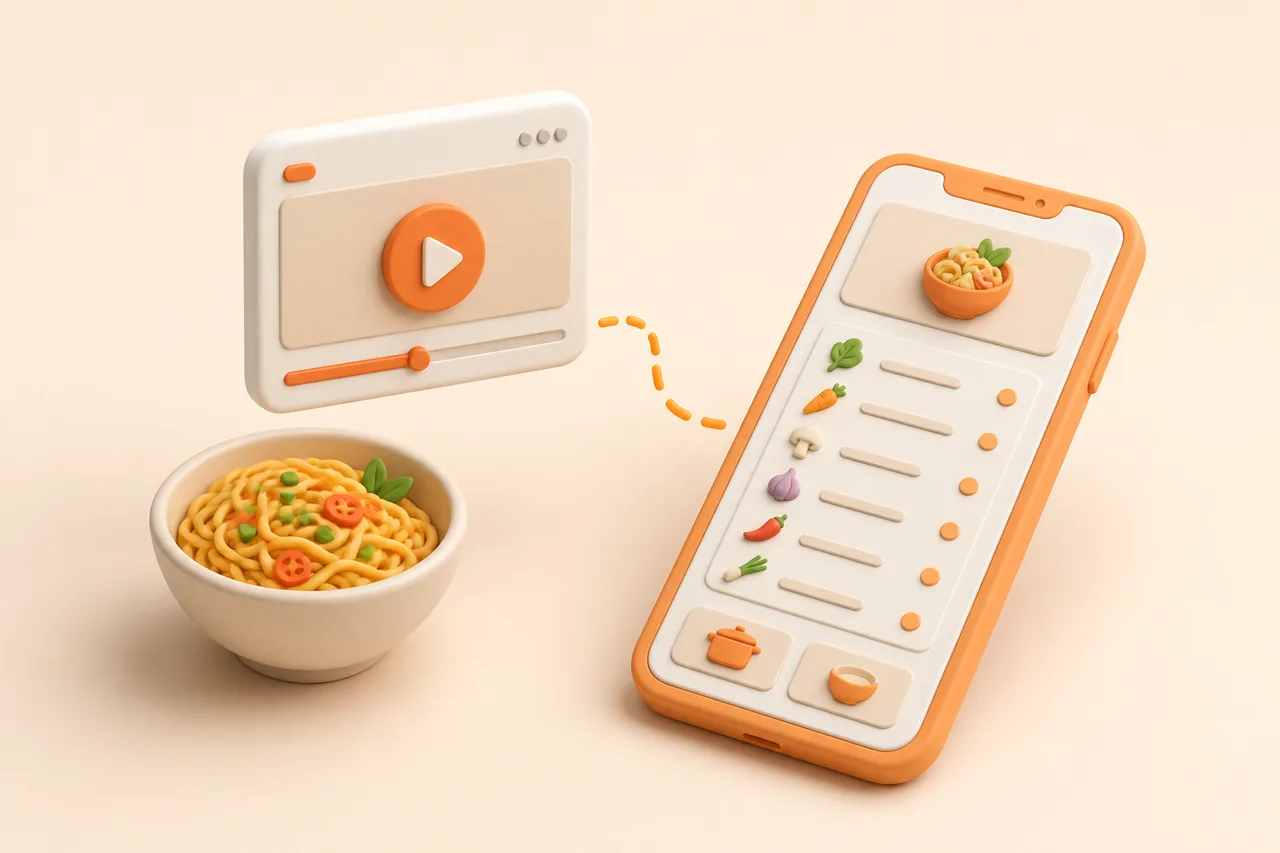
Select the screenshot in ReciBites and the app reads the text with OCR, then sorts it into title, ingredients with quantities and ordered steps. What you get back is editable, which matters because screenshots often need one line moved.
- 1Crop before you import
Trim the status bar, the comment count and any unrelated interface. Less noise on the page means fewer stray lines in the ingredient list.
- 2Rejoin a split recipe
If the ingredients and the method are in two images, import the ingredient one, then import the second and move its steps across. One whole recipe beats two halves.
- 3Proofread the numbers, not the words
OCR mistakes cluster in digits and units: 1/2 read as 12, 5g read as 5q. Budget 20 seconds scanning the quantity column.
- 4Write down where it came from
Add the creator, blog or cookbook to the notes. A screenshot carries no source, and the source is what lets you check a step later.
- 5Delete the screenshot
This is the step people skip, and it is what keeps the backlog from rebuilding. Once the recipe is in your library the image is duplicate clutter.
How accurate is OCR on a recipe screenshot?
Accuracy tracks the image, not the recipe: clean digital text comes through near-perfectly, and handwriting needs a proofread every time. The errors are predictable enough to check in seconds once you know where to look.
- Near-perfect: app captions, blog text, digital cookbook pages, message bubbles.
- Good with a glance: cookbook photos shot flat in daylight, video frames with high-contrast captions.
- Proofread carefully: handwritten cards, faded ink, decorative fonts, anything photographed at an angle.
- Usually lost: text cut off by the screen edge, which no amount of processing can recover.
Fractions are the single most common failure, so read the quantity column before you read anything else. The broader accuracy picture is in how accurate AI extraction is.
How do you clear a backlog of 300 screenshots?
Triage in one sitting, then import in batches of 20, because sorting and importing are different kinds of attention. Most people find a third of the backlog is not worth keeping at all.
Step 1: Build a holding album
Make an album called Recipes and move every recipe screenshot into it as you scroll. This is pure sorting: no reading, no deciding, about 90 seconds per 100 photos.
Step 2: Import in batches and delete as you go
Work 20 at a time, importing each and deleting the image immediately afterwards. Ten minutes clears a batch, and the album shrinking is what keeps you going.
Screenshot habits that hold up
Pros
- Capture two screenshots: ingredients and method
- Import within the week, while you remember the source
- Delete the image once the recipe exists as text
- Keep screenshot recipes in the same library as your links
Cons
- Screenshotting the photo of the dish instead of the recipe
- Leaving 300 images and relying on Photos search
- Cropping so tight the servings get cut off
- Keeping a second copy in Files as a backup you never open
Physical sources deserve the same treatment. Recipe cards in a relative's handwriting are the highest-value scans you will ever do, and the technique is in digitizing handwritten recipe cards.
The screenshots of texts and group posts sit in the same bracket. Nobody else has a copy, which makes them worth importing ahead of anything you screenshotted from a blog that is still online, and saving Facebook recipes covers where most of them come from.
Which app should read your screenshots?
Weight OCR quality and bulk import above everything else, since your input is images rather than URLs. An app built around a browser clipper will make you type these recipes out.
- Mostly photos and screenshots: OCR is the deciding feature. See ReciBites vs ChefTap.
- You want full local control of files: a desktop-first app suits. See ReciBites vs Paprika.
- Apple-only and design-led: a native reader is appealing. See ReciBites vs Mela.
- OCR
- Optical character recognition. Converting the text inside an image into editable characters you can search and change.
- Camera roll graveyard
- The stack of recipe screenshots you saved with intent and never opened again, buried among unrelated photos.
- Skew correction
- Straightening a photographed page before reading it, which is why shooting square to the page improves results.
- Batch import
- Adding several images in one action, including several screenshots that together make up a single recipe.
The point of clearing the roll is not tidiness. It is that a screenshot you can search by ingredient becomes a dinner, and one you cannot stays a photo, which is the pattern behind why saved recipes get lost.
Frequently asked questions
+How do I turn a screenshot into a recipe?
Import the image into a recipe app with OCR such as ReciBites. It reads the text and sorts it into a title, quantified ingredients and ordered steps you can edit.
+Can an app read a recipe from a photo?
Yes. OCR reads the text out of the image, and recipe apps then classify each line as an ingredient or a step. Digital text works best, handwriting needs proofreading.
+Why can I not find recipes in my camera roll?
Photos indexes by date, place and recognisable objects rather than by the words in an image, so screenshots are only findable by scrolling to roughly the right week.
+How do I save a recipe someone texted me?
Screenshot the message, crop to the recipe bubble, then import the image. Chat text reads cleanly, so you mostly just need to remove the surrounding conversation.
+What if the ingredients and method are in two screenshots?
Import the ingredient screenshot first, then import the method one and move its steps into the same recipe. You end up with one whole recipe rather than two halves.
+How accurate is OCR on recipe screenshots?
Near-perfect on clean digital text. Errors concentrate in fractions and units, so scan the quantity column before you save. Handwriting always needs a read-through.
+Should I delete recipe screenshots after importing them?
Yes. Once the recipe exists as searchable text, the image is duplicate clutter. Deleting as you go is what stops the backlog rebuilding.
+What is the fastest way to clear hundreds of recipe screenshots?
Move them into one album first without reading them, then import in batches of 20, deleting each image as it lands in your library.
+Can I photograph a cookbook page instead of screenshotting?
Yes. Flatten the page, shoot square to it in even daylight and crop tight. ReciBites reads printed cookbook pages the same way it reads screenshots.
- #screenshots
- #ocr
- #camera roll
- #recipe import