Social Media Imports
What is a recipe manager for social media recipes?
A Favorites folder stores posts. A recipe manager stores ingredients, quantities and steps. That single difference is why 200 saved videos produce the same 5 dinners.
Most recipe apps were designed when recipes lived on web pages. You pasted a URL, the app read the marked-up ingredients, and the job was done. That assumption no longer matches where recipes come from.
A recipe arriving as a 40-second video with quantities that appear on screen for half a second and an oven temperature spoken at the end is a different problem. This article covers what an app has to do to handle that, and how to move an existing backlog into one.
What is a recipe manager for social media recipes?
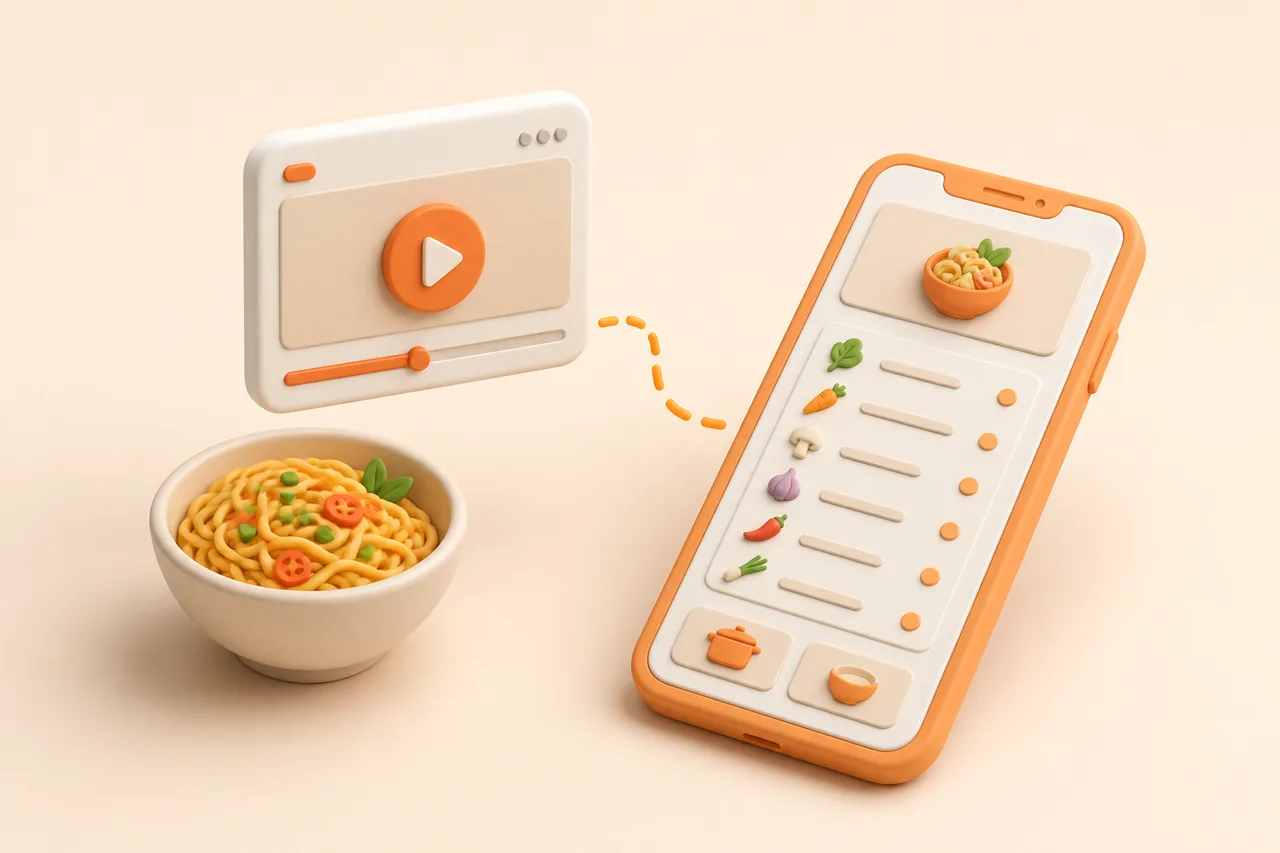
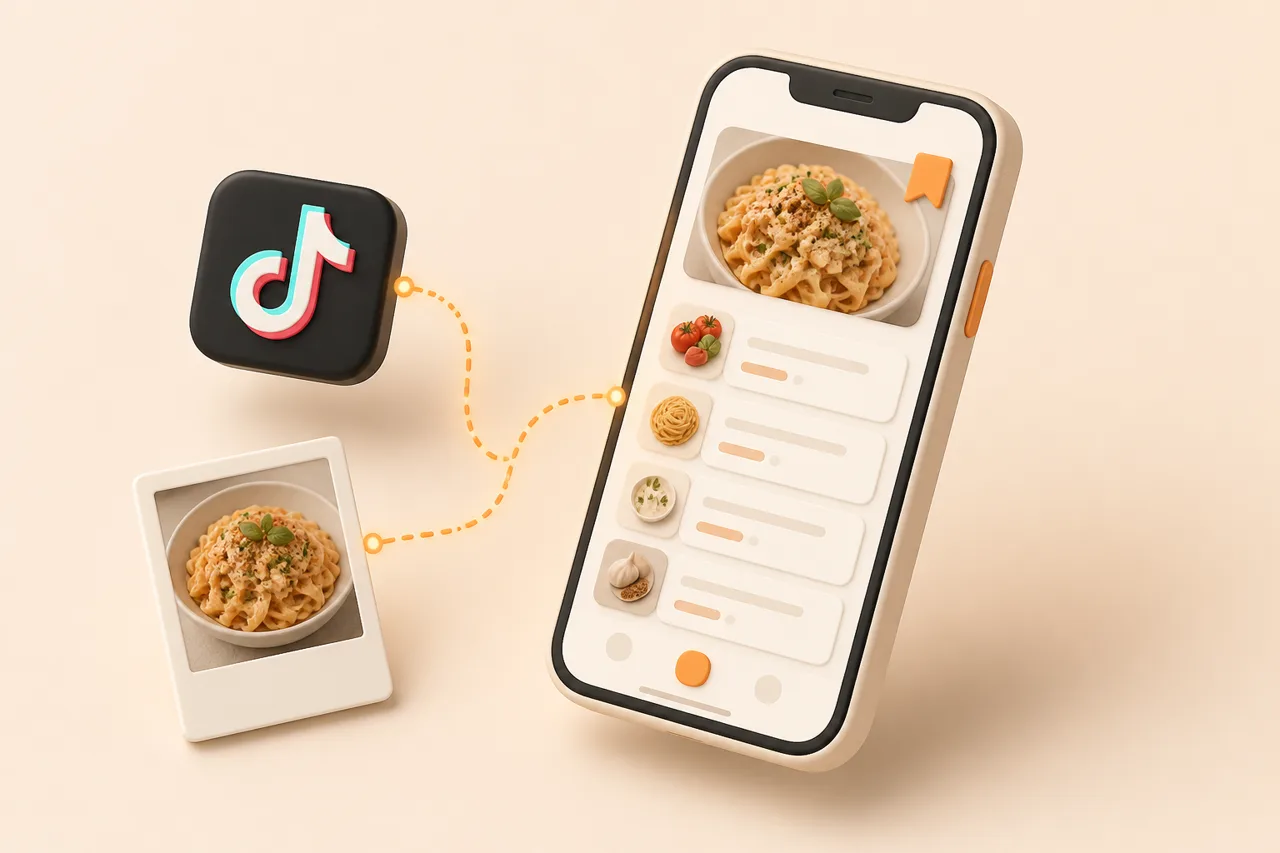
It is a recipe app whose primary input is a social post rather than a web page. Given a TikTok, Instagram, YouTube, Facebook or Pinterest link, it produces a structured recipe: ingredients with quantities and units, ordered steps, a yield and a link back to the original.
The contrast is with a bookmark. Saving a post inside the platform keeps the post. There is no ingredient list, no method in text and no title you would ever search for, so cooking it means rewatching and pausing at the right moments.
That cost is small enough to accept once and large enough to avoid every evening, which is exactly why the folder grows while the dinner rotation stays at 5 dishes. Why saved recipes get lost covers the mechanics.
What does it have to do differently?
Four capabilities separate a social-first manager from a web-first one. The first is the hard one and the rest follow from it.
- 1Read 3 channels. Caption, on-screen text and audio, then reconcile the disagreements between them.
- 2Handle images. Screenshots, photographed cookbook pages and handwritten cards through OCR, since not everything arrives as a link.
- 3Detect duplicates. The same viral recipe reaches you from 3 accounts, and 3 copies makes a library worse.
- 4Keep the source. The video is the best explanation of technique, so the link has to survive import.
The reconciliation step in the first item is genuinely difficult. If the caption says 200 g of flour and the on-screen text says 250 g, something has to decide, which is why a video import deserves a glance before you shop. Extract a recipe from a video goes through it in detail.
What does structure unlock?
Every useful feature in a recipe app is downstream of ingredients existing as data. This is the argument for importing rather than bookmarking, stated as a table.
| What you want to do | Saved in the platform | In a recipe manager |
|---|---|---|
| Find the chicken one from March | Scroll and hope | Search by ingredient |
| Cook it for 2 instead of 4 | Halve it in your head | Scales automatically |
| Shop for 5 recipes at once | Type the list yourself | One merged, aisle-sorted list |
| Check it is gluten-free | Read every line | Flags the ingredient, suggests a swap |
| Use up what is in the fridge | Not possible | Matches recipes to your ingredients |
| Keep it if the post is deleted | Lost | Yours, stored as text |
Deletion is worth taking seriously. A bookmark is a claim on somebody else's hosting, and creators remove posts, switch accounts and go private. An imported recipe is text you own, which is also the argument in back up your recipes.
How do you move a backlog across?
Not all at once. A folder of 300 saved videos is not 300 recipes you want, it is an archive of 300 moments of interest, and importing the lot recreates the mess in a new place.
- 1Set a timer for 20 minutes and work newest first, since recent saves are closest to actual intent.
- 2Import only recipes you would cook this month. Aim for about 20.
- 3Give each a title you would search for: chicken traybake, not the creator's caption.
- 4Delete the near-duplicates as you go, keeping the version with the clearest quantities.
- 5Leave the rest. If you never miss them, that answers the question about whether they were recipes.
Twenty well-titled recipes with structured ingredients is a usable library. It is enough to plan 4 weeks without repeating, which is more variety than most households currently manage.
Work newest first for a reason worth stating: a save from last week reflects something you still want to eat, while a save from 2 years ago reflects a mood that has passed. Sorting oldest first means spending your 20 minutes on the least relevant end of the folder and running out of patience before reaching anything you would cook.
Why do duplicates pile up so fast?
Because a recipe that works gets reposted. One dish goes viral, 6 accounts make their own version within a fortnight, and your saved folder collects 3 of them because each looked new in the moment.
Three copies of the same dish is worse than 1 in a specific way: searching for the recipe returns 3 results with slightly different quantities, and you have to compare them before cooking. Multiply that across a library and search stops feeling reliable, which is when people give up and go back to cooking from memory.
Detection is not simple string matching, since the same dish appears as baked feta pasta, viral tomato pasta and that TikTok pasta. Sensible detection compares ingredient sets rather than titles, and the useful behaviour is to surface the near-duplicate and let you choose which to keep, rather than silently merging quantities that differ.
- Keep the version with explicit quantities over the one with a vague caption.
- Keep the version whose source is still live if you might rewatch the technique.
- Merge your own notes into the surviving copy before deleting the other.
Which platforms are hardest?
Difficulty tracks how much text the post contains, not which app it came from. A TikTok with a full ingredient list in the caption imports easily; a silent Reel with quantities only on screen is the hard case.
- Easiest. Posts with the ingredients written in the caption, on any platform.
- Straightforward. Pinterest pins that link to a real recipe page, covered in organize Pinterest recipes.
- Moderate. Long YouTube videos, where the recipe is usually in the description.
- Hardest. Short videos with no caption, where the audio is the only source for temperatures and times.
Titles deserve one more note, because they are the cheapest improvement available and the one people skip. A creator's caption is written to stop a scroll, so it tells you nothing in 3 months. Renaming a recipe to the 2 or 3 words you would search for later, the protein and the method, takes 5 seconds at import and is the difference between a library you search and a library you scroll.
On apps, ReciBites vs ReciMe covers another social-first tool, ReciBites vs Mela covers a web-first library, and ReciBites vs Yummly covers discovery instead of capture.
- Social-first import
- Reading a recipe out of a social post's caption, on-screen text and audio, rather than from a marked-up web page.
- Duplicate detection
- Noticing that 2 saved recipes are the same dish, usually because a viral recipe was reposted by several accounts.
- Structured ingredients
- Ingredients stored as quantity, unit and name, which is what makes search, scaling and grocery lists possible.
Frequently asked questions
+What is a recipe manager for social media recipes?
An app that reads recipes out of TikTok, Instagram, YouTube, Facebook and Pinterest posts into structured ingredients and steps, rather than bookmarking the post.
+Why is a saved folder not enough?
It stores the post, not the recipe. With no ingredient list or searchable title, cooking it means rewatching and pausing, so most saved recipes never get made.
+What makes social imports harder than web imports?
A web page has marked-up ingredients. A short video spreads them across the caption, on-screen text and audio, and those 3 sources sometimes disagree.
+Should I import my whole saved folder?
No. Import about 20 recipes you would cook this month, newest first. Importing 300 saves recreates the same mess somewhere new.
+Why does duplicate detection matter?
A viral recipe reaches you from several accounts. Three copies of the same dish makes a library harder to search, so the app should collapse them.
+What happens if the original post is deleted?
A bookmark breaks; an imported recipe is text you keep. Creators do delete posts and switch accounts, which is a real risk for a bookmark-only collection.
+Which platform is hardest to import from?
It depends on the post rather than the platform. Short videos with no caption are hardest, because the audio is the only source for temperatures and times.
+Do imported recipes keep a link to the video?
A good manager keeps it, so you can rewatch a technique. The video often explains a method better than written steps do.
- #social media
- #recipe import
- #organisation
- #tiktok