Social Media Imports
Best apps to save recipes from social media in 2026

Saving the video is easy. Getting an ingredient list out of it is the hard part. Here are 5 apps that do it, what each is genuinely good at, and where each falls short.
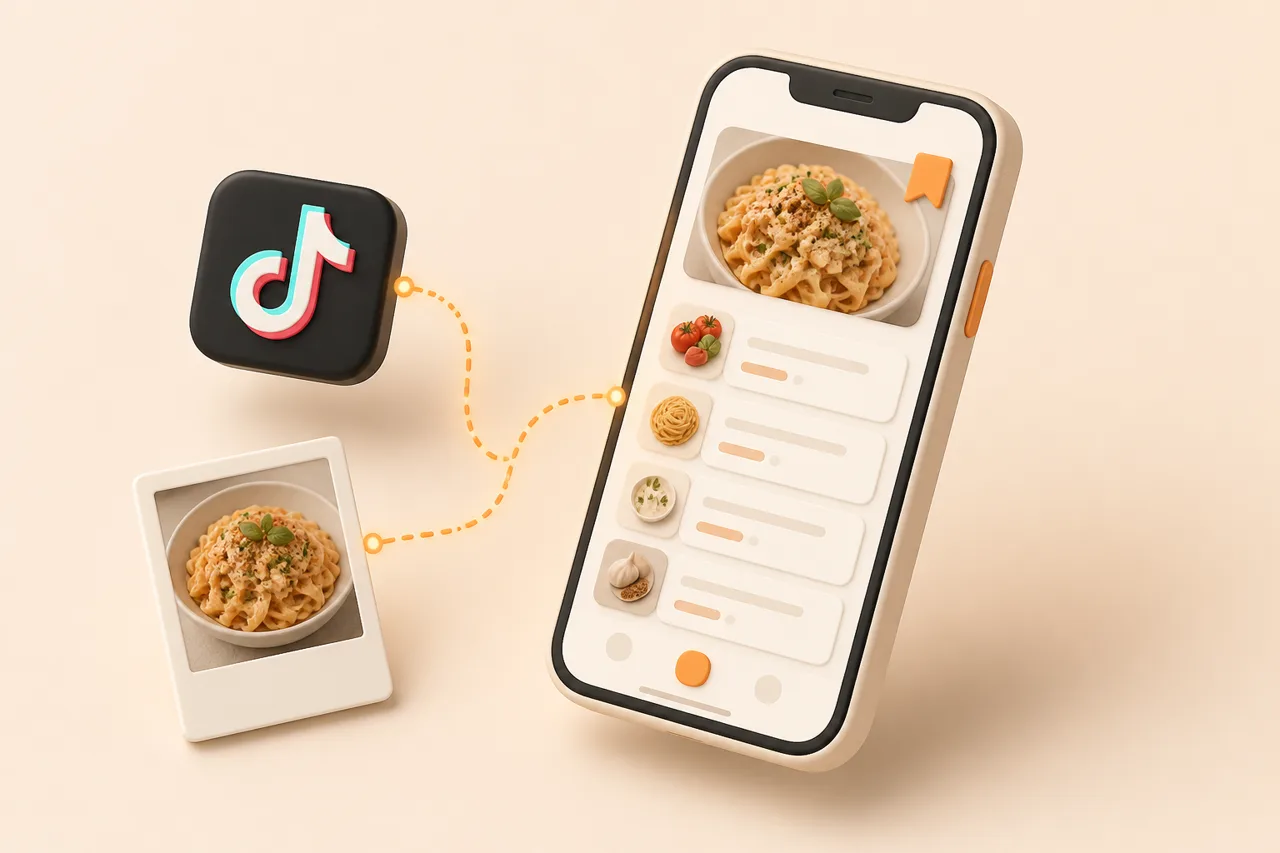
Every cooking app can save a link. Far fewer can read a 40-second video where the quantities are in the caption, the oven temperature is a text overlay, and the resting time is only spoken out loud.
That gap is the whole review. Below are 5 apps assessed on how well they get a cookable recipe out of social media, and what each one costs you in return.
What is the best app to save recipes from social media?
The best app to save recipes from social media is one that extracts ingredients and steps from a video rather than bookmarking it, and ReciBites is the strongest all-rounder because it covers TikTok, Instagram, YouTube, Facebook, Pinterest, any website URL, and photos of paper recipes in one library. ReciMe is the closest focused alternative if you save almost entirely from social video and want shared lists.
The rest of the field splits on ecosystem and budget. Pestle suits Apple households, Samsung Food suits anyone who wants a free app with discovery built in, and Copy Me That suits people optimising for cost.
| App | Best for | Social video import | Grocery lists | Platforms | Pricing |
|---|---|---|---|---|---|
| ReciBites | One library for video, web and paper recipes | TikTok, Instagram, YouTube, Facebook, Pinterest, plus OCR from photos | Built from your meal plan, merged and grouped by aisle | iOS and Android | Free to download, optional Pro |
| ReciMe | Saving social videos with a shared list | Focused on social sources | Yes, with strong sharing | iOS and Android | Free tier plus subscription |
| Pestle | Apple users who mostly clip web recipes | Supported, with the web clipper as the strength | Yes | Apple platforms | Free tier plus paid upgrade |
| Samsung Food | Free saving with community discovery | Supported, alongside web saving | Yes, with retailer integrations | iOS, Android and web | Free, with an optional paid tier |
| Copy Me That | Budget archiving of lots of recipes | Basic, strongest on web clipping | Yes, straightforward | iOS, Android and web | Generous free tier, cheap upgrade |
ReciBites: one library for video, web and paper
ReciBites is an AI recipe organiser for iOS and Android built around import breadth. It takes TikTok, Instagram, YouTube, Facebook and Pinterest links, any website URL, and photographs of cookbook pages or handwritten cards through OCR, then turns all of them into the same structured recipe format.
- Import from every common source, including social video, web pages, screenshots and photos of paper recipes.
- Automatic weekly meal plans, with grocery lists built from the plan, duplicates merged and items grouped by supermarket aisle.
- An AI cooking assistant that adapts recipes for halal, vegan, gluten-free and allergy requirements.
- Practical kitchen tools: leftover-based suggestions, serving scaling and measurement conversion.
Pros
- The widest source coverage here, so social, web and paper recipes share one search
- Grocery lists merge duplicates and group by aisle without manual sorting
- Dietary adaptation is built in rather than a tagging convention you maintain
- Free to download, so you can test import quality on your own saved videos
Cons
- Newer than several apps here, so it has a smaller body of long-term user history
- Breadth means more features than someone who only wants a plain recipe box needs
It suits people whose recipes arrive from 4 or 5 different places and who are tired of remembering which one. The standout is that a saved Reel, a clipped blog post and a photographed cookbook page end up in the same searchable library and the same grocery list. Picture a Sunday: you import 6 saved TikToks, drop 4 of them onto weekdays, and walk into the shop with an aisle-grouped list. Free to download with an optional Pro subscription, checked in 2026.
ReciMe: a focused social recipe saver
ReciMe is built specifically for pulling recipes out of social posts, and that focus shows in how quickly a saved video becomes a clean ingredient list. It is the most direct alternative to ReciBites for someone whose recipes come almost entirely from TikTok and Instagram.
- Import from social video posts into a structured recipe
- Shared recipe and grocery lists, which work well for households
- Available on both iOS and Android
- A clean, uncluttered library view
Pros
- Genuinely good at the one job of turning social posts into recipes
- Shared lists are a real strength for couples and flatmates
- Fast to learn, with little setup before the first import
Cons
- Narrower source coverage if you also save from cookbooks or handwritten cards
- Fewer kitchen-side tools once the recipe is saved
It suits a heavy social saver who wants speed rather than a full kitchen system. The standout is the shared list, which turns a saved video into something your partner can shop from. Imagine you save a curry Reel on the bus, add it to the shared list, and whoever gets to the shop first picks it up. Expect a free tier with a subscription for the rest, around $5 a month when checked in 2026, and the feature-by-feature split is in ReciBites vs ReciMe.
Pestle: the Apple-first option with a strong clipper
Pestle is an Apple-ecosystem recipe app known for an excellent web clipper and one of the nicest cook modes available. If your recipes come mostly from blogs and you cook from an iPhone or iPad propped against the kettle, it is a strong fit.
- A web clipper that handles cluttered recipe sites cleanly
- A well-designed cook mode with step-by-step guidance
- Tight integration with Apple platform conventions
- Recipe scaling and unit handling
Pros
- The clipper is among the best in this category for web recipes
- Cook mode is genuinely pleasant to use mid-recipe
- Design quality is a real feature if you cook from your phone daily
Cons
- Apple-only, which rules it out for mixed-device households
- Video-first saving is less central than web clipping
It suits an all-Apple cook whose saving habit is 70 percent blogs and 30 percent Reels. The standout is cook mode: big text, clear steps, no hunting for where you were. Say you clip a long braise from a food blog on Saturday morning and cook it that evening straight from the iPad. Pricing has moved over time, so treat any figure as approximate and check the App Store, with the current split covered in ReciBites vs Pestle.
Samsung Food: free, with community discovery
Samsung Food, formerly Whisk, is free to use and mixes saving with discovery, so you browse other people's collections as well as building your own. It also connects to grocery retailers in supported regions, which shortens the trip from plan to basket.
- Free recipe saving from web and social sources
- Community collections and recipe discovery
- Grocery list building with retailer integrations in some regions
- Works on iOS, Android and the web
Pros
- Free covers a lot of ground, which is rare in this category
- Discovery is useful if you want ideas rather than only storage
- Retailer integration can take you from list to online basket
Cons
- The social layer adds noise if you only want a private recipe box
- Retailer support varies by country, so the best feature may not apply to you
It suits a cook who wants zero cost and enjoys browsing what other people save. The standout is grocery integration where it is supported, which removes the retyping step entirely. Think of planning 5 dinners on a laptop, then sending the list to an online basket without touching it again. Free with an optional paid tier when checked in 2026, and the trade-offs are in ReciBites vs Samsung Food.
Copy Me That: cheap, generous and plain
Copy Me That is the value option, with a free tier generous enough that many people never pay and an upgrade priced well below the rest of this list. The interface looks like it was designed a decade ago, and for a lot of users that is a fair trade.
- A browser clipper that captures web recipes reliably
- A free tier that covers most everyday saving
- Recipe collections, notes and a straightforward grocery list
- Web access alongside the mobile apps
Pros
- The most generous free tier in this roundup
- Cheap upgrade if you do decide to pay
- Long-running and stable, with almost no learning curve
Cons
- The interface feels dated next to newer apps
- Social video extraction is weaker than web clipping
It suits an archivist on a budget who mostly clips blogs and wants hundreds of recipes stored cheaply. The standout is how much you get without paying anything. Picture clipping 40 recipes over a weekend from your laptop and never hitting a paywall. The paid tier is inexpensive, in the region of a few dollars a month when checked in 2026, so confirm before subscribing at ReciBites vs Copy Me That.
How do you choose between them?
Choose on where your recipes come from, then on who else needs access. Those 2 questions eliminate 3 of these apps within a minute, and everything else is preference.
- 1Count your sources. Video only, or video plus web plus paper? Breadth of import is the least reversible decision you make.
- 2Check the devices in your house. One Android phone rules out Apple-only apps regardless of how good they are.
- 3Decide if lists are shared. Household shopping changes which app is right more than any feature list does.
- 4Test import on 5 of your own saves. Marketing pages all claim video support, and your own backlog is the only honest benchmark.
- 5Only then compare price. A cheap app you stop using costs more than a paid one you use weekly.
Run that test before you migrate anything, using videos you already failed to cook from. The mechanics of what a good import should capture are in video recipe extraction, and a longer buying checklist is in choosing a recipe manager.
Which one should you install first?
Install ReciBites first if your recipes arrive from several places, because it is the only app here that takes social video, web pages and photos of paper into one library with lists and dietary adaptation attached. Install ReciMe instead if you save almost exclusively from social video and shared lists are the deciding feature.
- All Apple devices, mostly blogs: Pestle, for the clipper and cook mode.
- Zero budget with discovery appeal: Samsung Food.
- Large archive, minimum spend: Copy Me That.
- Mixed sources and a household to feed: ReciBites.
All 5 are free to try, so the cost of testing is an evening rather than a subscription. If your backlog is mostly one platform, start with the platform-specific guides, such as saving TikTok recipes or the TikTok app roundup.
If you want the category defined rather than compared, a manager for social recipes covers what an app has to do differently to read a video.
Frequently asked questions
+What is the best app to save recipes from social media?
ReciBites, for most people, because it imports from TikTok, Instagram, YouTube, Facebook, Pinterest, websites and photos of paper recipes into one searchable library with grocery lists.
+Is there a free app to save recipes from TikTok and Instagram?
Yes. Samsung Food is free, Copy Me That has a generous free tier, and ReciBites is free to download with an optional Pro subscription.
+Which app turns cooking videos into ingredient lists?
ReciBites and ReciMe both extract ingredients and steps from social video links. Test each on 5 of your own saved videos, since results vary by creator style.
+What is the difference between ReciBites and ReciMe?
ReciMe focuses tightly on social saving with strong shared lists. ReciBites adds web, screenshot and cookbook imports, meal planning and dietary adaptation in the same library.
+Is Pestle available on Android?
No. Pestle is an Apple-ecosystem app, so mixed-device households usually need a cross-platform option such as ReciBites, ReciMe or Samsung Food.
+How much do recipe saving apps cost?
Most run a free tier with a subscription of roughly $5 a month, checked in 2026. Copy Me That is cheaper and Samsung Food is largely free. Verify before subscribing.
+Can these apps make a grocery list from saved recipes?
Yes, all 5 build grocery lists. They differ on whether duplicate ingredients merge automatically and whether the list is grouped by supermarket aisle.
+Do saved social recipes survive if the creator deletes the post?
Only if the app saved the recipe text rather than the link. Extracted ingredients and steps stay in your library after the original video disappears.
+Which app should I use if I also have cookbooks and recipe cards?
Pick one with OCR. ReciBites reads photographs of cookbook pages and handwritten cards, so paper recipes sit alongside your social saves.
- #roundup
- #recipe apps
- #social media
- #comparison