Social Media Imports
How to save TikTok recipes so you can actually cook them
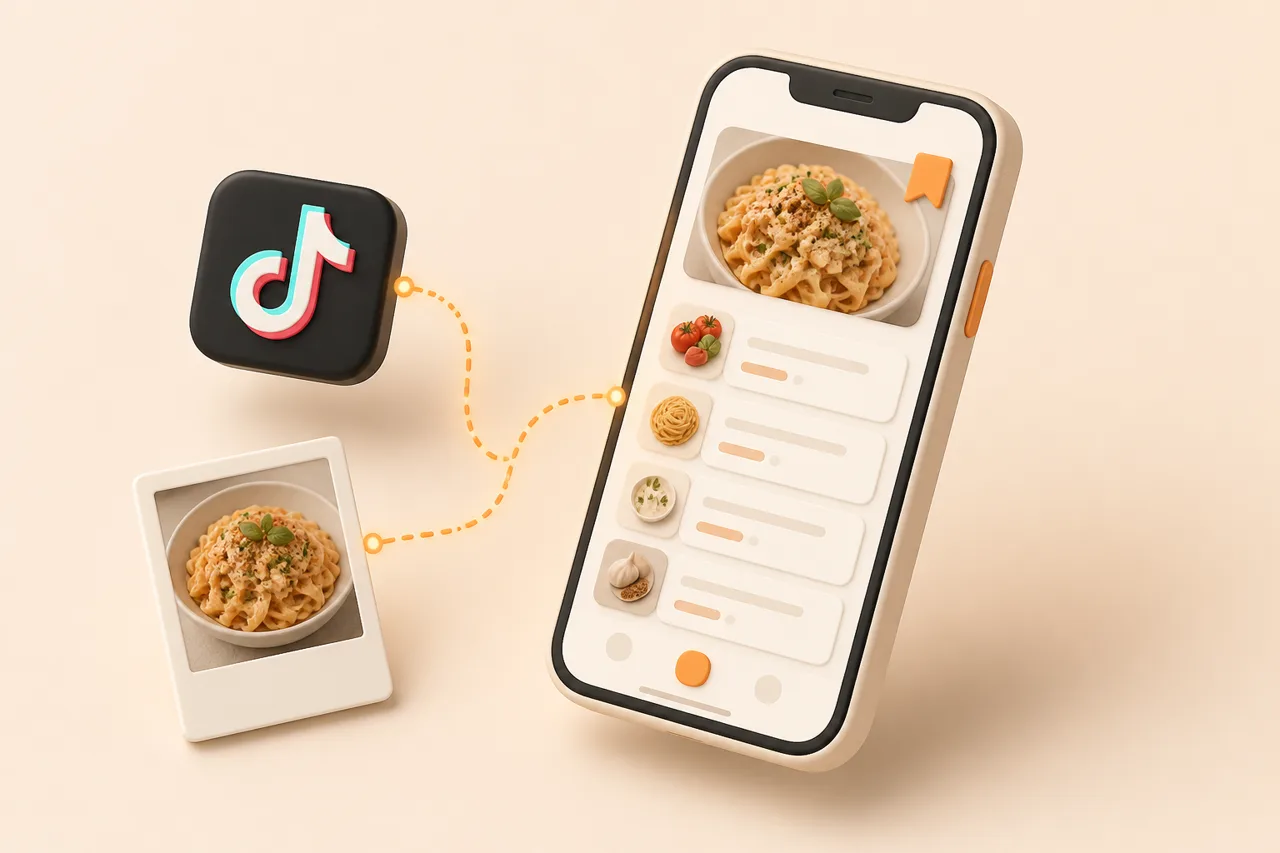
Tapping Favorites saves the video, not the recipe. Here is how to turn a TikTok cooking video into an ingredient list and steps you can cook from tonight.
You have 300 recipes in your TikTok Favorites and you cooked pasta again. The problem is not discipline. Favorites is a video bookmark, not a recipe: there is no ingredient list to shop from, no step you can glance at with wet hands, and no way to search for "the chicken thing with the yoghurt sauce" three weeks later.
This guide covers the 4 ways to save a TikTok recipe, what each one actually captures, and how to pick based on how often you cook from social media.
What does saving a TikTok recipe mean?
Saving a TikTok recipe means extracting the ingredients, quantities and method out of the video and storing them as structured text you can read, search and shop from. That is different from saving the video, which stores a pointer to a 45-second clip and nothing else.
The distinction matters because recipe information on TikTok is scattered across three places at once: the spoken voiceover, burned-in on-screen text, and the caption or a pinned comment. A creator might say "a big glug of olive oil" out loud, show "180C / 25 min" as a text overlay, and list quantities only in the caption. Bookmarking captures the clip; it does not consolidate those three sources into anything you can cook from.
Why do TikTok Favorites stop working after 50 recipes?
Favorites breaks down because it has no structure to search. TikTok indexes your saved videos by the creator's caption text, not by ingredient, cuisine, cook time or diet, so "chicken" only finds videos where the creator typed the word chicken.
- No ingredient search. You cannot ask for everything using the half-bag of spinach in your fridge.
- No quantities at a glance. You rewatch the video, pausing at the ingredient shot, every single time you cook it.
- Videos disappear. Creators delete posts and accounts go private. Your saved link 404s and the recipe goes with it.
- No cross-app view. Recipes you saved on Instagram, in your browser and in your camera roll live in three other silos.
That last point is the one people underestimate. Most home cooks are not TikTok-only cooks, and the fix is a single library rather than a better folder inside one app. We covered the wider failure mode in why saved recipes get lost.
What are the 4 ways to save a TikTok recipe?
There are 4 realistic options, and they trade time-per-recipe against how usable the result is. Pick based on volume: manual methods are fine at 2 recipes a month and miserable at 20.
| Method | Time per recipe | What you end up with | Best for |
|---|---|---|---|
| TikTok Favorites | 2 seconds | A video link. No ingredients, no steps, no search. | Deciding later whether you care |
| Screenshot the ingredients | 20 seconds | An image in your camera roll. Not searchable, no quantities you can edit. | One-off recipes you will cook this week |
| Type it into Notes | 5–10 minutes | Clean text you control. No photos, no scaling, no grocery list. | Recipes you will cook for years |
| Import to a recipe app | 5–15 seconds | Structured recipe: quantities, ordered steps, photo, source link, searchable tags. | Anyone saving more than a few recipes a month |
How do I import a TikTok recipe into ReciBites?
Copy the TikTok share link and paste it into ReciBites. The import reads the caption, the on-screen text and the spoken audio together, then writes a single structured recipe.
- 1Copy the share link
In TikTok, tap Share, then Copy link. You do not need to download the video or remove the watermark.
- 2Paste it into ReciBites
Open the app and tap Add recipe, then paste. On iOS and Android you can also use the system share sheet and send the video straight to ReciBites without switching apps.
- 3Check the ingredient quantities
Give the parsed list a 10-second read. Creators who say "a splash" or "to taste" produce vague amounts, and this is the moment to pin them down while the video is fresh.
- 4Tag it while you remember
Add one tag for the protein and one for the occasion, for example
chickenandweeknight. Two tags at save time is what makes the library searchable at 200 recipes. - 5Send it to a meal plan
Drop the recipe onto a day in your plan. Its ingredients merge into the grocery list with everything else you planned that week.
What makes a saved recipe actually usable?
A saved recipe is usable when it passes the 5-field test. If any field is missing you will end up back in the video, which defeats the point of saving it.
- 1Title you would recognise in a list of 200, not "TikTok video by @user".
- 2Ingredients with quantities, each on its own line, so they can be merged into a shopping list.
- 3Ordered steps you can read one at a time with greasy hands.
- 4Cook time and servings, because scaling from 2 to 5 portions is guesswork otherwise.
- 5The original source link, so the creator gets the credit and you can rewatch a technique.
Run that test on your current method. Screenshots fail fields 2 and 3 the moment you want to shop from them; Favorites fails everything except field 5. Video-first apps vary widely here, which is the main axis used to rank the best TikTok recipe apps.
How accurate is TikTok recipe extraction?
Extraction is reliable for structure and less reliable for vague quantities. Ingredient names, step order and cook times come through cleanly because creators state them explicitly; the failures cluster around amounts nobody ever said out loud.
- Reliable: ingredient names, step sequence, oven temperature, stated timings, servings when mentioned.
- Needs a glance: "a glug", "a handful", "season to taste", and any quantity shown only as a visual.
- Worth fixing at save time: pan sizes and resting times, which creators often skip entirely.
Budget 10 seconds per import to sanity-check amounts. That is still 30 times faster than transcribing by hand, and the correction sticks permanently. There is more detail on where extraction breaks down in how accurate is AI recipe extraction.
How do I turn saved TikToks into a week of meals?
Once recipes are structured, planning becomes selection rather than transcription. The whole loop takes about 15 minutes on a Sunday.
- 1Pick 4 or 5 saved recipes and assign each to a day.
- 2Let the grocery list build itself: duplicate ingredients merge, so 2 recipes needing garlic produce one line, not two.
- 3Scan the list against what you already have and tick off the pantry items.
- 4Shop once, grouped by aisle instead of by recipe.
The merge step is the one that saves real money, because buying two bunches of coriander for two recipes is how herbs rot in the drawer. The full routine is in how to meal plan for a week.
Which mistakes cost people their saved recipes?
Four mistakes account for almost every lost recipe, and all four are avoidable at save time.
Save-time habits
Pros
- Import within a day of finding the video, while the creator's account still exists
- Fix vague quantities immediately, not on the night you cook
- Add 2 tags at save time so search works later
- Keep social saves in the same library as web and cookbook recipes
Cons
- Relying on Favorites as long-term storage when creators delete posts
- Screenshotting the ingredient frame and losing the method
- Saving to 4 different apps and forgetting which recipe lives where
- Leaving 300 unsorted saves and starting a new folder instead
If your recipes are currently spread across Instagram as well, deal with both at once using how to save Instagram recipes so you end up with one library rather than two.
Which app should you use to save TikTok recipes?
Choose based on where your recipes come from. If most arrive as videos, prioritise import quality from audio and on-screen text; if most come from blogs, a browser clipper matters more.
- Mostly TikTok and Reels: you need video extraction, not just URL clipping. See ReciBites vs ReciMe.
- Mostly web recipes with some video: a strong clipper plus decent video support. See ReciBites vs Pestle.
- You want social discovery built in: a network-style app changes the trade-offs. See ReciBites vs Samsung Food.
- Recipe extraction
- Pulling ingredients, quantities and steps out of unstructured input such as a video, photo or web page and storing them as separate fields.
- OCR
- Optical character recognition. Reading text out of an image, which is how on-screen captions and cookbook pages become editable text.
- Share sheet
- The system share menu on iOS and Android that sends a link from one app to another without copying and pasting.
- Ingredient merging
- Combining the same ingredient across several planned recipes into one grocery line with a summed quantity.
Frequently asked questions
+Can you save a recipe from TikTok?
Yes. Copy the video's share link and paste it into a recipe app such as ReciBites, which extracts the ingredients and steps from the caption, on-screen text and audio into an editable recipe.
+Where do saved TikTok recipes go?
Into your TikTok Favorites, under the bookmark tab on your profile. They stay as videos there, which is why most people move them into a recipe app to get searchable ingredients and steps.
+How do I get the ingredients from a TikTok video?
Paste the share link into a recipe app that reads video audio and on-screen text. Manually, you pause on the ingredient shot and check the caption, then type the list out yourself.
+Is there an app that turns TikTok videos into recipes?
Yes. ReciBites converts a pasted TikTok link into a structured recipe with quantities, ordered steps, cook time and a link back to the original creator.
+Do saved TikTok recipes disappear?
They can. If the creator deletes the video or makes their account private, your saved bookmark stops working. Importing the recipe as text keeps your copy regardless.
+Can I save TikTok recipes without downloading the video?
Yes. Importing uses the share link only, so nothing is downloaded to your phone and there is no watermark to deal with.
+How do I organise hundreds of saved TikTok recipes?
Import them in one batch, then tag each by protein and occasion. Two tags per recipe is enough to make search useful without turning organising into a project.
+Can saved TikTok recipes become a grocery list?
Yes. Once recipes are structured, add them to a meal plan and the app merges duplicate ingredients into a single list grouped by aisle.
- #tiktok
- #recipe import
- #video recipes
- #saving recipes