Social Media Imports
How to save Instagram recipes from Reels, posts and Stories
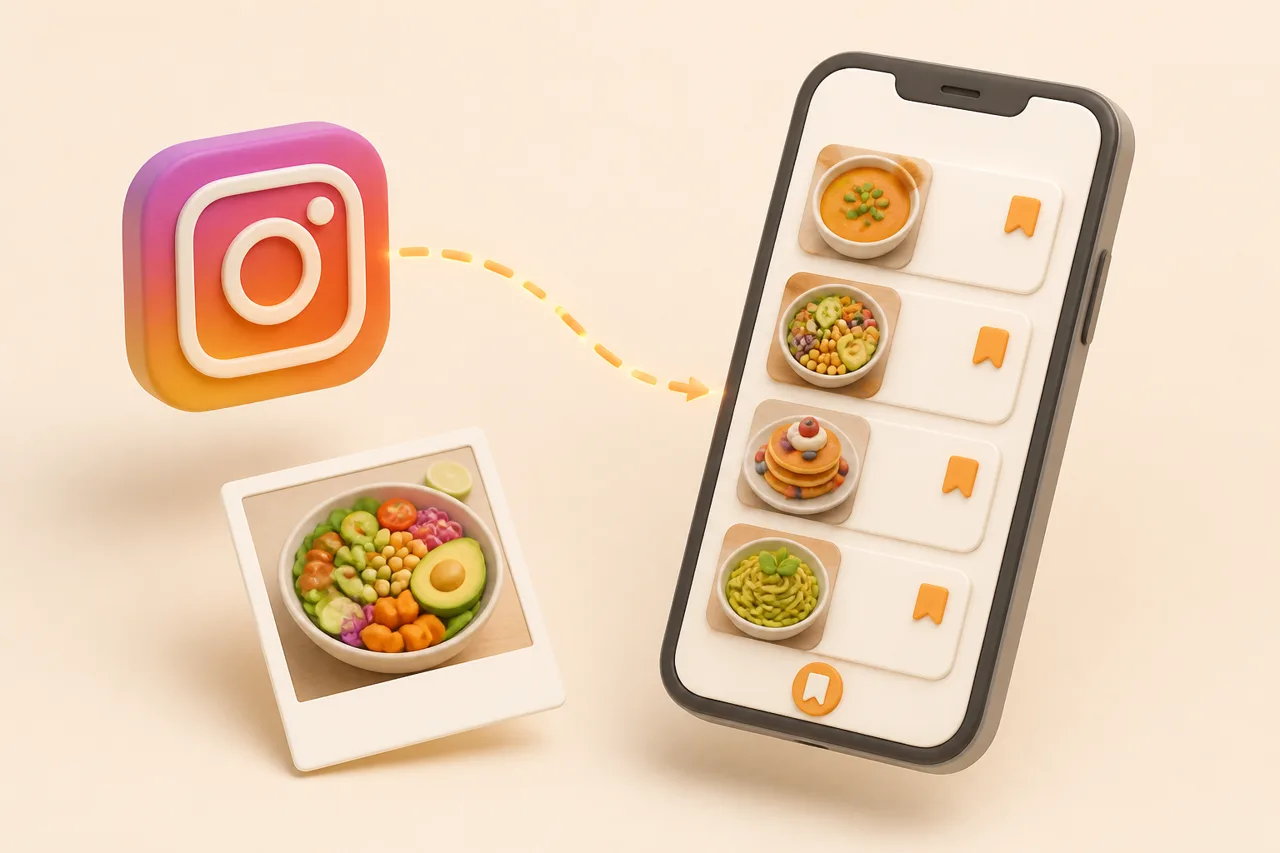
Instagram scatters a recipe across the caption, the voiceover, the on-screen text and sometimes a pinned comment. Here is how to pull all of it into one saved recipe you can shop from.
Instagram is the hardest platform to save recipes from, because the recipe is almost never in one piece. The quantities sit in a caption you have to tap twice to expand, the method is spoken over a 40-second Reel, and the oven temperature flashes on screen for a second and a half.
Collections feel like the answer and are not. This guide covers what each Instagram surface actually stores, how to get a shoppable recipe out of it, and why the fix looks a lot like the one for saving TikTok recipes.
What does saving an Instagram recipe mean?
Saving an Instagram recipe means capturing the ingredients with quantities, the ordered method, the cook time and the source, then storing them as text fields you can search and edit. Saving the post is a different act: it files a link to someone else's media in a folder on their servers.
The gap shows up on a Tuesday night. A saved post makes you scroll a caption on a phone propped against the kettle; a saved recipe gives you a checkable ingredient list and a step you can read at arm's length. One is a bookmark, the other is something you cook from.
Where does the recipe live in an Instagram post?
The recipe lives in up to four places at once, and which one holds the quantities depends entirely on the creator's habits. Learn to check all four in order and you stop losing half a recipe.
- 1The caption. Most reliable source of quantities, but truncated after roughly two lines until you tap it open.
- 2The voiceover. Carries technique and timing, and often the amounts creators cannot fit in a caption.
- 3On-screen text. Temperatures, timers and swaps, usually shown for under two seconds.
- 4A pinned comment. Used when the caption ran long or the creator posted the recipe after the fact.
How do Reels, feed posts and Stories differ?
Each surface stores a different slice of the recipe, so the method you use to save one is wrong for the others. This is the table to check before you tap anything.
| Surface | Where the recipe usually sits | What breaks | Best save method |
|---|---|---|---|
| Reel | Voiceover plus on-screen text, quantities in the caption | You rewatch and pause to catch amounts | Paste the Reel link into a recipe app |
| Feed post or carousel | The caption, sometimes a text slide in the carousel | Long captions get truncated and mix story with method | Import the post link, then trim the parsed notes |
| Story | On-screen text over a video, rarely a caption | It disappears in 24 hours unless the creator saves it to a Highlight | Screenshot immediately, then import the screenshot |
| Guide or Highlight | A curated set of older posts | Still just links, with no ingredients anywhere | Open each post and import it individually |
Why do Instagram Collections break down at scale?
Collections break because they are folders with no index. Instagram lets you name a Collection and drop posts into it, but you cannot search inside one by ingredient, cook time, diet or anything else that decides what you cook tonight.
- Search is caption-only. "Aubergine" finds nothing if the creator wrote "eggplant", and nothing at all if they wrote neither.
- One post, one Collection. A halal, high-protein, 20-minute dinner belongs in three buckets and you will pick the wrong one.
- Deleted posts leave holes. Accounts go private, sponsored posts get pulled, and the tile in your Collection stops loading.
- Nothing leaves the app. Recipes saved from blogs, videos and your camera roll stay in their own silos.
At 30 saves a Collection is tidy. At 300 it is an archive you scroll for six minutes and then order takeaway, which is the pattern behind why saved recipes get lost.
How do I import an Instagram recipe into ReciBites?
Send the post or Reel link to ReciBites and it reads the caption, the on-screen text and the audio together, then writes one recipe with separate ingredient and step fields. The whole loop is faster than reading the caption twice.
- 1Copy the link or use the share sheet
Tap the paper-plane icon on the post, then Copy link. On iOS and Android you can share straight to ReciBites instead, which skips the app switch entirely.
- 2Paste it into Add recipe
ReciBites imports Reels, feed posts and carousels from the same paste box, so you do not have to know which surface you are on.
- 3Fix the vague amounts
Budget 10 seconds to pin down "a drizzle" and "a good handful" while the video is still fresh in your head. Guessing in three weeks is how a recipe gets abandoned.
- 4Add 2 tags
One for the protein, one for the occasion, for example
salmonandweeknight. Two tags at save time is what keeps search useful later. - 5Drop it into the week
Assign the recipe to a day and its ingredients merge into the grocery list with everything else planned, grouped by aisle.
What do you do when the recipe is only in the comments?
Copy the comment text and paste it in as a note, because comment text is the part an import is least likely to see. Creators use comments as overflow storage, and that is where the quantities often end up.
Handling recipes split across a caption and a comment
Import the post first so you get the title, photo, steps and source link, then paste the comment's ingredient list into the ingredients field. You are stitching two halves rather than typing a recipe from scratch.
If the comment is a wall of text with no line breaks, split it at each comma before you save. An ingredient list only merges into a grocery list if each ingredient sits on its own line, which is the same requirement described in grocery lists from recipes.
Handling Stories before they expire
Screenshot the Story the moment you see it, then import the screenshot with OCR rather than trying to remember it later. ReciBites reads text out of images, so a screenshotted Story becomes the same structured recipe as a pasted link.
Which habits keep an Instagram recipe library usable?
Four habits do almost all the work, and each one takes seconds at save time rather than minutes later. The failures are the mirror image of them.
Save-time habits for Instagram
Pros
- Import the same day, before the account goes private
- Expand the caption and check the pinned comment first
- Screenshot Stories immediately, import them within the day
- Keep Instagram saves in the same library as blog and video recipes
Cons
- Treating Collections as permanent storage
- Saving a Reel for the photo and losing the quantities
- Building a fifth Collection instead of fixing the first
- Leaving 200 saves unsorted and starting again next month
The cross-app point matters most. Cooks who follow food accounts on Instagram usually follow them on other platforms too, and one library beats four good folders, which is the framing behind the best social recipe apps.
Which app should you use for Instagram recipes?
Pick based on the format you save most. Video-heavy feeds need extraction from audio and on-screen text; caption-heavy feeds mostly need a good parser and an editor you do not hate.
- Mostly Reels: prioritise video extraction over browser clipping. See ReciBites vs ReciMe.
- Mostly captions and blog links: a strong clipper carries more weight. See ReciBites vs Copy Me That.
- You want offline control of the files: a local-first app trades away AI import. See ReciBites vs Paprika.
- Collection
- Instagram's folder for saved posts. Stores links to media, with no ingredient fields and no search inside the folder.
- Pinned comment
- A comment the creator fixes to the top of a post, often used to hold a recipe that did not fit in the caption.
- OCR
- Optical character recognition. Reading text out of an image, which is how a screenshotted Story becomes editable ingredients.
- Highlight
- A Story a creator has saved to their profile permanently. Useful, but still a video with no structured recipe attached.
Once the recipes are structured, the rest follows quickly: five saved Reels become one shop and five dinners, which is the loop in turning a Reel into groceries.
Frequently asked questions
+How do I save a recipe from an Instagram Reel?
Tap the share icon, copy the link, then paste it into a recipe app such as ReciBites. It reads the caption, on-screen text and voiceover into an editable ingredient list and steps.
+Where do saved Instagram recipes go?
Into your Saved tab, optionally sorted into Collections. They stay as posts there, so there are no quantities to shop from and no ingredient search.
+Can I search my Instagram Collections by ingredient?
No. Instagram searches the creator's caption text only, so an ingredient the creator never typed is unfindable. Importing recipes into a recipe app gives you real ingredient search.
+How do I save an Instagram Story recipe before it disappears?
Screenshot it straight away, since Stories expire after 24 hours. Then import the screenshot into ReciBites, which uses OCR to turn the on-screen text into a structured recipe.
+What if the Instagram recipe is in the comments?
Copy the pinned comment, import the post for the title, photo and source, then paste the comment text into the ingredients field and split it one ingredient per line.
+Do saved Instagram posts ever disappear?
Yes. If the creator deletes the post or switches to a private account, the tile in your Collection stops working. A recipe imported as text stays yours.
+Is there an app that turns Instagram Reels into recipes?
Yes. ReciBites converts a pasted Reel or post link into a recipe with quantities, ordered steps, cook time and a link back to the original creator.
+How do I organise hundreds of saved Instagram recipes?
Import them in one batch, then give each two tags: one protein, one occasion. That is enough structure to make search work without turning it into a filing project.
+Can Instagram recipes become a weekly meal plan?
Yes. Once each recipe has structured ingredients, assign them to days and the grocery list builds itself, merging duplicates and grouping items by supermarket aisle.
- #reels
- #recipe import
- #collections