Meal Planning and Groceries
How to make a grocery list from your recipes automatically
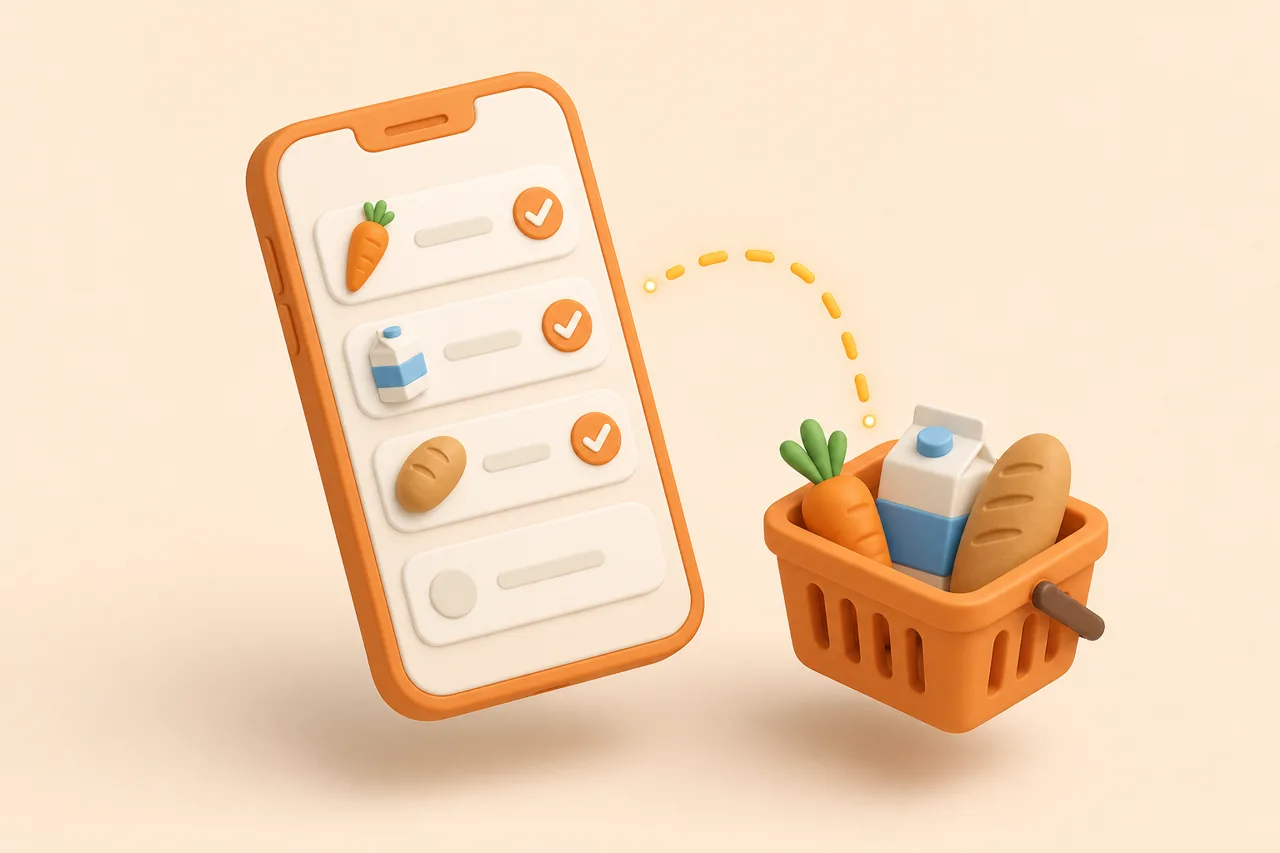
Copying ingredients out of 6 recipes by hand is where meal plans die. Here is how automatic list building works, where it fails, and what to check before you shop.
Six recipes for the week means roughly 60 ingredient lines, of which maybe 35 are distinct and 12 are already in your cupboard. Copying them out by hand is 15 minutes of clerical work, and the mistakes it produces are expensive: two bunches of parsley, no eggs.
This guide covers the mechanics of turning recipes into one list. You will see how merging actually works, where it breaks, and the checks that take 30 seconds and save a second trip to the shop.
What is a grocery list built from recipes?
A grocery list built from recipes is a single deduplicated set of items and quantities derived from every dish you plan to cook, ordered by where you buy them rather than by which dish they belong to. It is a shopping document, not a cooking document.
That reordering is the whole point. A recipe lists ingredients in the order you use them, which is useful at the hob and useless in a supermarket, where the same 6 recipes send you back to the produce section 4 separate times.
Why does one merged list beat 6 recipe pages?
Because quantities only make sense once they are added up. Shopping recipe by recipe means you evaluate each garlic requirement in isolation and never see that the week needs one bulb rather than three separate purchases.
- Duplicates collapse. Three recipes wanting an onion become one line reading 3 onions, not three decisions.
- Partial packs become visible. A recipe needing 50 g of feta and another needing 150 g fit in one 200 g block.
- Gaps surface early. You notice the missing tin of chickpeas at home, not at 19:00 on Wednesday.
- One pass through the shop. Aisle order replaces recipe order, which is the routine in grocery list by aisle.
The savings are structural rather than heroic. If merging stops you buying one duplicate bunch of herbs a week, that is 52 bunches a year you did not throw away.
What happens during ingredient merging?
Merging is 3 steps run in order: normalise each ingredient name, group the matching ones, then sum the quantities into a shoppable amount. Each step has a distinct failure mode.
Step 1: normalising the name
Recipe text is full of decoration that has nothing to do with what you buy. "2 cloves of good-quality garlic, finely minced" and "1 tsp garlic, crushed" are the same product with different adjectives and different preparation states.
Normalising strips the preparation instructions, the quality descriptors and the packaging words, leaving the noun you would ask a shopkeeper for. Everything downstream depends on getting this right.
Step 2: grouping the matches
Grouping decides whether two normalised names are the same thing. Some pairs are obvious, some are regional, and some look identical but are not interchangeable in a trolley.
- Same item, different word: coriander and cilantro, spring onion and scallion, aubergine and eggplant.
- Same item, different form: ground cumin and cumin seeds should stay separate lines.
- Same item, different state: fresh thyme and dried thyme are not substitutes at the same quantity.
- Different item, similar name: double cream, single cream and soured cream all read as "cream".
Step 3: summing the quantities
Summing turns several amounts into one number you can buy. This is where units collide, and it is the subject of the next section.
How do you reconcile units like 2 tbsp and a quarter cup?
You convert everything into one base unit per ingredient type, add it up, then translate the total back into a purchasable amount. Volume, weight and count each need their own base, and count is the one that causes arguments.
| Recipe A | Recipe B | Merged line | What the maths did |
|---|---|---|---|
| Butter, 2 tbsp | Butter, 1/4 cup | Butter, 6 tbsp (about 85 g) | Converted the cup to 4 tbsp, added, then gave a weight you can buy |
| Milk, 200 ml | Milk, 1 cup | Milk, 440 ml | Treated 1 cup as 240 ml and stayed metric |
| Garlic, 2 cloves | Garlic, 1 bulb | Garlic, 2 bulbs | Rounded up to whole units, because you cannot buy 2 cloves |
| Chicken thighs, 4 | Chicken thighs, 500 g | Chicken thighs, about 900 g | Converted a count to weight using an average thigh |
| Olive oil, 3 tbsp | Olive oil, a glug | Olive oil, check bottle | Refused to invent a number for an unquantified amount |
Rounding to purchasable units is the step people forget. Nobody sells 2 cloves or 340 g of tinned tomatoes, so a useful list rounds to packs and tells you the recipe amount underneath. The conversion tables behind this are in convert recipe measurements.
Which items should never reach the list?
Anything you keep permanently should be filtered out by default, or your list becomes 40 lines and you stop reading it. Salt, pepper, cooking oil, flour, stock cubes and the 8 spices you actually use belong to a standing pantry set.
- 1Write your staples once. List what genuinely lives in your kitchen year-round, not an aspirational spice rack.
- 2Filter those lines out of every generated list. They reappear only when you mark one as running low.
- 3Audit the set monthly. Two minutes checking oil, soy sauce and stock prevents the classic mid-recipe discovery.
- 4Keep quantities visible anyway. A recipe needing 200 g of flour should still tell you that before you assume the bag is enough.
How do you build the list in ReciBites?
ReciBites generates the list from your meal plan, so the input is the week you already decided rather than a fresh pile of recipes. Everything below happens in a couple of taps.
- 1Get the recipes in first
Save them from TikTok, Instagram, YouTube, Facebook, Pinterest or any website URL. Cookbook pages, screenshots and handwritten cards come in through OCR from a photo.
- 2Scale before you generate
Adjust servings on each recipe to the number of people eating, because scaling after the list exists means redoing the maths. See scaling recipe servings.
- 3Plan the week
Assign recipes to days, or let the app draft a weekly plan and adjust it. The plan, not the recipe folder, is what the list is built from.
- 4Generate the grocery list
Duplicate ingredients merge into single lines and the list groups by supermarket aisle rather than by dish.
- 5Read it once before you leave
Spend 30 seconds on the checks in the next section. It is the difference between one shop and two.
One habit makes the whole loop faster over time: fix the recipe, not the list. Correcting a quantity on the source recipe means every future week inherits the fix, while editing the list only patches this Saturday's shop.
Where do automatic lists get it wrong?
Automatic merging is reliable on named ingredients with stated amounts and unreliable everywhere else. Knowing which lines to distrust makes the 30-second review worth doing.
Trust and verify
Pros
- Named ingredients with numeric amounts: 400 g tinned tomatoes, 3 eggs, 250 g pasta
- Straight unit conversions between millilitres, grams, cups and spoons
- Duplicate collapse across recipes saved from different sources
- Aisle grouping, which is a lookup rather than a judgement call
Cons
- Vague amounts: a glug, a handful, season to taste
- Counts versus weights for irregular items such as squash or whole fish
- Regional synonyms and the same herb in fresh and dried form
- Sub-recipes, where a sauce inside a recipe hides its own ingredient list
Recipes captured from video are the most likely to carry vague amounts, because creators speak rather than write them. The extraction side of that problem is covered in turn a reel into groceries.
Which app should build your list?
Pick based on who shops and where the recipes come from. The feature that matters is rarely the list itself; it is what feeds the list and who can see it in the shop.
- Two people shopping from one list. Real-time sharing is the deciding feature: see ReciBites and AnyList.
- You want the list to reach a store account. Grocery integrations change the workflow: see ReciBites and Samsung Food.
- You mostly clip from recipe websites. Clipper quality decides list quality: see ReciBites and Copy Me That.
- You are still choosing a list app. Start with the roundup of best grocery list apps.
Whatever you pick, judge it on one week of real shopping rather than a feature table. Generate a list from 5 planned dinners, walk the shop with it, and count how many times you had to look something up or double back.
The list is 1 step of 5, and one app for recipes and groceries covers where the handoffs between separate apps cost you time.
Frequently asked questions
+How do I turn my recipes into a shopping list?
Add the recipes to a meal plan, then generate the list from the plan. The app merges duplicate ingredients, sums the quantities and groups the result by supermarket aisle.
+Is there an app that makes a grocery list from recipes?
Yes. ReciBites builds a grocery list from your weekly plan, merging duplicates and grouping lines by aisle. Recipes can come from social video, websites, screenshots or cookbook photos.
+How do apps combine 2 tbsp and a quarter cup?
They convert both to one base unit, add them, then round to something buyable. A quarter cup is 4 tbsp, so the merged line reads 6 tbsp, or about 85 g of butter.
+Why does my grocery list have the same item twice?
Usually a naming mismatch: coriander and cilantro, or fresh and ground versions of the same spice. Rename one line to match the other and the merge will hold next time.
+Should pantry staples be on my grocery list?
No, filter them out by default and audit them monthly. A list of 40 lines that includes salt and oil is a list you stop reading in the shop.
+How do I handle recipes that say a handful or a glug?
Pin the amount down when you save the recipe, while the source is in front of you. An automatic list should flag vague amounts rather than invent a quantity.
+Can I make a grocery list from recipes I saved on TikTok?
Yes, once the video is extracted into a structured recipe with quantities. Those quantities are what the list builder merges and sums.
+How long does building a weekly list take?
About 30 seconds to generate and 30 seconds to review, against roughly 15 minutes of copying by hand from 6 recipe pages.
- #grocery list
- #meal planning
- #ingredients
- #automation