Meal Planning and Groceries
How to organize a grocery list by aisle
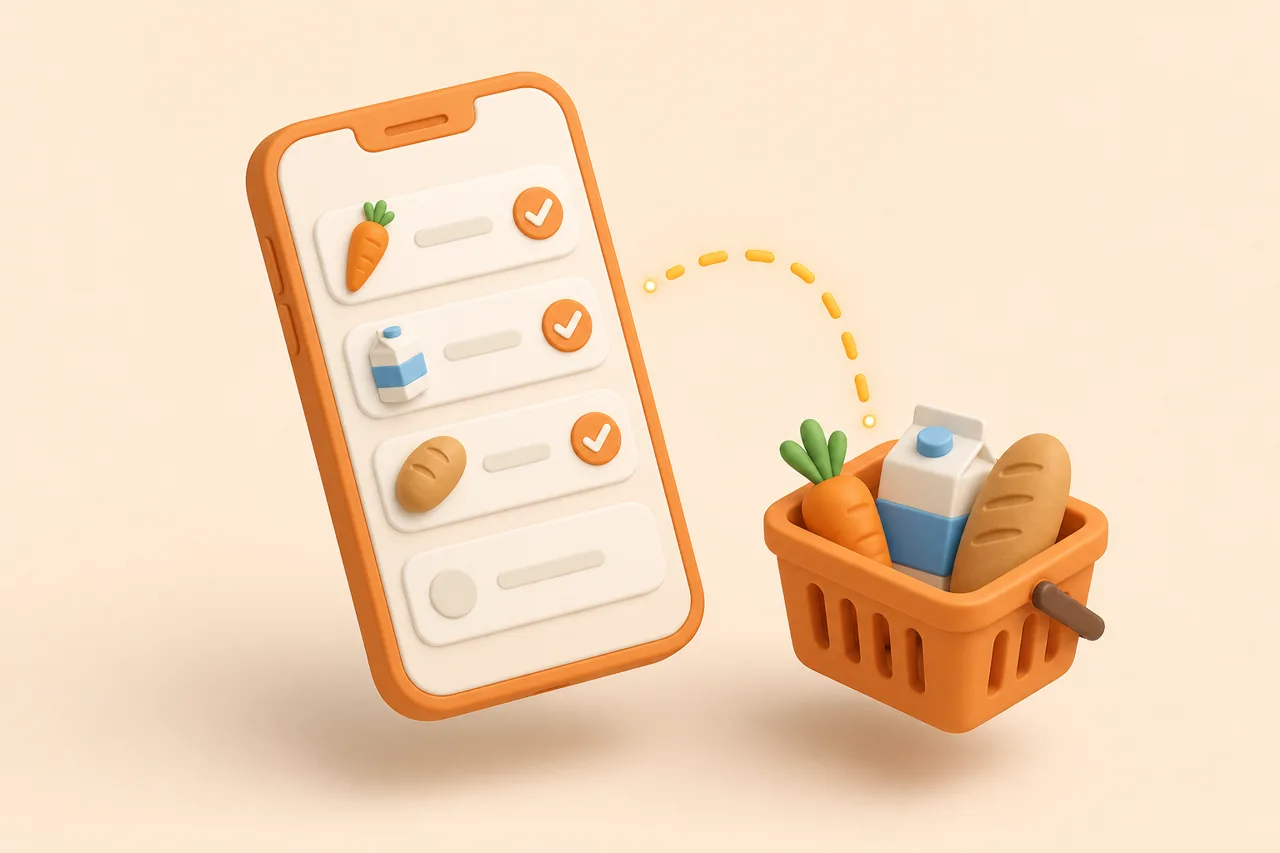
A list written by recipe sends you across the shop and back again. Grouping by aisle turns 30 items into one loop, with the chilled and frozen sections collected last.
You are standing in the baking aisle reading "3 eggs" written between "400 g pasta" and "a lemon". The eggs are 4 aisles back, the lemon was at the entrance, and you have now crossed the shop 3 times for a week of dinners.
That is a formatting problem, not a memory problem. A list grouped by aisle turns the same 30 items into a single loop, and the reorder takes seconds once you know your store's sequence.
What is an aisle-ordered grocery list?
An aisle-ordered grocery list is a shopping list sorted by the physical zones of your supermarket, in the sequence you walk them, rather than by recipe or by the order you thought of the items. Each zone becomes one stop, and you visit each stop once.
The list is a route, in other words. Everything else about grocery list formatting is cosmetic next to that.
Why does shop order beat recipe order?
Because a recipe orders ingredients by when you use them, and a supermarket orders products by category. Those two sequences have nothing to do with each other, so a recipe-ordered list guarantees backtracking.
The cost adds up quickly. If a scattered list sends you back across the shop 6 times and each detour takes 2 minutes, that is 12 minutes spent walking past products you did not plan to buy.
- Fewer decisions per stop. Standing in dairy with all 4 dairy items visible is one decision, not 4 interruptions.
- Nothing gets missed. Items scattered through a long list are the ones you notice at the till.
- Less impulse exposure. Every backtrack is another pass down an aisle you had already finished.
- Faster with 2 shoppers. Zones split cleanly between people; a recipe-ordered list does not.
Merging comes first, though. Grouping a list that still contains 3 separate garlic lines only tidies the duplication, which is why the mechanics in grocery list from recipes run before this step.
What is the standard supermarket zone sequence?
Most supermarkets follow a similar shape: fresh produce at the entrance, ambient goods in the central aisles, chilled and frozen around the perimeter, and household goods at the far end. This sequence works as a default before you customise it.
| Order | Zone | Typical contents | Why it sits here |
|---|---|---|---|
| 1 | Fruit and vegetables | Sturdy produce: onions, potatoes, carrots, apples, citrus | It is at the entrance, and hard produce survives the whole trip |
| 2 | Bakery | Bread, wraps, rolls, tortillas | Near the front and easy to crush, so it goes in the trolley early but on top |
| 3 | Tins and jars | Tomatoes, beans, coconut milk, cooking sauces, tinned fish | Heavy and indestructible, so it belongs at the bottom of the trolley |
| 4 | Dry goods | Pasta, rice, noodles, grains, dried pulses | Central aisles, no time pressure |
| 5 | Baking and spices | Flour, sugar, dried herbs, stock cubes, oils | Usually adjacent to dry goods |
| 6 | Snacks and drinks | Crisps, biscuits, tea, coffee, soft drinks | Bulky rather than fragile |
| 7 | Household and toiletries | Cleaning, laundry, paper goods, toiletries | Non-food, so it never competes for cold time |
| 8 | Delicate produce | Salad leaves, soft herbs, berries, tomatoes, bananas | Late, so it rides on top rather than under tins |
| 9 | Meat, poultry and fish | Fresh protein and the counter | Perimeter, and it should be cold for as little time as possible |
| 10 | Dairy, eggs and chilled | Milk, cheese, yoghurt, butter, eggs, chilled prepared food | Second-to-last stop on the way to the till |
| 11 | Frozen | Frozen vegetables, fish, chips, ice cream | Always last, because it starts thawing the moment it leaves the cabinet |
Why should perishables come last?
Because the clock on chilled and frozen food starts the moment it leaves the cabinet, and everything you collect afterwards is time it spends warming. Picking frozen peas first and then browsing the household aisle is how a bag arrives home soft.
There is a physical argument too. Tins collected late land on top of raspberries, and crushed produce becomes waste within a day, which is one of the quieter causes covered in reduce food waste at home.
Which items land in the wrong group?
A handful of items sit in a different zone from the one their name suggests, and they cause most of the backtracking in an otherwise good list. Fix these once in your own categories and they stay fixed.
- Eggs are shelved with dairy in some shops and near baking in others.
- Butter may sit with dairy, with the bakery chiller, or beside the cheese counter.
- Tortillas and flatbreads live in bakery, in the world foods aisle, or in the chiller.
- Nuts are split between baking, snacks and the health aisle in the same store.
- Tinned fish sits with tins in most shops and with fresh fish in a few.
- Fresh pasta and pesto are chilled, while their dried equivalents are 4 aisles away.
Fix them the moment you are standing in the aisle rather than making a note to fix them later. The correction takes 3 seconds with the shelf in front of you and never has to be made again.
How do you build a custom order for your store?
Walk your usual shop once with the intention of recording it, then encode that walk as your category order. It is a 10-minute job that pays back every week.
- 1Record the sequence
On your next trip, note each zone in the order you reach it. Do not idealise the route: record the one you actually walk, including the corner where the world foods aisle sits.
- 2Reorder your categories to match
Move the categories in your list app into that sequence. Most people end up with 10 to 12 groups, which is enough resolution without becoming a spreadsheet.
- 3Move the cold zones to the end
Override the physical layout for chilled, frozen and delicate produce, even if the store puts them early. You can walk past a cabinet and come back.
- 4Fix the odd items once
Assign eggs, butter, tortillas and nuts to wherever your shop keeps them. Corrections you make while standing in the aisle are the ones that stick.
- 5Keep a second order for a second shop
If you alternate between a big weekly shop and a local top-up, they need different sequences. A top-up list of 8 items barely needs grouping at all.
How does ReciBites group your list?
ReciBites builds the grocery list from your meal plan and groups the lines by supermarket aisle, so the route arrives with the list rather than being applied afterwards. Merging and grouping happen in the same pass.
- 1Save recipes from TikTok, Instagram, YouTube, Facebook, Pinterest or any website URL, or photograph a cookbook page.
- 2Generate a weekly meal plan, or assign saved recipes to days yourself. Start from plan the week first.
- 3Scale servings before generating, so the quantities on the list match the people eating.
- 4Generate the list: duplicate ingredients merge into one line and the result is grouped by aisle.
- 5Shop the groups in order and tick items off as you go.
Grouping matters most for a big weekly shop and least for a 6-item top-up. If two people shop together, sharing the list is the bigger win, and that setup is covered in share a grocery list.
What still slows you down in the shop?
Aisle grouping fixes the route, not the list itself. These are the remaining time sinks, and 3 of the 4 are decided before you leave the house.
Fast trip versus slow trip
Pros
- One merged, grouped list on your phone, checked before leaving
- Quantities already rounded to packs you can actually buy
- Pantry staples filtered out so the list stays short enough to read
- Chilled and frozen collected in the final 5 minutes
Cons
- Six recipe pages open in browser tabs at the shelf
- Vague lines such as "cheese" or "something for Thursday"
- Two shoppers working from 2 different lists
- Rewriting the list in the car park because it was never grouped
Different apps solve different halves of this. Real-time sharing is the axis in ReciBites and AnyList, store and appliance integration in ReciBites and Samsung Food, and a large offline recipe archive in ReciBites and Paprika. For a wider survey, there is best grocery list apps.
Frequently asked questions
+How do I organize my grocery list by aisle?
Group items into 10 to 12 zones and order those zones the way you walk your store. Keep chilled, frozen and delicate produce at the end regardless of the layout.
+What order should a grocery list be in?
Follow your store's physical route: produce, bakery, tins, dry goods, baking, snacks, household, then delicate produce, fresh protein, dairy and frozen last.
+Is there an app that sorts a grocery list by aisle?
Yes. ReciBites builds the list from your meal plan, merges duplicate ingredients and groups the lines by supermarket aisle automatically.
+Why should frozen food be last on a shopping list?
Because it starts thawing as soon as it leaves the cabinet. Anything you collect after it is time spent warming in your trolley.
+How many categories should a grocery list have?
Ten to 12 works for most stores. Fewer and you still hunt within a group; more and maintaining the categories costs more time than it saves.
+Which aisle are eggs in?
It varies. Many shops keep eggs with dairy, others near baking or bread. Assign them to your store's location once and the correction sticks.
+Does aisle order matter for a small shop?
Not much. Below roughly 10 items the walk is short enough that grouping saves nothing. It pays off on a full weekly shop of 30 or more lines.
+How do 2 people shop from one list faster?
Split by zone rather than by item, using a shared list both phones can see. Each person takes whole groups, so nobody crosses the shop twice.
- #grocery list
- #supermarket
- #shopping
- #organisation