Meal Planning and Groceries
How to share a grocery list with your partner or housemates
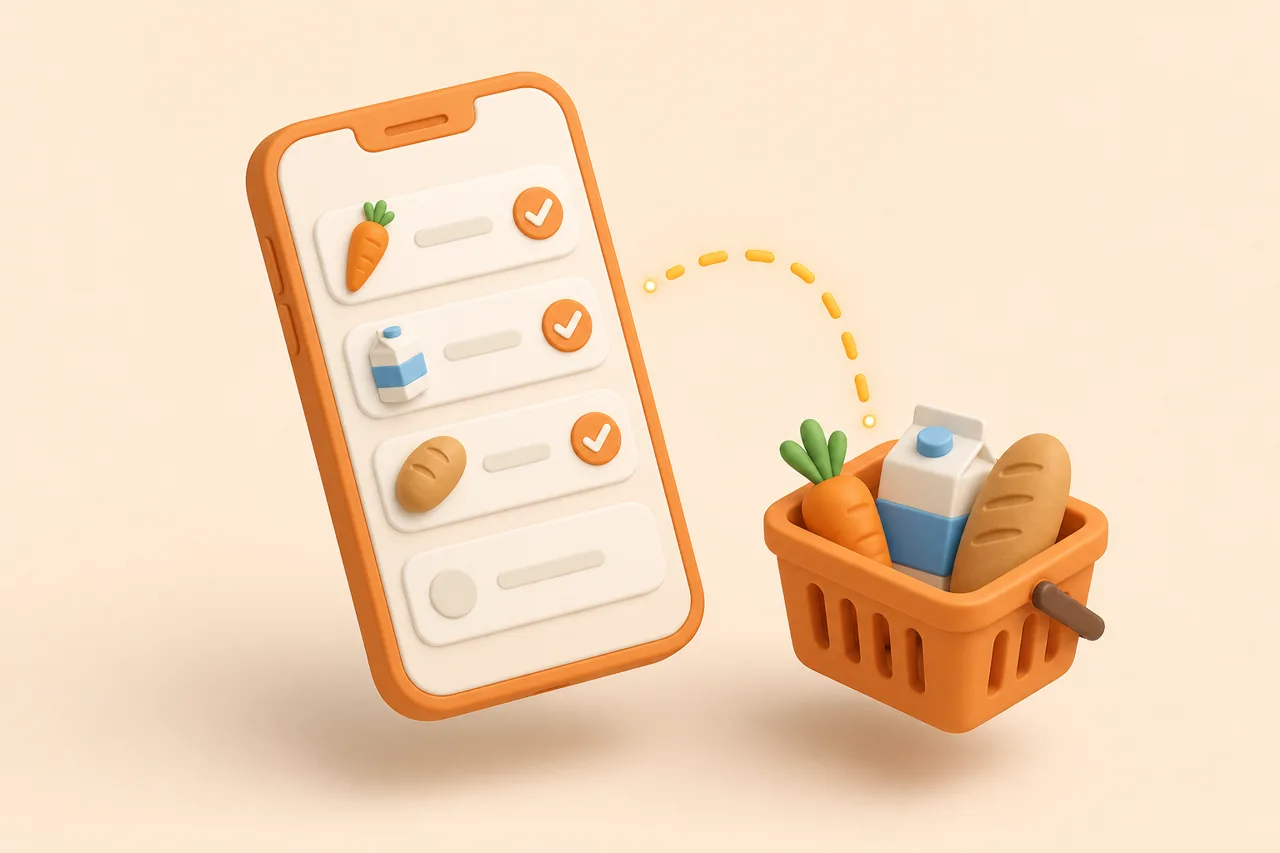
Two people, one list, and somebody comes home with the third jar of mustard. Sharing a grocery list is a coordination problem, and texting is the format that guarantees it stays one.
Two adults, one household, one list, and you still end up with 3 jars of mustard and no milk. The problem is not carelessness. A grocery list read by 2 people at different times in different aisles is a small distributed systems problem, and most households are running it over text messages.
This guide covers what actually breaks, how to divide a shop between 2 people without either of them calling the other, and where a planning app ends and a shared list app begins.
What is a shared grocery list?
A shared grocery list is a single list that more than one person can add to, tick off and see updated within seconds, with no copy anywhere else. The defining property is that there is exactly one live version, not that several people can see the same items.
That rules out most of what people call sharing. A screenshot, a text message and a read-only copy are all snapshots: accurate at the moment they were sent and wrong by the time anyone is standing in front of the shelves.
Why does texting a list fail?
A text message is immutable and a shopping trip is a stream of edits. The moment one person buys an item or remembers rice, the message on the other phone is out of date and there is no mechanism that tells anybody.
| Method | Live for both people | What breaks first | Reasonable for |
|---|---|---|---|
| Text message | No | Additions after sending, and 6 follow-up messages nobody scrolls | A 3-item errand |
| Photo of a handwritten list | No | Ticking off, and items added by the person at home | One shopper, no additions |
| Shared notes document | Roughly, with a delay | Two people editing the same line, no aisle order, no tick state | Low-frequency, low-conflict households |
| Whiteboard on the fridge | No, once anyone leaves | It is not in the shop with you | Capturing items as you run out |
| Dedicated shared list app | Yes | Little, if both people actually open it | Any household shopping together weekly |
| Plan-generated list | Depends on the app | Impulse additions that were never in the plan | Households that plan meals before shopping |
Everything above the last two rows shares the same defect: the list stops updating the moment it is sent. That single property causes every duplicate purchase in a household.
What breaks when 2 people edit one list?
Three failures account for nearly all of it, and each has a different fix. Naming them separately matters, because households usually try to solve all 3 with one rule and fix none.
Duplicate adds
Two people add the same thing in different words and the list quietly asks for both. Milk and semi-skimmed sit on separate lines, so you buy 4 litres.
Fix it with naming conventions rather than vigilance: add the generic noun first, then the qualifier. Write "milk, semi-skimmed, 2L" so the duplicate is visible when the list is sorted alphabetically or by aisle.
Stale copies
One person works from a screenshot taken an hour ago while the other has been editing. Nothing in the screenshot announces that it is out of date, which is what makes it worse than having no list.
The fix is structural: allow exactly one canonical list and delete every side copy, including the one in your head.
Unclaimed items
Both people assume the other is getting the bread. Unclaimed items are the failure that survives even a perfect real-time list, because ownership is not the same as visibility.
Fix it by assigning ownership before anyone leaves the house, which is the next section.
How do you decide who buys what?
Assign by store or by section, never item by item. Item-level assignment takes longer than the shop and falls apart the moment one person is standing in the wrong aisle anyway.
- 1Agree the trip shape first
One shop, or 2 stores in parallel? Decide before the list is split, because the split follows the trip, not the other way round.
- 2Split by store, then by section
Whoever is going to the supermarket owns everything except the greengrocer items. Inside one store, split ambient and chilled between 2 people and meet at the tills.
- 3Mark the 3 non-negotiables
Flag the items the week genuinely depends on. If the shop goes wrong, those get bought and the rest waits.
- 4Tick in the aisle, not at the car
Ticking on the spot is what keeps the other person's screen accurate. Ticking 12 items at the checkout removes the whole benefit.
- 5Add substitutions as you make them
If the recipe wanted crème fraîche and you bought soured cream, edit the line. The person cooking on Wednesday is reading this list too.
How do you split a shop across 2 stores?
Split by category, not by price. Chasing individual items across stores costs more in time and fuel than the difference on a pack of chicken, so make the division structural and stop reviewing it weekly.
- Bulk and ambient at the big store. Tins, dry goods, cleaning, frozen. This is the trip that justifies the car.
- Fresh and short-life at the local store. Bread, herbs, salad and anything you want to buy twice a week rather than once.
- Speciality in one named place. Halal butcher, Asian supermarket, the good cheese shop. One trip a month, not one a week.
- Tag every line with its store. An item with no store tag is an item nobody buys, so make the tag mandatory rather than optional.
- Give each store its own ticked-off state. Finishing store 1 should visibly clear that section, so the remaining list is short and obvious.
One warning about splitting: the second store is where plans die. If the tortillas are only available at the store nobody is going to on Thursday, change the meal rather than the route.
What are the rules of shared list etiquette?
Shared lists fail socially before they fail technically. Five conventions prevent the low-grade resentment that ends with somebody going back to a private list on paper.
House rules that hold
Pros
- Add the item the moment you finish the packet, not on shopping day
- Write quantities, because "cheese" means 200g to one person and a kilo to another
- Tick as you pick it up, so the other phone is accurate
- Say which meal an item is for when it is not obvious
- Let whoever is shopping make substitutions without a phone call
Cons
- Adding 9 items 10 minutes after the other person left
- Deleting someone's item because you personally would not buy it
- Keeping a private list of "the things they always forget"
- Treating a missed item as evidence the system does not work
The first rule does the most work. A list built continuously through the week needs no memory session on Saturday morning, which is the moment most households discover they disagree about what a shop is for.
In a household with children, ownership rules need one extra layer, because the person shopping is rarely the person who knows which yoghurt is acceptable. That coordination problem is handled in meal plan for a family.
How does ReciBites fit a shared household?
ReciBites is the layer that produces the list, not a live two-phone ticking surface. It plans the week from your saved recipes and turns that plan into one grocery list with duplicates merged and items grouped by supermarket aisle.
- 1Save recipes from TikTok, Instagram, YouTube, Pinterest, any website URL, or a photo of a cookbook page.
- 2Generate the weekly meal plan and agree the meals together, which is the decision that actually needs 2 people.
- 3Build the grocery list from the plan so duplicate ingredients merge into a single line with a summed quantity.
- 4Scale each recipe to the number of people eating before the list is generated.
- 5Work through the list grouped by aisle rather than by recipe, then split it by store section.
Be clear about the boundary. If your requirement is 2 phones ticking the same list in real time while you stand in different aisles, a dedicated shared list app does that job extremely well and you should use one. The trade-off is set out in ReciBites and AnyList.
The mechanics of turning recipes into a single merged list are covered in a grocery list from recipes, which is the half of the problem a planning app should own.
Which app should hold the shared list?
Choose by what your household argues about. Coordination problems and planning problems have different answers, and using one tool for both is how you end up with neither working.
- You argue about duplicates and forgotten items. You have a sync problem. Prioritise real-time shared lists above every other feature.
- You argue about what to eat. You have a planning problem. Fix the plan and the list writes itself.
- You want recipe discovery and shopping in one place. That combination is compared in ReciBites and Samsung Food.
- You want a shared planning board both people can edit. See ReciBites and Plan to Eat.
- You want the field surveyed first. Start from best grocery list apps.
- Canonical list
- The single authoritative copy of the list. Every other version, including screenshots and memory, is treated as out of date.
- Duplicate add
- The same product entered twice under different names, so the list requests two of something you needed one of.
- Ownership
- An explicit assignment of who is buying which part of the list, usually by store or by section rather than by item.
Frequently asked questions
+How do I share a grocery list with my partner?
Use a shared list app that syncs live on both phones, so additions and ticks appear on the other device within seconds. Texting a list only sends a snapshot.
+Why do we keep buying duplicates from a shared list?
Usually because the same product is entered under 2 names, or one person is working from an older copy. Write the generic noun first, then the qualifier.
+What is the best way to split a shop between 2 people?
Split by store or by section, never item by item. One person takes ambient and frozen, the other takes chilled and produce, and you meet at the tills.
+Can 2 people edit the same grocery list at once?
Yes, in a dedicated shared list app built for real-time sync. Shared notes documents work at low volume but handle simultaneous edits and tick states poorly.
+Should I text my partner the shopping list?
Only for a short errand. A message cannot be ticked off or added to, so anything you remember after sending it lives in a follow-up nobody reads.
+How do we stop arguing about the grocery shop?
Separate the two arguments. Duplicates and forgotten items are a sync problem; disagreements about meals are a planning problem. Different tools solve each one.
+Does ReciBites have a shared grocery list?
ReciBites builds the list from your meal plan, merging duplicates and grouping by aisle. For live two-phone ticking in the shop, a dedicated shared list app is stronger.
+How should housemates handle a shared list fairly?
Add items as you finish them, write quantities, tag each line with who wants it, and let whoever shops make substitutions without checking in.
- #grocery list
- #shared list
- #household
- #coordination