Social Media Imports
How to organize Pinterest recipes into a cookbook you use
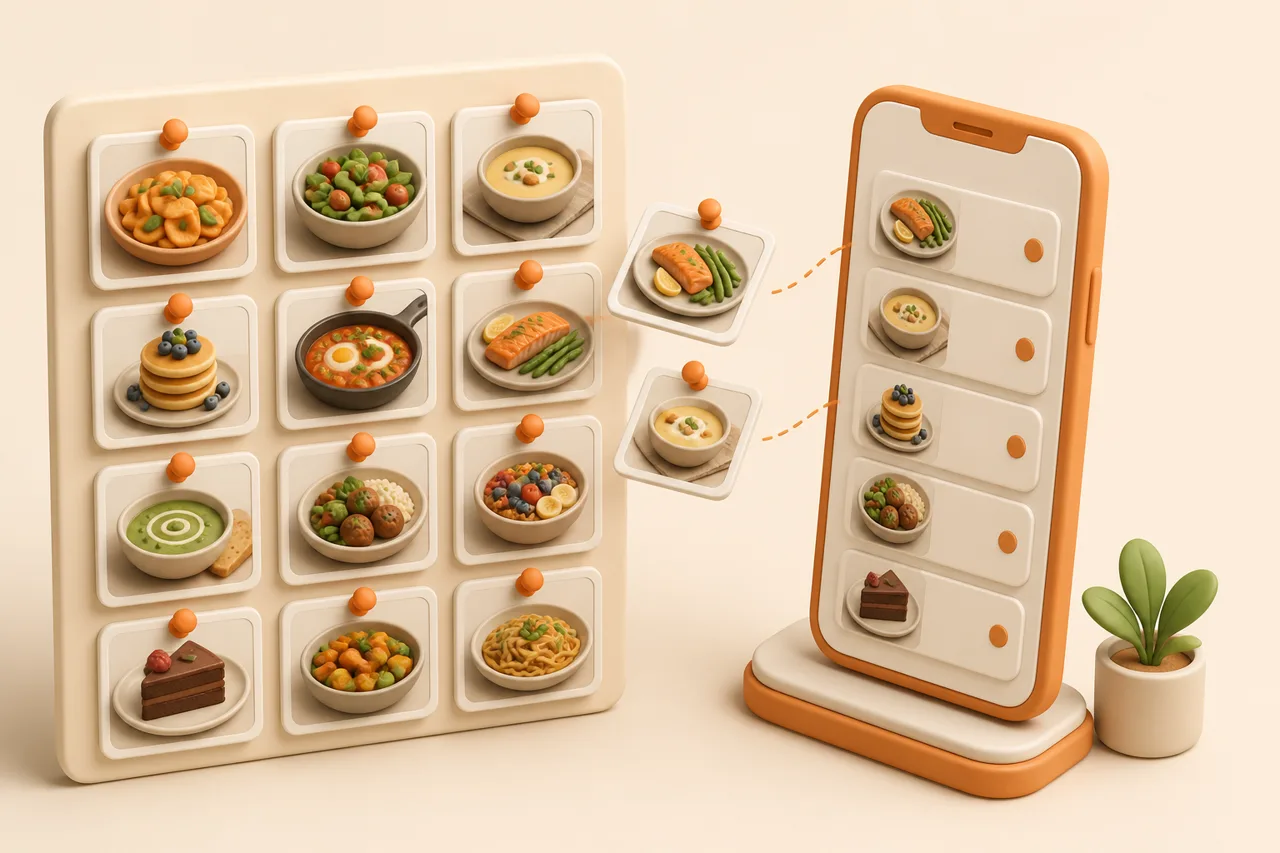
A Pinterest recipe board is a mood board, not a cookbook. Here is how to audit boards full of dead links and turn the pins that still work into recipes with quantities and steps.
Pinterest is the best recipe discovery tool most people own and the worst recipe storage most people trust. A board named Dinners with 400 pins looks like a cookbook, right up to the moment you tap one and land on a 404, a cookie wall, or a blog post with the recipe buried under 1,800 words about the author's trip to Tuscany.
This guide covers why boards decay, how to audit one in ten minutes, and how to convert the pins worth keeping into recipes you can shop from. Board rot is a specific case of why saved recipes get lost.
What is a Pinterest recipe pin?
A Pinterest recipe pin is an image plus a destination URL and a short description, stored on a board. It holds no ingredients, no quantities and no method of its own, so everything cookable about it lives on someone else's website.
That structure explains every frustration with recipe boards. Your board is a visual index of other people's pages, and its usefulness depends entirely on whether those pages still exist and still contain a recipe.
It also explains why boards feel productive. Pinning is a two-second action that produces a satisfying grid, and nothing in the interface tells you that a third of that grid no longer leads anywhere.
Why do Pinterest recipe boards go dead?
Boards go dead because the pin outlives the page it points at. The image is cached on Pinterest and keeps looking appetising for years after the recipe behind it has moved, been paywalled or been deleted.
- Dead destinations. The blog shut down, changed its URL structure, or moved the recipe behind an email signup.
- Pins that go nowhere. Some pins link to a homepage, a Pinterest profile, or an image file with no recipe attached at all.
- Bait pins. The photo shows a glossy traybake; the destination is a listicle of 30 traybakes, none of them that one.
- Recipe buried in filler. The page loads, the recipe exists, and it is 12 scrolls and 4 video ads down.
- Duplicate pins. The same recipe pinned four times from four aggregators, each with a slightly different photo.
None of this is fixable inside Pinterest, because you do not control the destinations. The fix is to copy the recipe text into something you own while the page still loads.
Age is the strongest predictor of failure. Pins from the last year mostly resolve; pins from five years ago are where the 404s cluster, which is why the audit below starts with the oldest ones.
How do you audit a recipe board in 10 minutes?
Sample the board instead of reviewing all of it, because the failure rate on a 20-pin sample tells you what to expect from the other 380. Work through it with a timer and be ruthless.
- 1Sort the board by oldest first
Old pins fail most, so starting there gives you the honest failure rate rather than a flattering one.
- 2Tap 20 pins in a row
Give each one about 15 seconds. You are answering one question: does a readable recipe with quantities appear on screen?
- 3Sort each into 3 piles
Works, buried but readable, or dead. Do not stop to read anything properly, and do not start cooking.
- 4Import the works and buried piles
Paste each surviving URL into ReciBites so the ingredients and steps become text you keep even after the blog disappears.
- 5Delete the dead pins
A pin that resolves to nothing costs you attention every time you scroll past it. Removing 60 dead pins makes the board honest.
What does a board become once you convert it?
A converted board becomes a searchable set of recipes with ingredients, steps, servings and a source link, which is what people wanted the board to be all along. The difference is measurable at cook time.
| Question you ask on a Tuesday | Pinterest board | Converted recipe library |
|---|---|---|
| What can I make with chicken thighs and yoghurt? | Scroll and hope the photo jogs your memory | Search by ingredient and get the 6 recipes that use both |
| What do I buy for 4 dinners? | Open 4 tabs, copy 4 ingredient lists by hand | One merged grocery list grouped by aisle |
| Is this recipe gluten-free? | Read the whole blog post to find out | Filter on the diet tag, or ask the AI assistant to adapt it |
| Can I halve this? | Do the arithmetic yourself, every time | Scale the servings and the quantities update |
| Does it still exist? | Only if the blog does | Yes. The text is stored in your library |
How do I import Pinterest recipes into ReciBites?
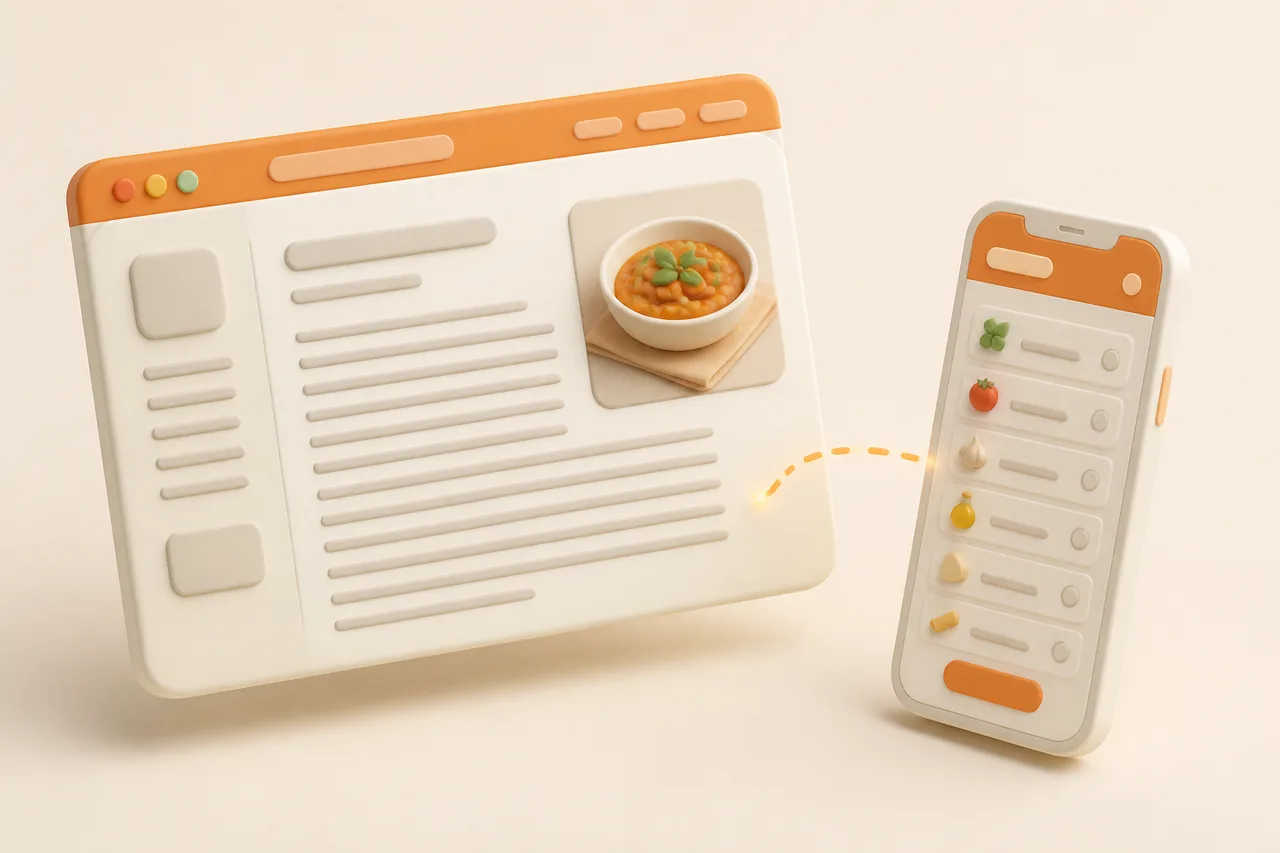
Copy the pin's destination link and paste it into ReciBites, which reads the underlying page and extracts the ingredients, quantities and steps. You are importing the recipe page, not the pin, which is why dead pins cannot be rescued.
Getting the destination URL from a pin
Open the pin, tap the source domain or the visit button, then copy the address from the browser. Copying the pin's own share link gives you a Pinterest URL, which is a picture of a recipe rather than a recipe.
If the destination is a recipe blog, the import behaves exactly like any other web page, following the same rules as saving recipes from a website.
Handling pins that only have an image
Screenshot the pin and import the image with OCR, because many aggregator pins are ingredient lists typed straight onto the photo. ReciBites reads text out of images, so an infographic pin becomes a structured recipe with editable quantities.
That path also rescues pins whose blogs have died but whose photo still carries the full ingredient list, which is more common than it sounds on older baking boards.
How should you structure boards after the cleanup?
Keep Pinterest for discovery and structure it by mood, then let your recipe library handle retrieval by ingredient and diet. Trying to make boards do both jobs is what produced the 400-pin mess.
Split the two jobs
Pros
- One inbox board for anything untriaged
- Mood boards for browsing: comfort, summer, baking projects
- Weekly habit: triage the inbox board, import the keepers
- Recipes retrieved from your library by ingredient, time or diet
Cons
- Twelve near-identical boards nobody remembers the names of
- Pinning the same recipe from four different aggregators
- Treating the board as the archive and the blog as the backup
- Leaving 400 pins untriaged and starting a fresh board
Two boards plus one library covers almost every home cook. If you also keep recipes on other platforms, fold them into the same library rather than adding another silo, the way saving Instagram recipes sets out.
Give the inbox board 5 minutes a week. Triaging 10 new pins while they are fresh is easier than facing 400 again in a year, and the keepers land in your library the same day you found them.
Which app should hold your converted boards?
Choose on how the recipes arrive, since Pinterest converts into web URLs plus a pile of images. Web clipping and OCR matter more here than video extraction.
- Mostly blog URLs from pins: clipper quality decides everything. See ReciBites vs Copy Me That.
- You want heavy folder and tag control: an organiser-first app appeals. See ReciBites vs OrganizEat.
- You still want a discovery feed: a network-style app keeps browsing built in. See ReciBites vs Samsung Food.
- Pin
- A saved image on Pinterest with a destination URL and description attached. Contains no recipe fields itself.
- Destination URL
- The web page a pin links to. This is what you import, since the recipe text lives there rather than on the pin.
- Aggregator pin
- A pin from a site that republishes other people's recipes, often as an image with the ingredients typed onto it.
- Link rot
- The slow failure of saved links as pages move or vanish, which is what turns an old board into a gallery of 404s.
Once the survivors are in one place, planning stops involving Pinterest at all: pick five recipes, get one list, shop once. The routine is in organizing digital recipes, and the shopping half is in grocery lists from recipes.
Frequently asked questions
+How do I organize my Pinterest recipes?
Audit a 20-pin sample for dead links, delete what no longer resolves, then import the survivors into a recipe app. Keep Pinterest for discovery and your library for retrieval.
+Why do my Pinterest recipes link to nothing?
The pin stores a cached image and a URL. When the blog moves, adds a paywall or shuts down, the photo survives while the recipe behind it disappears.
+Can I turn a Pinterest board into a cookbook?
Yes, by importing each pin's destination URL into a recipe app so the ingredients and steps become text you own. The board itself holds no recipe data.
+How do I save a Pinterest recipe permanently?
Import the destination page into ReciBites while it still loads. The extracted ingredients and steps stay in your library even if the original blog disappears.
+What do I do with a pin that is just an image?
Screenshot it and import the image. ReciBites uses OCR to read ingredient lists typed onto photos, which is how many aggregator pins are built.
+How many recipe boards should I have?
Two is usually enough: one untriaged inbox board and one or two mood boards for browsing. Retrieval by ingredient or diet belongs in a recipe app.
+Is Pinterest a good place to store recipes?
It is excellent for finding recipes and poor for keeping them. Pins depend on other people's websites staying online and unchanged, which many do not.
+How do I get a grocery list from my Pinterest recipes?
Import the recipes first so each has structured ingredients, then add them to a meal plan. Duplicates merge into one list grouped by supermarket aisle.
- #recipe boards
- #dead links
- #organizing