Social Media Imports
How to save recipes from any website without the life story
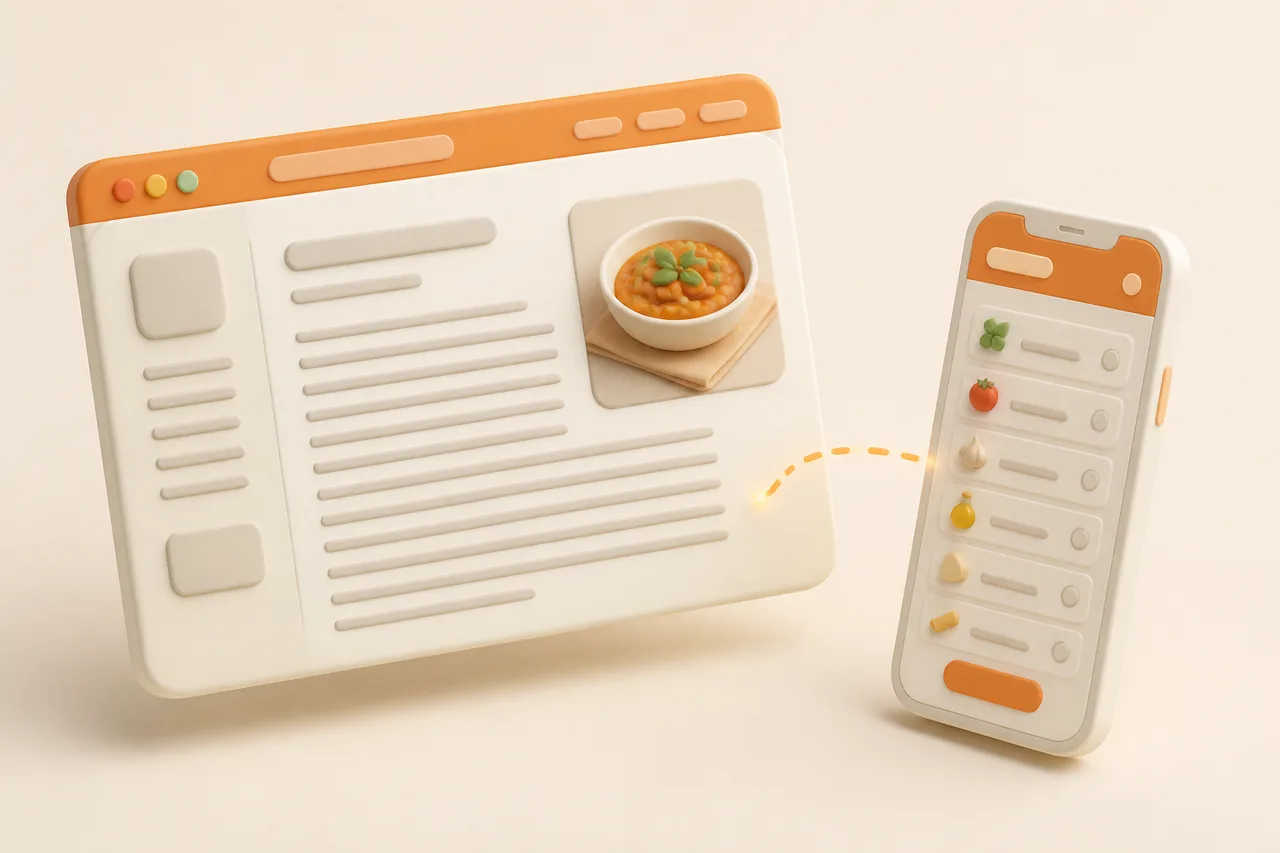
Recipe pages bury 12 ingredients under 900 words about a trip to Tuscany. Here are the 4 ways to get just the recipe out, and which one survives the page being deleted.
You searched for a lemon chicken traybake and got a childhood memory, a trip to Tuscany, 6 ad breaks and a video that follows you down the page. The recipe is 12 ingredients and 5 steps, somewhere past the fold.
Here is how to get only the recipe out of a web page, which method survives the page being deleted, and what to do about sites that actively block saving.
What does saving a recipe from a website mean?
Saving a recipe from a website means capturing the ingredients, quantities and method as text you own, separate from the page they were published on. Bookmarking is not saving, because a bookmark records an address and gives you no control over what is at that address next year.
The distinction decides everything else. If you keep only the link, the site's redesign, paywall or shutdown is also your redesign, paywall and shutdown.
Why are recipe pages full of preamble?
The preamble exists because recipes themselves are not copyrightable, but the writing around them is. A bare ingredient list can be copied legally by anyone, so a site's original story, testing notes and photography are what make the page defensible and what carry the advertising that pays for it.
Some of that padding is genuinely useful. Testing notes explain why the oven is at 220C, and substitution advice saves a dish, so worth scanning the preamble once before you strip it.
What are the 4 ways to save a web recipe?
There are 4 realistic methods, trading effort against how usable and durable the result is. Pick based on whether you are saving one recipe tonight or building a library.
| Method | Effort | What you get | Survives page deletion |
|---|---|---|---|
| Print view or Print to PDF | 10 seconds | Ingredients and method with ads stripped, as a fixed document | Yes, but not searchable or editable |
| Reader mode | 5 seconds | The article text without layout clutter, still including the preamble | No, unless you also save the text |
| Copy and paste into notes | 2 to 4 minutes | Plain text you control, with formatting you have to fix by hand | Yes |
| Import into a recipe app | 5 to 15 seconds | Structured fields: quantities, steps, servings, photo, source link, tags | Yes, and searchable and shoppable |
Print view is underrated and available on almost every recipe site, often as a small Print button beside the recipe card. It exists because publishers know readers want the recipe alone.
Use print view as a reading aid and an import aid at once. Where a clipper struggles with a cluttered page, the print layout is usually clean enough that copying its text gives you a tidy paste.
What is recipe schema, and why does it matter?
Recipe schema is machine-readable data embedded in a page that labels the ingredients, steps, cook time, yield and rating as separate fields. Most recipe publishers include it, usually as JSON-LD in the page source, because it is what makes a page eligible for rich results in search.
That markup is why a clipper can pull 12 ingredients cleanly from a page with 900 words of story. The app reads the labelled fields rather than guessing which paragraph is the method.
- Sites with clean schema import near-perfectly, including quantities, yield and total time.
- Sites without it fall back to text parsing, which is where stray lines like "Jump to Recipe" end up in your ingredients.
- Schema can be wrong. An author who typed the yield into the story but not the field leaves you a blank servings count.
- Ratings and nutrition are optional fields, so their absence is not an import failure.
You do not need to inspect any of this. It only explains why one site imports flawlessly and the next one loses half the method, which is the same variability described in AI recipe extraction accuracy.
How do I save a recipe from a site that blocks clippers?
Fall back to your screen when the page will not give up its text. Paywalls, login walls and aggressive bot protection all break URL-based imports, and each has a different workaround.
| Blocker | What you see | What to do |
|---|---|---|
| Hard paywall | A subscribe prompt after 2 paragraphs | Open it in the publisher's own app where you are signed in, then screenshot and run OCR |
| Login wall | The recipe loads for you but not for the importer | Screenshot the ingredients and method, then import the images |
| Bot protection | The import returns an error or an empty recipe | Use print view, copy the text, and paste it in manually |
| Recipe inside a video only | A page whose recipe is a link to an embedded clip | Extract from the video instead of the page |
Screenshot plus OCR is the universal fallback, because anything you can see, you can capture. ReciBites reads recipes out of screenshots and photos as well as URLs, and the batching approach is in saving recipes from screenshots.
Respect the obvious limit here: use these to keep a personal copy of a recipe you have legitimate access to, not to redistribute someone's paid work.
How do you make a saved recipe outlive the page?
Store the text and treat the link as a citation rather than the record. Web recipes rot in quieter ways than social posts, which is why people notice only when they go to cook.
- 1Capture ingredients and method as editable text, never as a link alone.
- 2Keep the source URL and author name in the recipe so credit survives and you can check for updates.
- 3Save the notes you would miss, including pan size, oven type and any substitution the author recommends.
- 4Add your own line after cooking it, such as "needed 10 minutes longer", which no republished copy will ever have.
The wider failure pattern, including the silos web bookmarks create, is diagnosed in why saved recipes get lost.
What survives, and what quietly does not
Pros
- Imported text with the source URL attached, which stays readable after a redesign
- Your own cooking notes, which exist in no other copy anywhere
- Author and publication names, so you can credit and re-find the original
- A local photo of the finished dish, saved at import time
Cons
- Browser bookmarks, which break on any URL change
- Links to pages that later move behind a subscription
- Screenshots with no method captured, only the ingredient panel
- Pinned tabs and open windows treated as storage
How do I clean up an imported web recipe?
Spend 20 seconds on 4 checks, in this order. Imports fail in consistent ways, so a fixed checklist is faster than reading the whole thing.
Do this at import time rather than on the night you cook. A quantity you correct now takes 5 seconds, and the same correction at the stove costs you the dish.
- 1Scan for navigation text
Delete stray lines such as "Jump to Recipe" or "Print" that text parsing picks up. They are harmless but they clutter search results later.
- 2Check the units match your kitchen
US sites publish in cups and Fahrenheit. Convert once at import so you are not doing arithmetic with flour on your hands.
- 3Confirm servings and total time
These two fields are the most commonly missing, and both are needed before scaling or planning works properly.
- 4Tag it by protein and occasion
Two tags at save time is the minimum that keeps search useful once the library passes 100 recipes.
Which app saves web recipes best?
Choose on where the majority of your recipes come from, since clipper strength and video extraction are different engineering problems. A library that only clips web pages leaves your saved videos stranded.
- Mostly blogs, large archive: desktop clipping and export matter most, see ReciBites vs Paprika.
- Apple-only with a big web habit: compare the clippers in ReciBites vs Pestle.
- Clipping awkward or unusual sites: parsing behaviour differs, see ReciBites vs ChefTap.
- A mix of web and social: one library beats two, covered in best recipe manager apps.
ReciBites takes any website URL alongside TikTok, Instagram, YouTube, Facebook and Pinterest links, plus photos of cookbook pages, so blog recipes and saved Reels land in the same searchable library and the same grocery list.
The mechanism behind that is covered in what a recipe importer does, including which sources extract reliably and what to check afterwards.
Frequently asked questions
+How do I save just the recipe from a website?
Use the page's print view to strip ads and preamble, or paste the URL into a recipe app, which reads the page's recipe markup and saves the ingredients and steps as editable text.
+Why do recipe websites have such long introductions?
Recipes themselves are not copyrightable, but the surrounding writing is. The story, testing notes and photos make the page original and carry the advertising that funds it.
+What is recipe schema markup?
Machine-readable data embedded in a recipe page that labels ingredients, steps, cook time and yield as separate fields. Recipe apps read it to import a recipe cleanly.
+Can I save a recipe from a site with a paywall?
For content you have access to, open it where you are signed in, screenshot the recipe, and import the images using OCR. Keep the copy personal rather than republishing it.
+What happens if a recipe website shuts down?
Any bookmark you saved stops working. A recipe saved as text keeps working, which is the main reason to import rather than bookmark.
+Does reader mode save recipes?
No. Reader mode only strips the page's layout while you read it. Nothing is stored, so you still need to save the text somewhere you control.
+Why did my recipe import lose the ingredient quantities?
Usually because the page has no recipe markup, so the importer parsed raw text. Check the amounts against the page and correct them before shopping.
+Can I import a recipe website into the same app as my TikTok saves?
Yes. ReciBites accepts website URLs and social video links in one library, so web and video recipes share the same search, tags and grocery list.
- #web recipes
- #recipe clipper
- #bookmarks
- #recipe schema