Social Media Imports
What is a recipe importer, and how does it read a video?

An importer is the difference between a saved link and a recipe you can cook, scale, shop for and check against a diet. Here is what it actually does.
Saving a recipe and importing one are different actions with very different results. Saving stores a pointer: a bookmark, a link, a video in a folder. Importing reads the recipe and writes it down as data.
The distinction sounds pedantic until you try to shop for 5 saved recipes at once. This article explains what an importer extracts, which sources are reliable, and what to check before you cook.
What is a recipe importer?
A recipe importer is a tool that takes a source, a URL, a social video, a screenshot or a photograph of a page, and produces a structured recipe: a title, a yield, a list of ingredients with quantities and units, and an ordered method.
The word doing the work is structured. In a saved link, the phrase 2 tbsp olive oil is a piece of text inside a paragraph. After import it is a record with a quantity of 2, a unit of tablespoons and an ingredient of olive oil. Software can add that to another recipe's oil, halve it, or notice it is not an allergen.
Everything useful downstream depends on that conversion. A recipe with no structured ingredients cannot be scaled from 4 servings to 2, cannot contribute a line to a merged shopping list, and cannot be checked against a dietary rule. The importer is the foundation, not a convenience.
What does an importer extract?
A good import produces 5 fields, and the last 2 are the ones cheap importers skip.
- 1Title. Something you would search for later, rather than the post's caption.
- 2Yield. How many servings, without which no quantity means anything.
- 3Ingredients. Quantity, unit and name, separated rather than left as a sentence.
- 4Method. Ordered steps, with the temperatures and times kept in place.
- 5Source. A link back to the original, so you can rewatch the technique.
Yield is worth a moment. An ingredient list without a serving count is unusable for planning, because 400 g of pasta is a light dinner for 4 or a large one for 2, and the shopping list inherits the error.
How does an importer read a video?
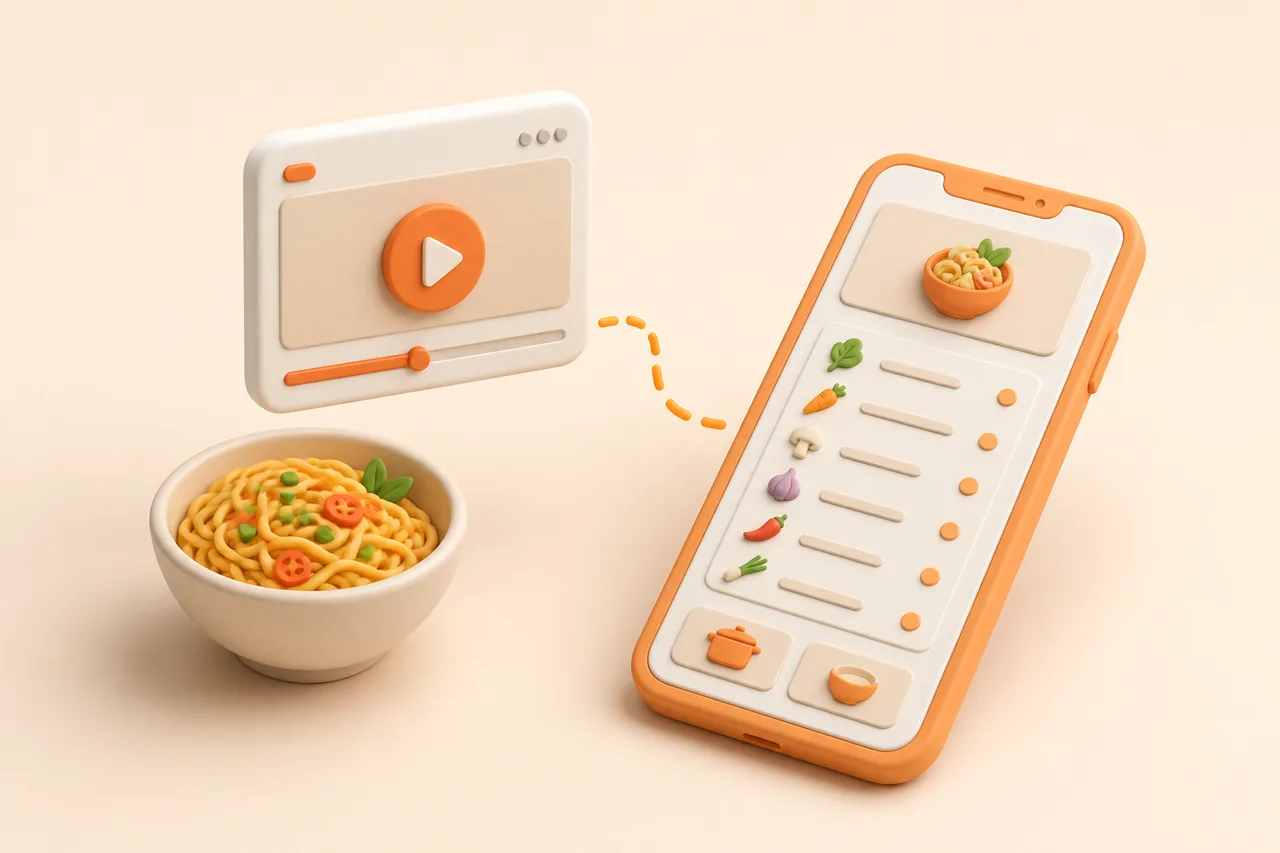
A 40-second reel usually contains no written recipe at all. Extracting one means reading 3 separate channels and reconciling them, which is why video import arrived years after web import.
The caption often holds a partial ingredient list. The on-screen text holds quantities that flash up during the pour. The audio holds the parts nobody wrote down, such as the oven temperature said out loud at the end. A capable importer reads all 3, which is the approach described in extract a recipe from a video.
Reconciliation is where judgement enters. If the caption says 200 g of flour and the on-screen text says 250 g, something has to choose. That is also why video imports deserve a glance before you shop, unlike a web import from a well-marked-up recipe page.
Which sources import most reliably?
Reliability tracks how much structure the source already has. A recipe blog with proper markup is close to a data transfer. A photograph of a relative's handwriting is a reading problem.
| Source | Reliability | What to check |
|---|---|---|
| Recipe website with markup | Very high | Yield, occasionally the wrong one is tagged |
| Any other web page | High | Ingredients split from the surrounding prose |
| Screenshot of a recipe | High | Anything cropped off the edge |
| Photographed cookbook page | Good | Fractions and 2-column layouts |
| Social video with a full caption | Good | Quantities against the on-screen text |
| Social video with no caption | Variable | Everything, especially the oven temperature |
| Handwritten card | Variable | Fractions, abbreviations, faded ink |
None of this makes the harder sources not worth importing. A card in your grandmother's handwriting is exactly the recipe worth 30 seconds of checking, and digitize handwritten recipe cards covers photographing them well.
What should you check after importing?
Four fields account for nearly every import error worth catching. Checking them takes about 20 seconds and saves the kind of mistake you only discover with the oven already on.
- Yield. Does the serving count match the quantities?
- Units. Tablespoons read as teaspoons, or grams as millilitres, change a dish completely.
- Oven temperature. Frequently spoken rather than written, so frequently missing.
- Anything expensive. A 900 g cut of meat read as 90 g is the error that ruins a shop.
The honest position on accuracy is that import is very good and not perfect, which how accurate is AI recipe extraction covers in more detail. Treat it as a draft that removes the typing rather than a transcription you never look at.
How is an importer different from a bookmark?
This is the confusion worth clearing up, because both actions take 2 seconds and one of them produces nothing you can use.
A bookmark is a claim on somebody else's hosting. It points at a page or a post, and it depends on that page still existing, still being public and still being findable by you in 6 months. Creators delete posts, switch accounts and go private, and recipe blogs get restructured. When any of that happens, the bookmark becomes a dead reference to a dish you can no longer make.
An imported recipe is text you hold. It survives the original disappearing, it can be searched by ingredient rather than by whatever the caption happened to say, and it can be edited when you decide the recipe needs 20 minutes less in the oven than it claims. That durability argument is the same one behind back up your recipes.
There is a middle case worth naming: an importer that keeps the source link alongside the extracted text. That gets you both, since the structured version is what the software works with and the original is still there when you want to rewatch how a dough was handled.
What can you do once recipes are structured?
This is the reason importing matters more than saving. Once a week's recipes are data, 4 jobs become automatic that were previously manual.
| Job | With a saved link | With an imported recipe |
|---|---|---|
| Cooking for 2 instead of 4 | Mental arithmetic | Scales automatically |
| Shopping for 5 recipes | Write the list by hand | One merged, aisle-sorted list |
| Checking a dietary rule | Read every line yourself | Flags the ingredient and suggests a swap |
| Finding it in 3 months | Scroll a folder | Search by ingredient or title |
| Cooking from the fridge | Not possible | Matches recipes to what you have |
If you want to see the same idea applied to a specific platform, save Instagram recipes walks through one import end to end, and a manager for social recipes covers what an app needs beyond the import step itself.
For how importers differ between apps, ReciBites vs Paprika covers a library-first tool, ReciBites vs ReciMe covers a video-first one, and ReciBites vs Copy Me That covers a free web clipper.
- Structured recipe
- A recipe stored as separate fields, with each ingredient split into quantity, unit and name rather than left as a sentence.
- OCR
- Optical character recognition. Reading text out of an image, used for screenshots, cookbook pages and handwritten cards.
- Yield
- The number of servings a recipe produces. Without it, no ingredient quantity can be scaled or planned.
- Recipe markup
- Hidden structured data on a recipe web page that tells software which text is an ingredient and which is a step.
Frequently asked questions
+What is a recipe importer?
A tool that turns a link, video, screenshot or photo into a structured recipe: title, yield, ingredients split into quantity and unit, and ordered steps.
+How is importing different from saving?
Saving stores a pointer to the original. Importing reads the recipe and writes it down as data, which is what makes scaling, grocery lists and dietary checks possible.
+Can a recipe importer read a video?
A capable one reads the caption, the on-screen text and the audio, then reconciles them. Video imports are worth a quick check before you shop.
+Which sources import most accurately?
Recipe websites with proper markup, then any web page, then screenshots. Videos without captions and handwritten cards are the most variable.
+What should I check after an import?
Yield, units, oven temperature and any expensive ingredient. Those 4 fields account for nearly every error worth catching, and checking takes 20 seconds.
+Do I need an importer if I only cook from websites?
It still helps, because structured ingredients from several recipes can be merged into one shopping list and scaled to the number of people eating.
+Can an importer read handwriting?
Yes, through OCR, with more review needed. Fractions, abbreviations and faded ink are the usual sources of error on old cards.
+Does importing keep a link to the original?
A good importer does, so you can rewatch a technique or check the original page if a step looks wrong after extraction.
- #recipe import
- #social media
- #ai
- #organisation