Roundups and Guides
How to switch from recipe cards to an app
Digitising a recipe box fails when you start at card one and work forwards. Treat it as a project with triage, batches and a finish line instead.
Most recipe box migrations die around card 40. The person starts at the front, photographs everything in order, hits a run of recipes nobody has cooked since 1998, and quietly stops.
Run it as a project instead. Triage first, digitise the useful third, batch the rest, and set a finish line you can actually reach with a box of 200 cards.
What does switching from recipe cards to an app involve?
Switching from recipe cards to an app means photographing each card, converting the writing into editable text, checking the result, and adding enough labels that the recipe can be found again. The photography is the fast part and the checking is the whole job.
Budget your effort accordingly. A phone photograph takes 5 seconds, text extraction takes a moment more, and reading the output against the card to catch a misread 1/2 takes about a minute. Multiply that minute by the size of your box and you have the real schedule.
The other half of the definition is what you gain. A digitised card can be searched by ingredient, scaled from 4 servings to 6, added to a meal plan and turned into a shopping list, none of which a card in a tin can do.
How do you triage a recipe box?
Sort the whole box into 3 piles before you photograph a single card. Triage is the step that keeps the project finite, and it takes about 20 minutes for 200 cards because you are judging each one in 5 seconds.
| Pile | What goes in it | What you do with it |
|---|---|---|
| Cook | Dishes you have made in the last 2 years | Digitise first, tag properly, cook from the app this month |
| Keep | Family or sentimental recipes you rarely cook | Photograph for the record, transcribe later, story attached |
| Let go | Clippings, duplicates and recipes nobody remembers | Photograph the pile in bulk, or recycle without guilt |
Handle each card once. If you catch yourself reading a recipe rather than sorting it, put it in the cook pile and move on, because the reading is what turns 20 minutes into an afternoon.
Expect the cook pile to be small. Most boxes of 200 hold about 30 recipes in active use, and that ratio is good news: it means the useful part of the project is a couple of evenings rather than a month.
What should you digitise first?
Digitise the 30 recipes you cook most, not the ones you are most afraid of losing. Value comes from using the app this week, and a library of 30 dishes you genuinely make is more useful than 200 you do not.
- 1The weeknight rotation, roughly 10 to 15 dishes, which gives you a working app immediately.
- 2The dishes other people ask you for, because those are the ones you send by message and retype every time.
- 3Anything fragile, meaning cards that are torn, faded or written in pencil that is already ghosting.
- 4Recipes with only one copy in the world, especially handwritten family entries.
- 5Everything else, in batches, once the app is already part of your week.
This order also gives you an early read on quality. If extraction handles your 30 most-used cards well, the rest of the box will be fine; if it struggles, you have lost an evening rather than a month.
Resist digitising the box in card order. Alphabetical or as-filed order guarantees your first hour is spent on recipes with no claim on your attention, and enthusiasm is the resource you are actually rationing.
How do you batch the photography?
Work in sittings of about 20 cards and check the text in the same sitting. Photographing 200 cards in one burst feels efficient and leaves you with 200 unchecked entries, which is the recipe box again with worse handwriting.
- 1Set up once, near a window
Plain dark surface, indirect daylight, phone held square above the card. A fixed setup means every photo after the first is 5 seconds of work.
- 2Photograph 20 cards without stopping
Flatten each card, fill the frame, shoot both sides where the back carries variations or dates. Do not read them yet.
- 3Import the batch
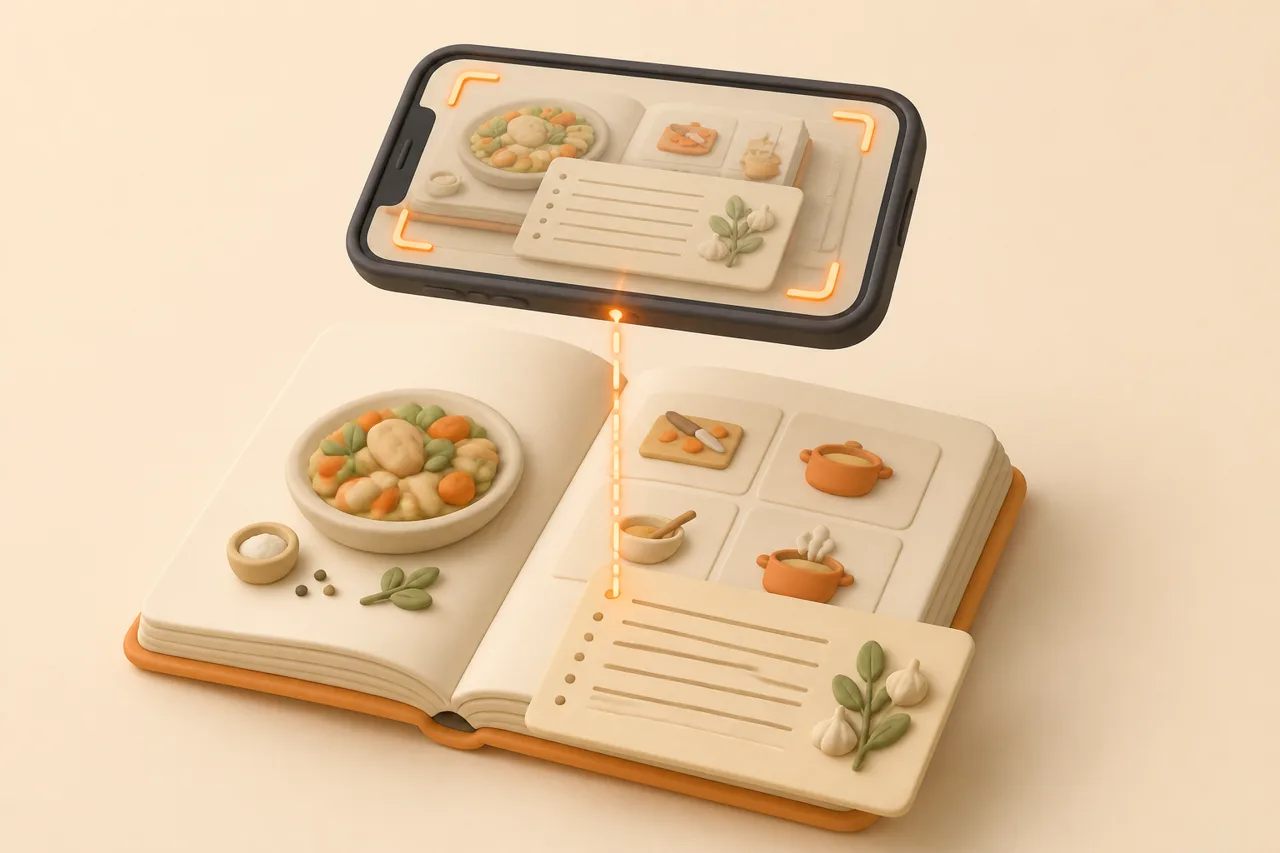
ReciBites reads photographs of handwritten cards through OCR and returns editable recipes with ingredients and steps split into fields.
- 4Check numbers, not prose
Scan for quantities, oven temperatures and times. Misread words are obvious later; a misread quantity is not, and it ruins a bake.
- 5Add 2 tags and a better title
One tag for what it is, one for when you cook it, and a title you would search for. Ten seconds now, or a lost recipe later.
Cards written in ballpoint on lined index cards extract well. Pencil, faded ink and recipes written diagonally in the margin need more correction, and the techniques for those are in digitising handwritten recipe cards.
Keep a reject stack beside you for cards the app cannot read. Three or 4 per hundred is normal, and typing those by hand at the end is faster than fighting the same card 3 times in the middle of a batch.
How long does 200 cards take?
Plan for 4 to 6 hours in total, spread over 5 or 6 sittings rather than a single weekend. The variation comes almost entirely from handwriting quality, not from the number of cards.
| Stage | Time for 200 cards | Notes |
|---|---|---|
| Triage into 3 piles | About 20 minutes | Five seconds a card, no reading |
| Photographing | About 45 minutes | Roughly 20 cards per 5-minute batch |
| Checking extracted text | 2 to 3 hours | Around a minute a card, longer for pencil |
| Tagging and titles | About 40 minutes | Ten seconds a card if you do it while checking |
| Cooking the first 5 | One week | The only stage that proves the migration worked |
Bound cookbooks are a separate project with a different technique, covered in scanning a cookbook. Do not mix the 2 jobs in one sitting, because the setups fight each other.
What do you do with the physical originals?
Keep them. A photograph is a copy, and the card carries handwriting, stains and marginal notes that are part of what you were preserving in the first place.
- Keep the cook pile accessible, since some people will always prefer paper for a familiar dish.
- Store the keep pile flat, in a box away from heat and damp, rather than in the kitchen.
- Photograph before repairing anything. Tape ages badly and can lift ink when removed.
- Recycle only true duplicates, meaning printed clippings you can find again online.
- Tell one other person where the box is, which is the cheapest backup available.
Photographs of the cards themselves are worth attaching to the digital recipe, not just the transcribed text. The image settles arguments about what a word said and keeps the handwriting visible to anyone who opens the entry.
Where the cards carry family history, the interviewing and provenance work in organising family recipes is worth doing before the paper is packed away.
How do you know the switch worked?
The migration succeeded when you cook from the app without reaching for the box. That is the only test, and it usually happens in the second week rather than the first. Counting how many recipes you imported measures effort, not success, and the 2 numbers are easy to confuse while a project is going well.
Tidy the library while it is small, using the tagging and naming approach in organising digital recipes, then take an export so the work is not trapped in one app.
Set a finish line and name it out loud: the cook pile digitised, the keep pile photographed, the let-go pile dealt with. Projects without an end state turn into hobbies, and a recipe box is a poor hobby.
If a plain, one-time-purchase archive suits you better than a subscription, compare ReciBites vs Recipe Keeper. For the cheapest route to storing a large collection, see ReciBites vs Copy Me That.
Frequently asked questions
+How do I get my recipe cards into an app?
Photograph each card flat in daylight and import it into an app with OCR, such as ReciBites, then check the quantities and add a searchable title.
+What is the fastest way to digitise a recipe box?
Triage into cook, keep and let go, photograph in batches of about 20, and check the extracted text in the same sitting rather than saving it all for later.
+How long does it take to digitise 200 recipe cards?
Roughly 4 to 6 hours in total across several sittings. Photography is under an hour; checking the extracted text is the bulk of the work.
+Which recipes should I digitise first?
The 30 you actually cook. A working app in week one keeps the project alive, while starting with the oldest cards usually stalls it.
+Should I keep my recipe cards after scanning them?
Yes. The handwriting and notes are part of the record, and paper is a genuine backup. Store the cards flat, away from kitchen heat and damp.
+Does OCR work on handwritten recipes?
It works well on clear ballpoint writing and struggles with faded pencil or cramped margins. Check quantities and oven temperatures on every card.
+Can I photograph several cards at once?
Photograph them one at a time. Multiple cards in one frame lowers resolution per recipe and forces you to split the text apart afterwards.
+What if the card is missing an oven temperature?
Add your tested setting as a note rather than guessing silently. Old cards assumed a kitchen the writer knew, so record what worked in yours.
- #migration
- #recipe cards
- #ocr
- #organising