Social Media Imports
How to save YouTube recipes without rewatching the video
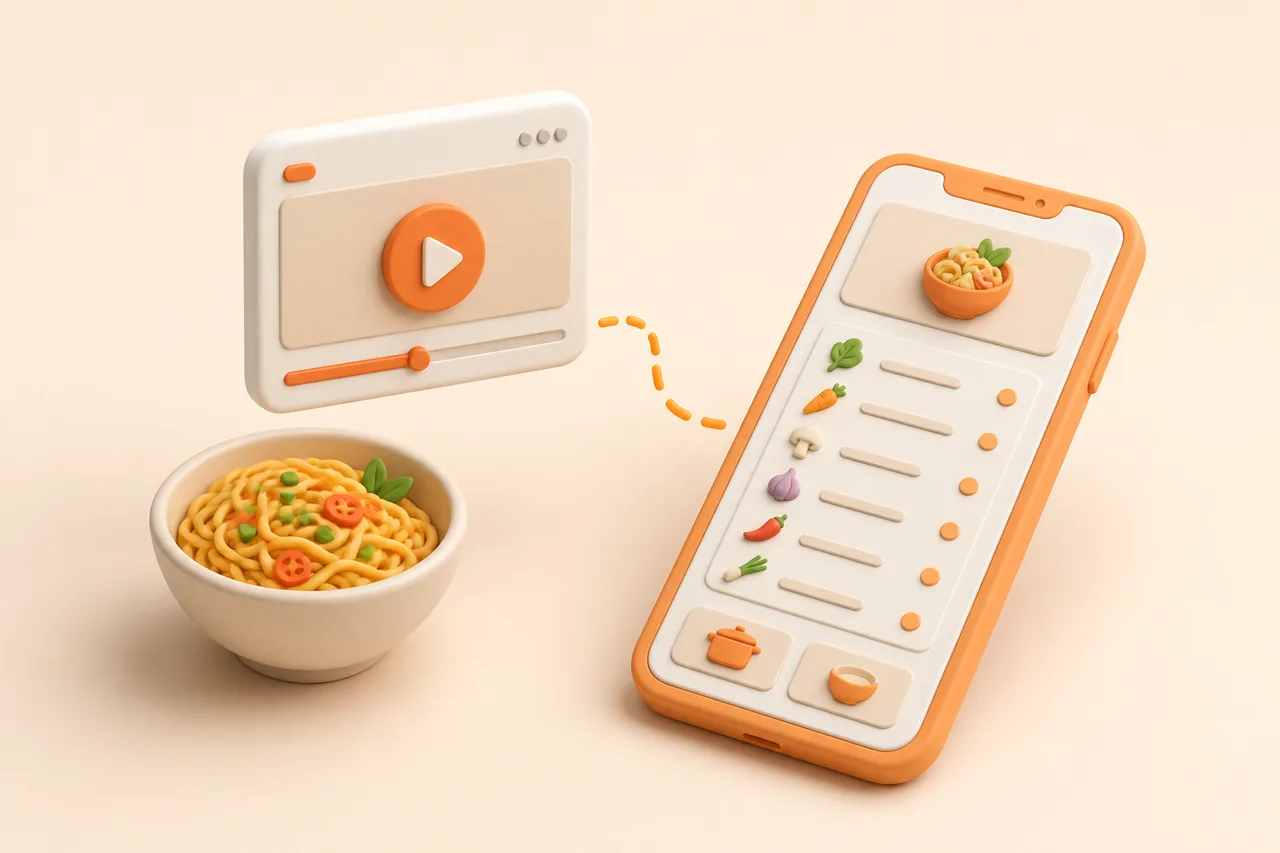
A YouTube cooking video hides its recipe in three places: the description box, the chapter markers and the transcript. Here is how to get all of it out once and never scrub the timeline again.
A 20-minute YouTube cooking video contains maybe 90 seconds of information you need at the stove. The rest is the intro, the sponsor read, the tangent about knife steel and the taste test, and you scrub past all of it every single time you cook the dish.
Long-form video is the richest recipe source and the worst storage format. This guide covers the three places a YouTube recipe hides, how to pull them into one text recipe, and when a timestamp is still worth keeping. The general case is covered in extracting a recipe from video.
What is a YouTube recipe extraction?
YouTube recipe extraction is the process of reading a video's description, chapters and spoken transcript, then writing the ingredients, quantities and ordered steps into separate fields you can search and shop from. The video stays where it is; only the recipe moves.
Extraction differs from bookmarking in what you own afterwards. A playlist entry gives you a link and a thumbnail, while an extracted recipe gives you a checkable list, editable amounts and a method you read one line at a time.
Where does the recipe hide in a YouTube video?
The recipe sits in three layers, and creators put the useful part in a different layer depending on how their channel is set up. Check all three in this order and you will rarely need the timeline.
- 1The description box. The single best source when it exists: quantities, oven temperatures, tin sizes, often the full method. Collapsed behind "more" on mobile.
- 2Chapter markers. The creator's own outline of the cook, which maps almost one-to-one onto recipe steps.
- 3The transcript. Every spoken word with a timestamp attached, including the amounts a creator says but never types.
Older videos are the awkward case: no chapters, a description that is three affiliate links, and a recipe that exists only as speech. That is exactly where automated extraction earns its keep, because the alternative is transcribing 20 minutes by hand.
Watch for the mismatch between layers as well. A creator who improvises on camera will say "two big spoons of gochujang" while the description says 30 grams, and the written number is the one they tested.
How do the 4 ways to save a YouTube recipe compare?
There are 4 realistic methods, and they trade minutes now against minutes every time you cook. Anything you cook more than twice deserves the structured version.
| Method | Time per recipe | What you end up with | Best for |
|---|---|---|---|
| Save to a playlist | 3 seconds | A video link. You scrub the timeline every time you cook. | Deciding later whether you care |
| Copy the description box | About 1 minute | Raw text with affiliate links and no step structure. | Channels that publish full recipes in the description |
| Read the transcript and type it up | 10–20 minutes | Accurate text you control, at real cost in time. | One heirloom technique video |
| Import the URL to a recipe app | 10–20 seconds | Structured recipe: quantities, ordered steps, source link, searchable tags. | Anyone saving more than a few videos a month |
How do I import a YouTube recipe into ReciBites?
Paste the video URL into ReciBites and it reads the description and the spoken audio together, then writes one recipe with separate ingredient and step fields. Long videos take a few seconds more than short ones, which is still faster than opening the description.
- 1Copy the video URL
Use Share, then Copy link. A
youtu.beshort link, a full watch URL and a Shorts URL all work, and you do not need to download anything. - 2Paste it into Add recipe
Open ReciBites, tap Add recipe and paste. On iOS and Android you can also share from the YouTube app straight into ReciBites.
- 3Compare the ingredients against the description
Expand the description once and read the parsed list beside it. Description quantities are usually the creator's tested numbers, so they win any disagreement.
- 4Keep 1 or 2 timestamps
Paste
07:12 shaping the doughinto the notes for the step you genuinely need to see. Two timestamps is useful; twelve is a transcript. - 5Set servings and tag it
Record the servings the creator cooked for, then add a protein tag and an occasion tag so the recipe surfaces in search later.
How accurate is extraction from a long video?
Accuracy is high for anything stated out loud or typed in the description, and weakest for amounts shown only on camera. Long videos actually help, because a creator narrating for 20 minutes repeats quantities that a 30-second clip would skip.
- Reliable: ingredient names, step order, oven temperatures, stated timings, tin and pan sizes mentioned aloud.
- Needs a glance: "a good pinch", "about that much", and quantities only visible on a scale in shot.
- Worth adding yourself: resting times and doneness cues, which creators show visually and rarely state.
Budget 15 seconds per import to sanity-check the amounts against the description. The correction is permanent, unlike a mental note. There is more on where video parsing struggles in how accurate AI extraction is.
What do you do when the description has no recipe?
Fall back to the transcript, because every spoken quantity is in there as searchable text. Open the transcript panel, skim for numbers and units, and you will usually reconstruct the ingredient list in under two minutes.
Reading a transcript efficiently
Scan for digits and unit words rather than reading top to bottom. Grams, cups, tablespoons, minutes and degrees cluster around the two moments that matter: the ingredient walk-through near the start and the oven step in the middle.
Chapters make this faster still. A chapter called "the sauce" tells you which 90 seconds of transcript holds the sauce quantities, so you read a tenth of the text.
When the creator links a blog instead
Follow the link and import the web page rather than the video, since a written recipe beats a spoken one for structure. The description link is often the same recipe with tested weights and a printable format, and importing a URL follows saving recipes from a website.
Why do playlists fail as a recipe library?
Playlists fail because they index videos by title, not by what is in them. "Chicken" finds the videos with chicken in the title and misses the one where the thighs appear at minute nine.
Playlist versus imported recipe
Pros
- Imported recipes are searchable by ingredient, not just title
- Quantities stay editable after you halve them once
- Ingredients merge into one grocery list across several videos
- The recipe survives a deleted video or a private channel
Cons
- Playlists need the whole timeline scrubbed at cook time
- Region blocks and takedowns break saved links
- No servings, cook time or diet fields to filter on
- Video saves stay separate from your blog and cookbook recipes
The merge point is the practical win. Three video recipes in one week produce one shop instead of three, and duplicate onions become a single line.
Long-form video also mixes badly with short-form saves. If half your recipes arrive as 40-second clips, handle both in one library rather than two, using the same routine as saving TikTok recipes.
Which app handles YouTube recipes best?
Choose on the mix of sources you actually save from, since video import and web clipping are different engineering problems. Video-first cooks should weight transcript handling highest.
- Mostly long-form video: you need audio and description parsing, not a clipper. See ReciBites vs Pestle.
- Video plus a lot of blogs: clipper quality matters as much as extraction. See ReciBites vs Umami.
- You want a polished Apple-only library: a native app trades away import breadth. See ReciBites vs Mela.
- Description box
- The text panel under a YouTube video, collapsed on mobile. Often holds the creator's tested quantities and method.
- Chapter marker
- A timestamped section the creator defines, shown as segments on the progress bar. Maps closely to recipe steps.
- Transcript
- The time-coded text of everything spoken in the video, available from the video's menu on desktop and mobile.
- Timestamp note
- A saved reference such as 07:12, kept on a recipe so you can jump to a technique without watching the whole video.
Work through your playlist once, in one sitting, at roughly 20 seconds a video. Ten videos become ten cookable recipes in under four minutes, and the timeline scrubbing stops for good.
Frequently asked questions
+How do I save a recipe from a YouTube video?
Copy the video URL and paste it into a recipe app such as ReciBites, which reads the description box and spoken audio into an ingredient list with ordered steps.
+How do I get the ingredients out of a YouTube cooking video?
Check the description box first, since creators usually type tested quantities there. If it is empty, open the transcript and scan for numbers and units.
+Can I get a recipe from a YouTube transcript?
Yes. The transcript contains every spoken quantity as searchable text. Scan for units like grams and tablespoons rather than reading the whole thing top to bottom.
+Is there an app that turns YouTube videos into recipes?
Yes. ReciBites converts a pasted YouTube URL into a structured recipe with quantities, ordered steps, cook time and a link back to the original video.
+Do YouTube chapters help with recipes?
A lot. Chapters are the creator's own outline of the cook, so they map onto recipe steps and tell you which stretch of transcript holds each set of quantities.
+Why do saved YouTube recipes stop working?
Videos get deleted, made private or region-blocked, and playlist entries then show as unavailable. A recipe imported as text stays readable regardless.
+How do I save a YouTube Short recipe?
The same way as a long video: copy the URL and import it. Shorts carry less spoken detail, so check the caption and expect to fill in vague amounts.
+Can I avoid rewatching a 20-minute cooking video?
Yes. Import it once, then keep one or two timestamps for the techniques you genuinely need to see. Cook from the text for everything else.
+Should I import the video or the blog it links to?
Import the blog when the description links one, because written recipes carry tested weights and clearer structure. Use the video for technique reference.
- #youtube
- #video recipes
- #transcripts
- #recipe import