AI and Smart Kitchen
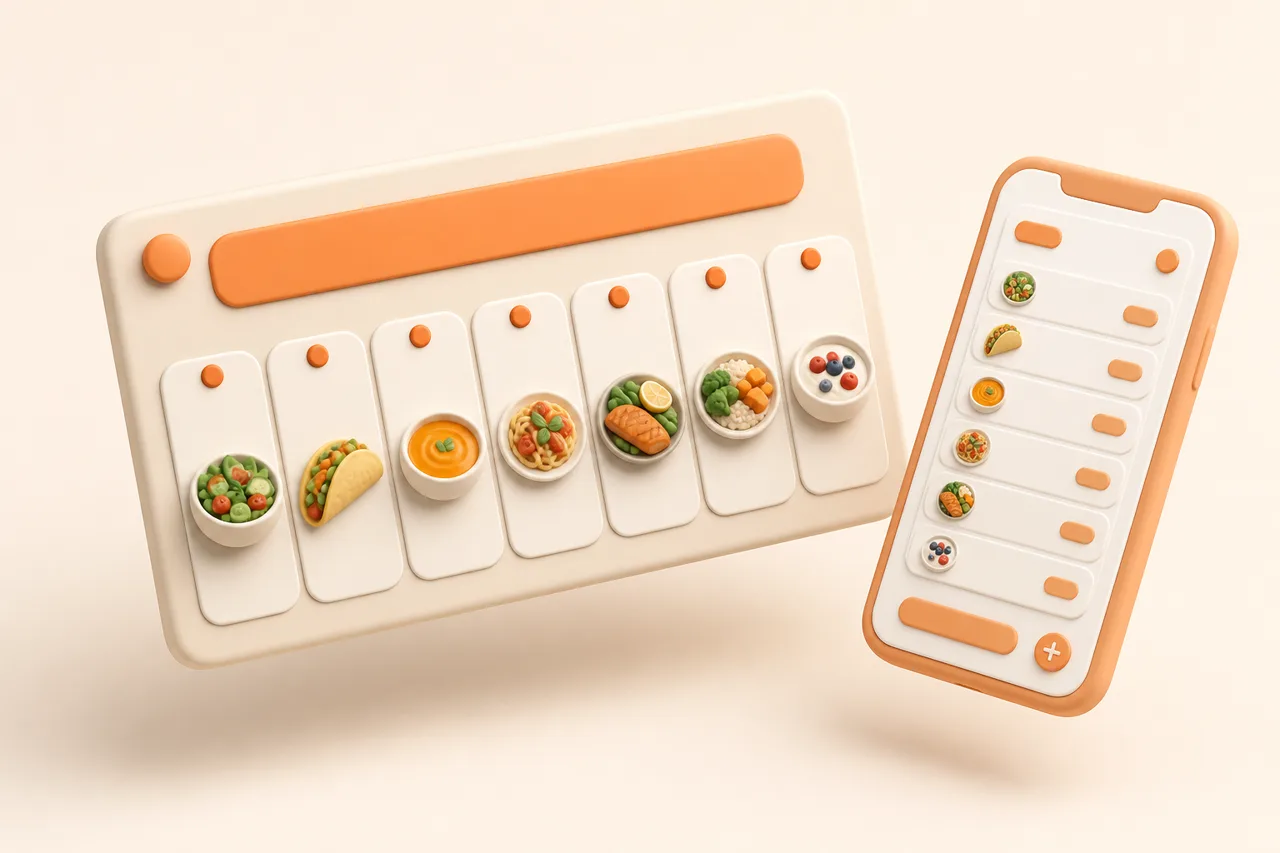
Can AI make a weekly meal plan from my own saved recipes?
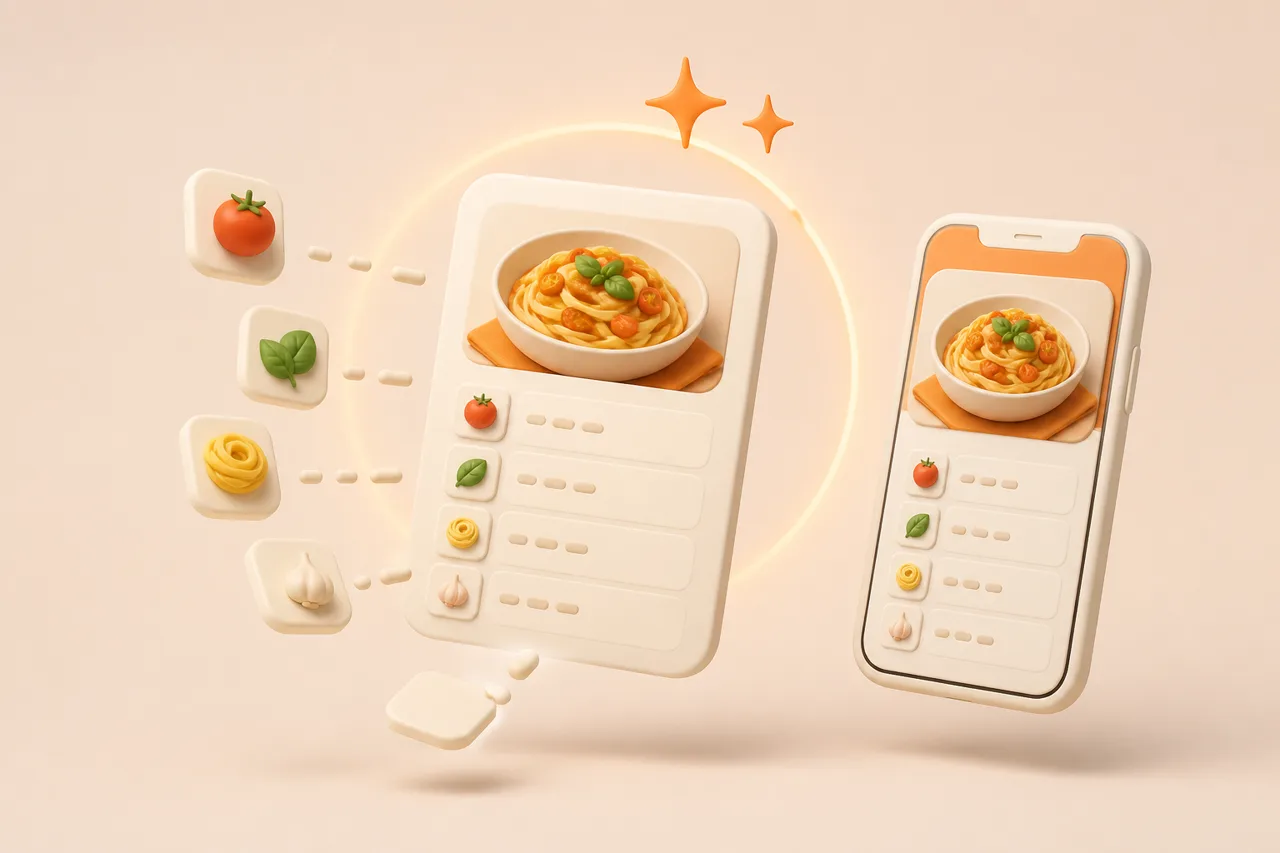
The answer is yes, with one condition that decides everything: the recipes have to exist as ingredients and steps, not as links in a folder.
The short answer is yes, and the interesting part is the condition attached. Automatic planning works from a library of structured recipes, and most people's saved recipes are not structured, they are links.
That distinction is the whole story. This article covers what the plan does well, what it genuinely cannot know, and the one-off setup that makes it work.
What does the AI need from your recipes?
Ingredients with quantities and units, an ordered method and a serving count. In other words a recipe as data rather than as a pointer to somebody else's page.
A saved TikTok fails that test. It contains a video, a caption and no ingredient list, so there is nothing for a planner to schedule and nothing for a grocery list to add up. The same is true of a bookmarked page: the ingredients exist on the page, and not in your library.
Import solves it by reading the source and writing the recipe down. Once 20 recipes exist as data, planning becomes trivial arithmetic, which is why what is a recipe importer treats that step as the foundation of everything else.
What is the AI actually doing?
Four mechanical jobs, none of which require taste. That is precisely why software is good at them and why the result still needs your judgement.
- 1Selection. Choosing recipes from your library and spreading proteins and cuisines so you are not eating chicken 4 nights running.
- 2Scheduling. Putting quick recipes on the nights you said are busy and longer ones where there is time.
- 3Consolidation. Merging duplicate ingredients across the chosen recipes into single grocery lines.
- 4Aisle grouping. Sorting the finished list into produce, chilled, cupboard and so on, so the shop is one pass.
Notice that it is not writing recipes or judging whether a dish is good. It is scheduling and arithmetic applied to food you already decided you liked, which is a much narrower claim than the phrase AI meal planning suggests. What is AI meal planning covers the definition in full.
Why does planning from your own library work better?
Because the hardest problem in meal planning is not scheduling, it is wanting to eat the result. A plan built from a stranger's database has to persuade you; a plan built from your own saved recipes does not.
| Aspect | Plan from a database | Plan from your library |
|---|---|---|
| Do you like the food? | Unknown | You saved it, so probably |
| Household acceptance | A gamble each time | Already tested |
| New ingredients per week | Often many | Usually few |
| Cultural and family recipes | Rarely present | Included if you saved them |
| Pushes you out of a rut | Yes, that is its purpose | No, it plans what you like |
| Gets your backlog cooked | No | Yes, that is the point |
The honest cost is in the second-to-last row. A planner working from your library will not broaden your cooking, so if your saved recipes are 40 versions of the same pasta, the plan will be too.
What can the AI not know?
Everything about your week that is not in the app, which is most of what determines whether a plan survives.
- That Thursday has people coming and Friday is now a takeaway.
- That you are tired of the recipe it just scheduled for the third time this month.
- That the fish in the fridge needs eating tonight rather than on Saturday.
- That one person is away for 2 days, so quantities should change.
- That the weather turned and nobody wants a stew.
So the useful pattern is a draft you edit rather than a plan you follow. Generating a week takes seconds and editing it takes 5 minutes, which is still far faster than starting from a blank page, and the blank page is the step that actually stops people planning.
How good is the first draft?
Usable, and not final. A reasonable expectation is that 3 of 4 suggested dinners survive unchanged and 1 gets swapped, which is a far better hit rate than most people expect and still means editing is part of the process rather than a sign of failure.
The predictable weak points are worth knowing in advance, because they are structural rather than random.
| What the draft does well | What it gets wrong |
|---|---|
| Spreads proteins across the week | Repeats a dish you cooked recently |
| Puts quick recipes on busy nights | Only if you told it which nights are busy |
| Merges the shopping accurately | Cannot know what is already in the cupboard |
| Uses recipes you actually saved | Over-picks whichever dish you saved 3 copies of |
| Fills a week in seconds | Has no view on the weather or your mood |
That asymmetry is the argument for automation here. It is not that software plans better than you do; it is that the parts it does are the slow parts, which how long does meal planning take breaks down step by step.
How do you set it up?
One session of about 20 minutes, then a few seconds a week. The setup is entirely about getting recipes into the library properly.
- 1Import 20 to 25 recipes you would actually cook this month, working from your newest saves backwards.
- 2Give each a title you would search for later, rather than keeping the creator's caption.
- 3Check the yield on each, since a wrong serving count corrupts every quantity downstream.
- 4Mark which are quick, because that is what the scheduler needs to place them sensibly.
- 5Generate a week, edit 1 or 2 nights, then produce the grocery list.
Twenty-five recipes is enough for a month without repetition, and it is a small enough number to be a single sitting. Meal plan for a week covers the manual routine if you want to understand what is being automated, and one app for recipes and groceries covers why keeping these steps together matters.
One habit makes the drafts improve over time without any extra effort: tell it which nights are busy, once, and keep that setting accurate. Scheduling is the part where a planner has genuine information you would otherwise hold in your head, and it is useless if the app believes every evening is equally free. Everything else in the draft is a suggestion, and that single input is a fact.
On apps, ReciBites vs Mealime covers plans built from the app's own recipes and ReciBites vs Plan to Eat covers manual planning from your library.
- Structured recipe
- A recipe stored as separate fields, with ingredients split into quantity, unit and name, which is what a planner needs to work with.
- Cold start
- The difficulty of producing a first suggestion from nothing. Automatic planning removes it by proposing a full week to edit.
- Yield
- The number of servings a recipe makes. A wrong yield corrupts every scaled quantity and every grocery line derived from it.
Frequently asked questions
+Can AI create a meal plan from my own recipes?
Yes, if the recipes are stored as structured ingredients rather than saved links. A bookmarked video contains no ingredient list for a planner to work with.
+Why does planning from my own library work better?
Because you already chose the food. A plan from a database has to persuade you to eat it, while a plan from your saves is scheduling recipes you liked.
+What does the AI actually do?
Selects recipes and spreads proteins, schedules them by how long they take, merges duplicate ingredients, and sorts the grocery list by aisle.
+What can it not know?
Anything outside the app: guests on Thursday, a changed plan, fish that needs eating tonight, or that you are tired of a recipe. Edit the draft.
+How many recipes do I need for this to work?
About 20 to 25 gives a month without repetition. Import your newest saves first, since those are closest to what you actually want to cook.
+How long does setup take?
Around 20 minutes to import and title 20 to 25 recipes. After that, generating a week takes seconds and editing it takes about 5 minutes.
+Will it broaden what I cook?
No. It plans from your library, so it reflects whatever your collection already contains. Widening your cooking means saving recipes that fill the gaps.
+Does it build the shopping list too?
It should. Merging duplicate ingredients across the planned recipes and grouping them by aisle is where most of the time saving comes from.
- #ai
- #meal planning
- #recipe import
- #grocery list