AI and Smart Kitchen
What is AI meal planning, and is it better than doing it yourself?
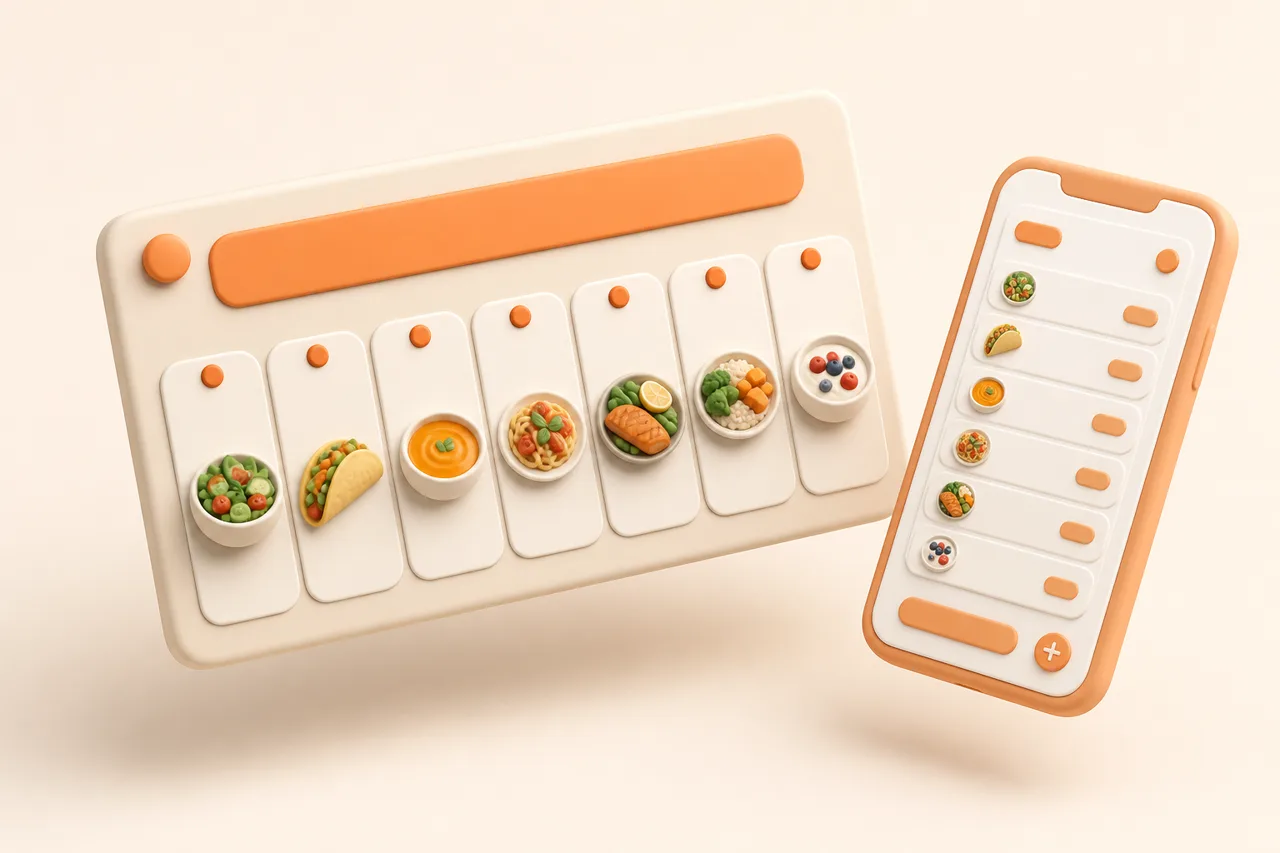
Automatic planning removes the blank-page problem and the grocery maths. It does not know you had a hard week. Here is where each approach wins.
Sunday planning fails for a boring reason. The hard part is not cooking, it is deciding 5 things while tired and then working out what to buy for all of them at once.
Automated planning targets exactly that step. This article defines what the term covers, gives an honest account of where automatic plans beat a pen and paper and where they do not, and sets out a hybrid routine that takes about 15 minutes.
What is AI meal planning?
AI meal planning is the automatic assignment of recipes to days of the week, followed by the generation of a consolidated grocery list from those recipes. The software chooses and schedules; you approve, edit and cook.
The useful version plans from recipes you already saved rather than from an anonymous database. That difference decides whether the plan feels like your food or like a stranger's, and it is why planning sits naturally on top of an organised library.
Note what the term does not mean. A planner is not writing new recipes, and it is not judging whether a dish is any good. It is scheduling and arithmetic applied to food you already decided you liked.
What does an automatic plan actually do?
A planner performs 4 mechanical jobs that people are slow at. None of them require taste, which is precisely why software handles them well.
- 1Selection. Picks recipes from your library, spreading proteins and cuisines so you are not eating chicken 4 nights running.
- 2Scheduling. Places quick recipes on busy days and longer ones at the weekend, if you tell it which days are busy.
- 3Consolidation. Merges duplicate ingredients across recipes, so 3 recipes needing garlic produce one line.
- 4Aisle grouping. Sorts the finished list into produce, dairy, chilled and cupboard so shopping is one pass through the shop.
Consolidation is the step worth the most money. Buying two bunches of coriander because two recipes each asked for one is how fresh herbs end up in the bin, and the full routine is in grocery list from recipes.
Where does automated planning beat doing it yourself?
Automation wins wherever the task is retrieval, arithmetic or starting from nothing. Those are the three points at which manual planning usually stalls.
The cold start
A blank week is harder to fill than a wrong week is to fix. Editing 5 proposed meals takes 2 minutes, while choosing 5 from memory takes 20 and often ends in the same 6 recipes you always cook.
Decision fatigue
Planning happens at the end of a weekend when you have already made hundreds of small decisions. Moving the first draft off your plate means the choices you do make are edits, which are far cheaper mentally.
Using up what you already have
Software is better than you at remembering the half bag of spinach. Suggesting recipes that use current fridge contents is the practical answer to what is in my fridge, and it turns leftovers into planned meals instead of guilt.
Where does automated planning lose?
It loses everywhere context lives outside the app. A planner sees your recipes, not your life, and the gap shows up in predictable places.
- Mood. No system knows you want something comforting because the week was awful.
- Social plans. Friday dinner with friends is not in the recipe library, so a plan will happily schedule a roast against it.
- Cultural and household food. Ramadan, Lent, a birthday, or the dish your family eats every Sunday sit outside a generic algorithm.
- Taste memory. A planner does not know your partner quietly hates fennel unless you tell it.
- Shopping reality. It cannot see that your local shop had no fresh basil this week.
Every one of these is fixable by editing the plan, which is the argument for treating output as a draft. A plan you cannot override is worse than no plan, because you stop trusting it after the first bad week.
There is one limit editing cannot solve. A planner can only schedule recipes that exist in your library, so a thin library produces a repetitive plan no matter how clever the scheduling is.
How do the two approaches compare?
Compare by task rather than in the abstract. Some jobs are clearly mechanical and others are clearly human.
| Task | Manual planning | Automated planning | Better approach |
|---|---|---|---|
| Filling a blank week | 20 to 40 minutes, often the same recipes | Seconds, with variety across the week | Automated |
| Matching your mood | Instant and accurate | No signal to work from | Manual |
| Merging ingredients | Error-prone across 5 recipes | Exact, with duplicates summed | Automated |
| Working around plans | You know Thursday is out | Needs to be told | Manual |
| Using leftovers | Depends on you remembering | Suggests recipes from what you have | Automated |
| Balancing cuisines | Drifts to habit | Spreads proteins and styles | Automated |
| Cultural or religious needs | Handled naturally | Only if you set the constraint | Manual |
| Aisle-ordered shopping | Rewriting the list by hand | Grouped automatically | Automated |
What does a hybrid weekly workflow look like?
Let the software draft and keep the veto. This routine takes about 15 minutes on a Sunday and holds up across a busy week.
- 1Block the nights you will not cook
Mark the takeaway night, the late meeting and the dinner out first. Planning 7 meals when you will cook 4 is the fastest way to waste food.
- 2Generate the draft plan
Let the app fill the remaining days from your saved recipes. Look at it as a proposal rather than an instruction.
- 3Swap 2 meals on instinct
Change whatever does not appeal. Two swaps is usually enough to make the week feel chosen rather than assigned.
- 4Check the fridge before the list
Add anything already open that needs using, so the plan absorbs it instead of the bin.
- 5Shop from the merged list
Buy once, grouped by aisle, with duplicates already summed. Details of the weekly version are in meal plan for a week.
Who benefits most from automated planning?
The benefit scales with how many constraints you juggle. More people, more diets and less time all push the value up.
A single cook with 3 reliable weeknight meals gains almost nothing here. A household of 4 with one gluten-free eater, two football nights and one weekly shop gains hours, because the constraints multiply faster than a person can hold them in mind.
- Families. Multiple appetites and a fixed school-night window, covered further in meal planning for a family.
- Households with mixed diets. One vegan and one gluten-free eater makes manual planning genuinely hard.
- People who cook from social media. A large saved library is exactly what a planner needs as raw material.
- Anyone shopping once a week. The merged, aisle-grouped list is the whole point.
- Less useful for: cooks who shop daily and decide at the market, where a plan adds friction rather than removing it.
How does ReciBites plan a week?
ReciBites generates weekly meal plans automatically from the recipes in your library, then builds a grocery list from that plan with duplicate ingredients merged and items grouped by supermarket aisle. Every recipe in the plan is one you saved, from TikTok, Instagram, YouTube, Facebook, Pinterest, a website, a screenshot or a cookbook photo.
- The AI cooking assistant adapts planned recipes for halal, vegan, gluten-free and allergy needs.
- Fridge suggestions pull leftovers into the plan rather than leaving them to spoil.
- Servings scale and measurements convert once a recipe is on a day.
- It organises rather than invents, a distinction covered in generator vs organizer.
- For alternatives, see ReciBites vs Mealime for curated planning, ReciBites vs Plan to Eat for manual planning, and ReciBites vs Paprika for a library-first tool.
The narrower question of whether it can plan from your own library rather than a database is covered in planning from saved recipes.
- Meal plan
- A named recipe assigned to each day you intend to cook, used as the source for a single grocery list.
- Ingredient merging
- Combining the same ingredient across several planned recipes into one grocery line with a summed quantity.
- Aisle grouping
- Sorting a grocery list by shop section, such as produce or chilled, so you walk the shop once.
- Cold start
- The problem of producing a first suggestion with no prior input. Automated planning removes it by proposing a full week to edit.
Frequently asked questions
+What is AI meal planning?
Software that assigns recipes to days of the week automatically and then builds one grocery list from them, merging duplicate ingredients and grouping items by aisle.
+Is AI meal planning better than planning myself?
It is better at starting a week, merging ingredients and using leftovers. You are better at mood, social plans and cultural food, so edit the draft it produces.
+Does AI meal planning use my own recipes?
In ReciBites, yes. Weekly plans are built from recipes you saved from social apps, websites, screenshots and cookbook photos rather than a generic database.
+How long does automated meal planning take?
About 15 minutes a week, most of it spent editing. Generating the draft plan and grocery list takes seconds.
+Can a meal planner handle allergies and diets?
Yes, if you set the constraint. The ReciBites AI cooking assistant adapts planned recipes for halal, vegan, gluten-free and allergy needs.
+How many meals should I plan for a week?
Plan 4 nights rather than 7. Leftovers, changed plans and one takeaway usually cover the rest, and a shorter plan survives a normal week.
+Does meal planning save money?
Mostly through waste. One merged shopping list stops you buying two bunches of herbs for two recipes, and a plan reduces unplanned midweek shops.
+What if I do not want to cook what the plan says?
Swap it. Treat the plan as a draft, and change any meal that does not appeal before you shop rather than on the night.
- #meal planning
- #ai
- #grocery list
- #weeknight cooking