AI and Smart Kitchen
What is an AI recipe organizer, and do you need one?

An AI recipe organizer does four jobs a folder cannot: it extracts, structures, matches and adapts. Here is what that means in practice, and the case for skipping one entirely.
Every recipe app promises organisation. The interesting question is what the software does that a well-named folder does not, because a folder is free and never mangles a quantity.
The honest answer is that AI earns its place at the input stage, not the filing stage. This guide breaks the category into 4 concrete jobs, then tells you which kinds of cook can safely ignore all of it.
What is an AI recipe organizer?
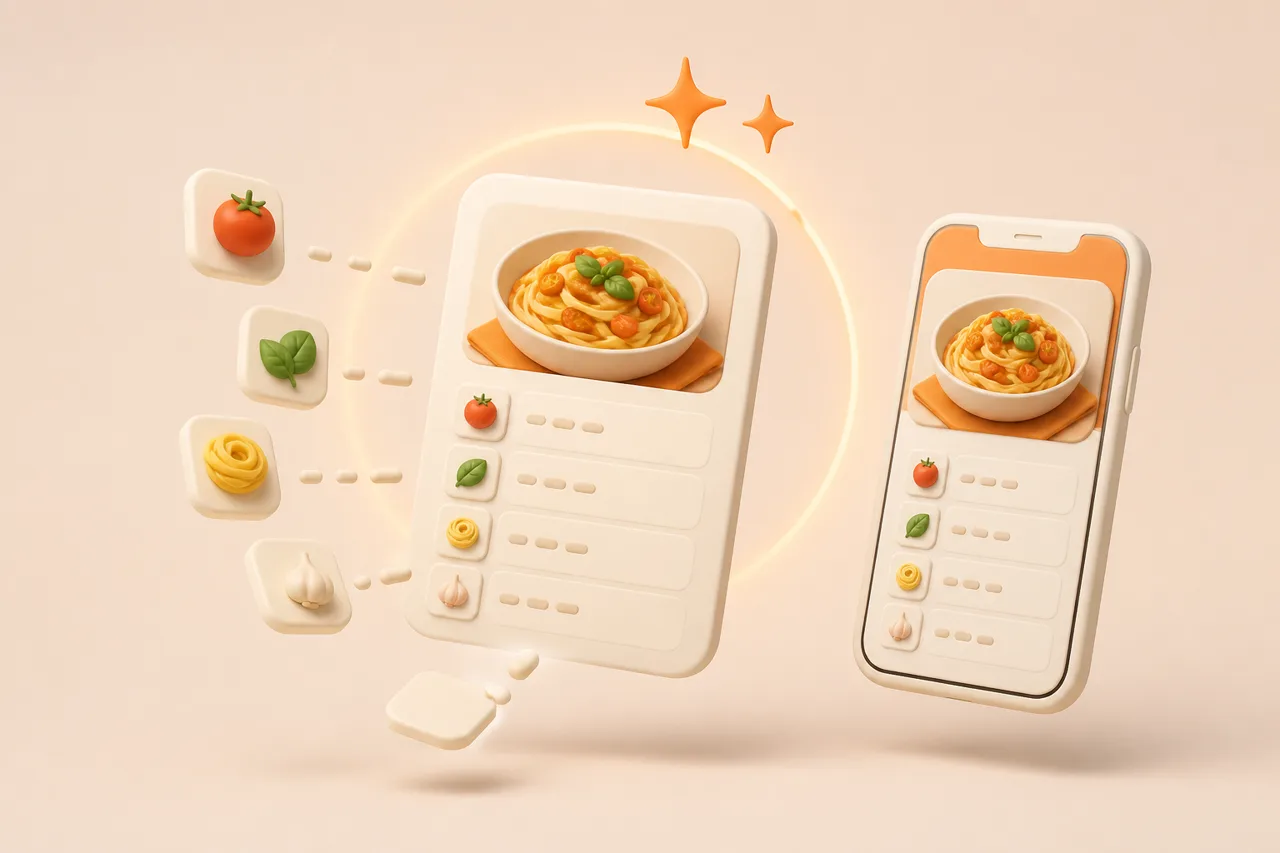
An AI recipe organizer is a recipe library that uses machine learning to turn unstructured sources — videos, photos, screenshots and web pages — into structured recipes with separate fields for ingredients, quantities, steps, servings and cook time. The AI part is the conversion, not the filing cabinet around it.
That definition rules a lot of things out. A notes app with recipe folders is storage. A web clipper that saves a page as text is storage with a shortcut. An organizer only qualifies as AI-driven if the machine reads the source and decides which words are ingredients, which are instructions and which are the creator telling you to like and subscribe.
What is the AI actually doing?
The AI performs 4 distinct jobs, and most apps are good at some and weak at others. Judging an app means judging these separately rather than trusting the word AI on the App Store page.
Extraction
Extraction pulls the recipe out of whatever container it arrived in. That means transcribing a voiceover, reading burned-in captions with OCR, parsing a recipe blog past 900 words of childhood memories, or reading a photograph of a cookbook page.
Extraction quality is the single biggest difference between apps, and it varies by source. An app that handles blog URLs perfectly can still fail on a 30-second Reel with no caption. There is a fuller breakdown in AI recipe extraction accuracy.
Structuring
Structuring splits the extracted text into typed fields. "2 tbsp olive oil" becomes a quantity of 2, a unit of tablespoons and an ingredient of olive oil, which is what makes scaling, unit conversion and grocery merging possible at all.
Without structuring you have a wall of text. A wall of text cannot tell you that 3 planned recipes need garlic and that you should buy one bulb, not three.
Matching
Matching connects recipes to each other and to what you already own. It powers ingredient search, duplicate detection when you save the same carbonara twice, and suggestions built from the half-used items in your fridge.
Adapting
Adapting rewrites a recipe to fit your constraints: halving the servings, swapping butter for oil, converting cups to grams, or reworking a dish to be gluten-free. This is the job an AI cooking assistant handles, and it is the one that needs the most human review.
How is it different from a plain recipe box?
A plain recipe box stores what you type; an AI organizer creates what you would otherwise have typed. The gap shows up as minutes per recipe, which only matters once you multiply it by volume.
| Job | Plain recipe box | AI recipe organizer |
|---|---|---|
| Saving a blog recipe | Clipper grabs the page, often with the life story attached | Ingredients and steps only, quantities parsed into fields |
| Saving a TikTok or Reel | You watch it back and type the list | Reads caption, on-screen text and audio into one recipe |
| Saving a cookbook page | Photo in your camera roll | OCR into editable text you can search and scale |
| Finding dinner | Search by title or folder | Search by ingredient, diet, time or what is in the fridge |
| Feeding 6 instead of 4 | Mental arithmetic at the counter | Quantities recalculated, grocery list updated |
Read that table as a time calculation rather than a feature list. Typing a recipe from a video takes 5 to 10 minutes; importing it takes about 15 seconds plus a glance at the quantities.
At 2 recipes a month the difference is 20 minutes a year and you should keep your folder. At 2 recipes a week it is several hours, and that is before you count the recipes you never save because typing them felt like homework.
Who actually needs one?
You need an AI recipe organizer if your recipes arrive in formats you cannot type up fast enough. Volume and format, not enthusiasm, are the deciding factors.
- You save from video. Reels and TikToks are the worst possible storage format and the most common one.
- Your recipes are spread across 4 apps. Browser bookmarks, camera roll, Pinterest boards and a Notes file nobody can find.
- You cook for constraints. Allergies, halal, gluten-free or a household eating two different ways.
- You inherited paper. A shoebox of cards or a shelf of cookbooks you never open because searching them is slower than searching Google.
- You shop from your plan. Merged, aisle-grouped grocery lists only work if quantities are structured data.
What do these apps get wrong?
AI organizers fail in predictable places, and knowing them upfront saves a lot of annoyance. None of these are dealbreakers, but any app claiming none of them is overselling.
- 1Vague quantities. "A knob of butter" and "season to taste" cannot be parsed into a number, because there is no number.
- 2Implied steps. Creators skip resting times, pan sizes and preheating. The AI cannot invent what was never said.
- 3Multi-recipe pages. A blog post with a main dish and a sauce sometimes lands as one merged mess.
- 4Non-English units and idioms. Regional measures and shorthand degrade extraction quality noticeably.
- 5Confident wrong answers. An adapted recipe reads just as fluently when the substitution is bad as when it is good.
Budget roughly 10 seconds per import to check quantities. That is the tax for skipping 5 minutes of typing, and the correction is permanent.
The failure mode to watch is trusting a clean-looking import you never read. A recipe that lists salt with no amount looks fine in a list and ruins a dish at the stove, so treat the first read as part of saving rather than a separate chore.
How do you test one in 20 minutes?
Test with your own worst-case recipes rather than the demo content. Four imports tell you more than a week of reading feature lists.
- 1Import a chaotic video
Pick a fast Reel with no caption and quantities spoken only in the voiceover. This is the hardest common case, so test it first.
- 2Import a long blog post
Choose one with a 1,000-word preamble and a printable card at the bottom. Check whether you get the recipe or the essay.
- 3Photograph a cookbook page
Use a two-column layout with fractions. Details on getting clean scans are in how to scan a cookbook.
- 4Plan and shop
Add 4 recipes to a week, generate the grocery list, and check that garlic appears once with a summed quantity rather than four times.
- 5Ask for one adaptation
Request a dairy-free version of something rich and read it critically. A good answer names the swap ratio; a weak one just says use a substitute.
What does ReciBites do here?
ReciBites is an AI recipe organizer for iOS and Android built around the extraction problem first. You paste a link from TikTok, Instagram, YouTube, Facebook, Pinterest or any website, or photograph a cookbook page or handwritten card, and it writes a structured recipe.
From there the library feeds the rest: automatic weekly meal plans, grocery lists that merge duplicates and group by supermarket aisle, serving scaling, measurement conversion, leftover-based suggestions, and dietary rewrites for halal, vegan, gluten-free and allergy needs. It is free to download with an optional Pro subscription.
It is not the only shape this category takes. Chat-led tools such as Flavorish lead with generation, while manual-first apps such as Paprika skip AI entirely and win on control. Video-heavy cooks should also read ReciMe compared.
- Structured recipe
- A recipe stored as separate fields — ingredient, quantity, unit, step order, servings — rather than as one block of text.
- Parsing
- Breaking a line such as "1½ cups plain flour, sifted" into quantity, unit, ingredient and preparation note.
- OCR
- Optical character recognition. Reading printed or handwritten text out of a photograph so it becomes editable.
- Ingredient merging
- Summing the same ingredient across several planned recipes into one grocery line instead of repeating it per recipe.
Pick on extraction quality for your sources, then on whether the plan and grocery loop matches how you shop. Feature counts are a poor proxy for either, and organising digital recipes is a habit more than a purchase.
Frequently asked questions
+What is an AI recipe organizer?
A recipe library that uses AI to convert videos, photos and web pages into structured recipes with separate ingredient, quantity and step fields, so you can search, scale and shop from them.
+Is an AI recipe organizer worth it?
Worth it if you save from video or photos regularly, or cook around dietary constraints. Not worth it if you cook a fixed rotation from a few cookbooks you already know.
+What is the difference between an AI recipe organizer and a recipe app?
A recipe app stores what you type or clip. An AI organizer reads unstructured sources for you and splits them into fields, which is what makes scaling and merged grocery lists possible.
+Can AI read a recipe from a video?
Yes. Extraction combines the spoken audio, on-screen captions and the post caption into one recipe. Vague amounts like a glug of oil still need a quick human check.
+Do I need to pay for an AI recipe organizer?
Not always. ReciBites is free to download with an optional Pro subscription, and several rivals offer a free tier with capped imports or limited AI requests.
+Will an AI recipe organizer keep my recipes if a video is deleted?
Yes, provided you imported the recipe as text rather than bookmarking the video. The extracted ingredients and steps live in your library independently of the original post.
+Can it handle recipes from my old cookbooks?
Yes. Photograph the page and OCR converts it into editable text. Expect to correct fraction symbols and anything printed across a curved page gutter.
+How accurate is AI recipe organisation?
Reliable for ingredient names, step order and stated times. Weaker on unstated quantities, pan sizes and resting periods, because the AI cannot recover information the source never gave.
- #ai recipes
- #recipe organizer
- #recipe apps
- #digital recipes